Huppla press kit
Huppla helps you clean up your iPhone and iPad photo library, one swipe at a time.
Download screenshots, logos and ready-to-use images, or find out more about the app and its co-founders.

About Huppla
We take photos to remember things. But between the moments worth keeping, screenshots, blurry shots and pictures we no longer need pile up.
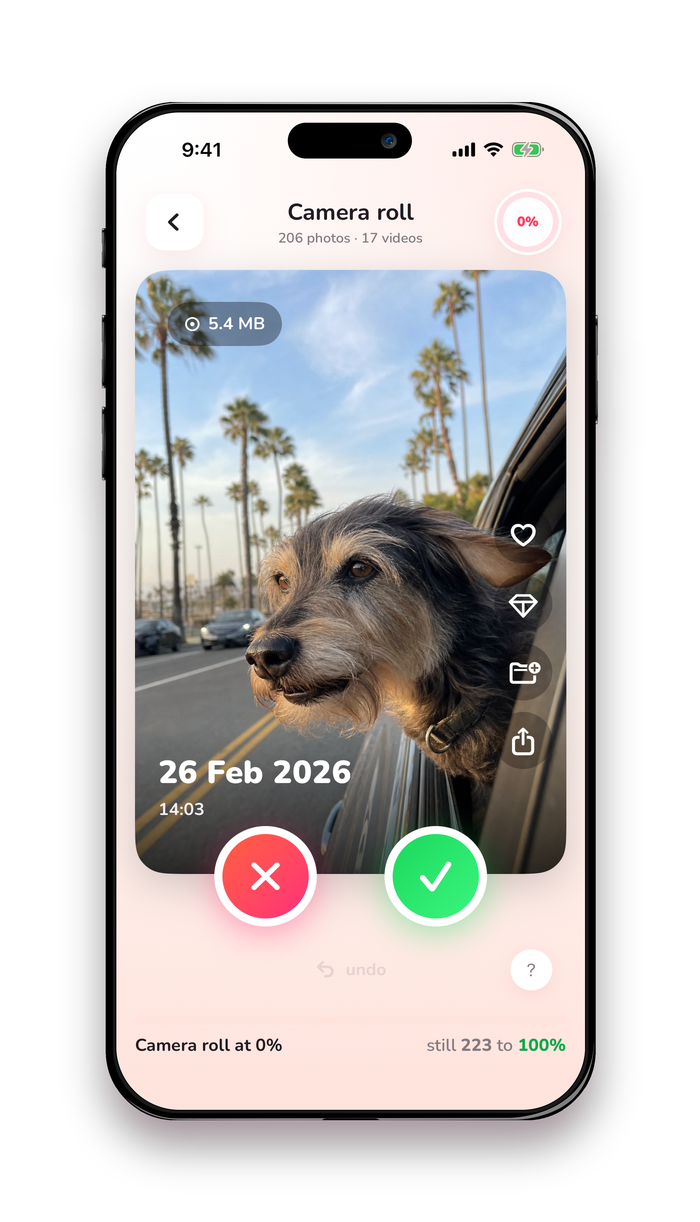
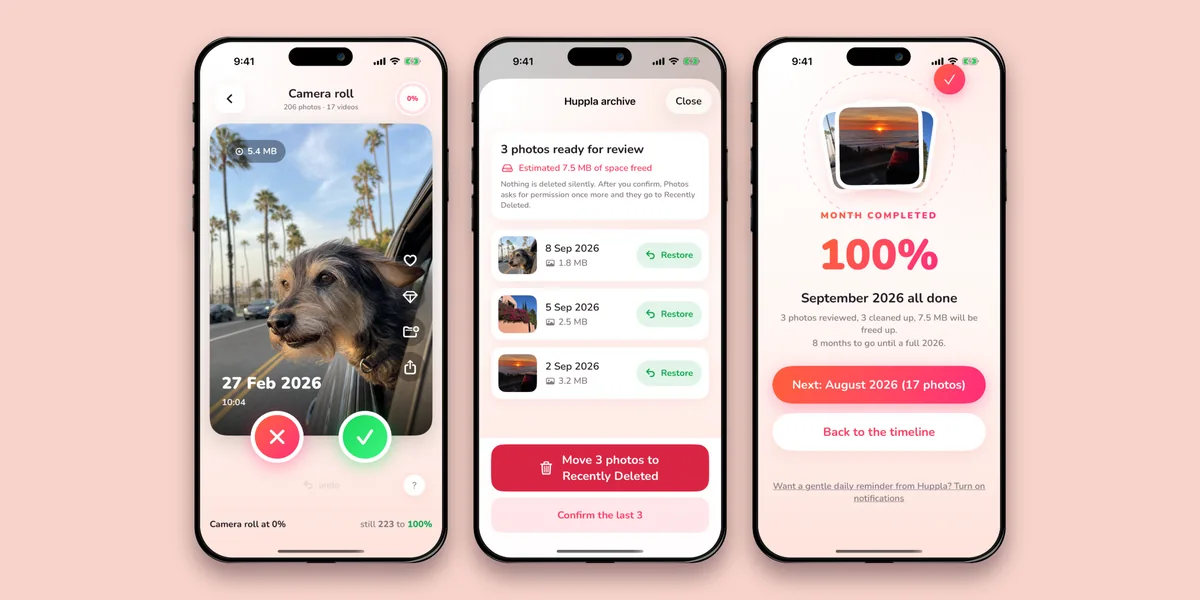
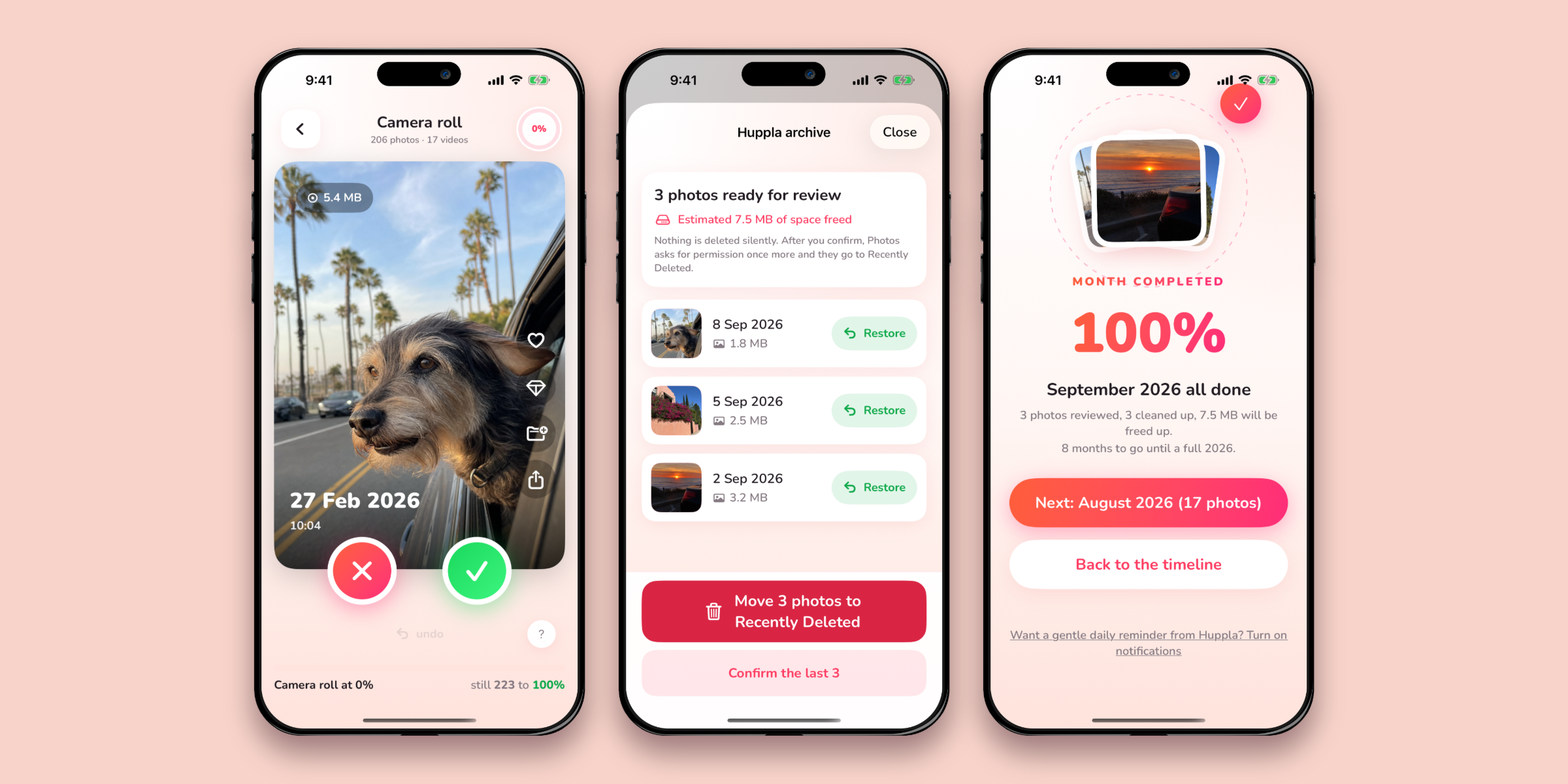
Huppla makes sorting through them manageable. Swipe right to keep a photo, left to set it aside, then review your selection before deleting. Along the way, you might rediscover a photo you had forgotten about.
Huppla first launched in Belgium and the Netherlands in July 2026.
Together we’ve swiped
673,280
times
And over 145,000 photos permanently cleaned up. Counted anonymously, your photos stay on your device.
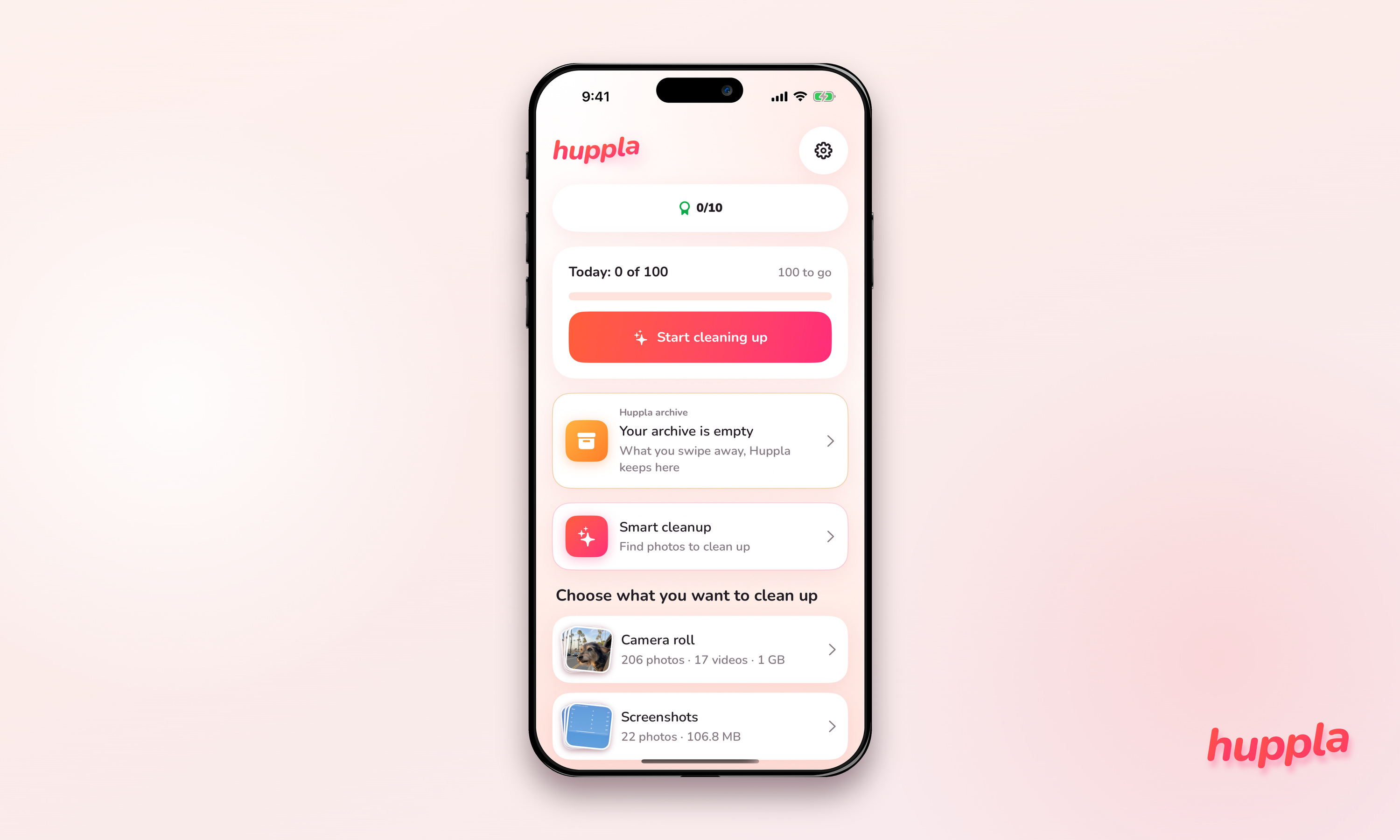
Pick what fits your story
Real screens from Huppla 1.0.6 with the app's demo library (generated sample images, not users' photos). Captures are untouched; frames and compositions are built around them. Cropping is fine, changing the interface is not.
No sign-up required.
Dutch screens and images are on the Dutch press page.
Logo and app icon







↓ Download all logos and the icon (ZIP · 1.0 MB) White on red or dark, colour or black on light. Never redraw or retype the wordmark.
Blog covers
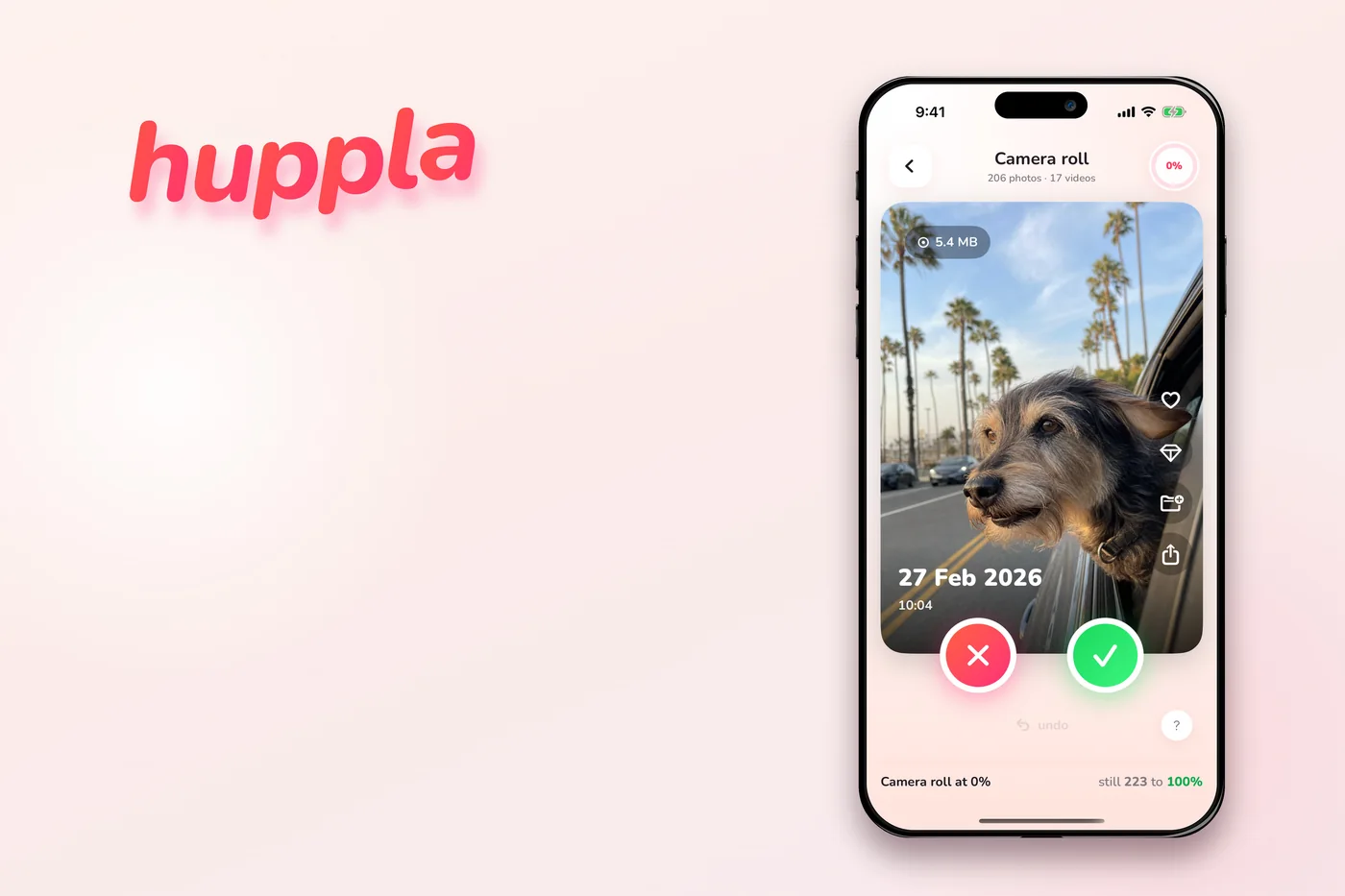
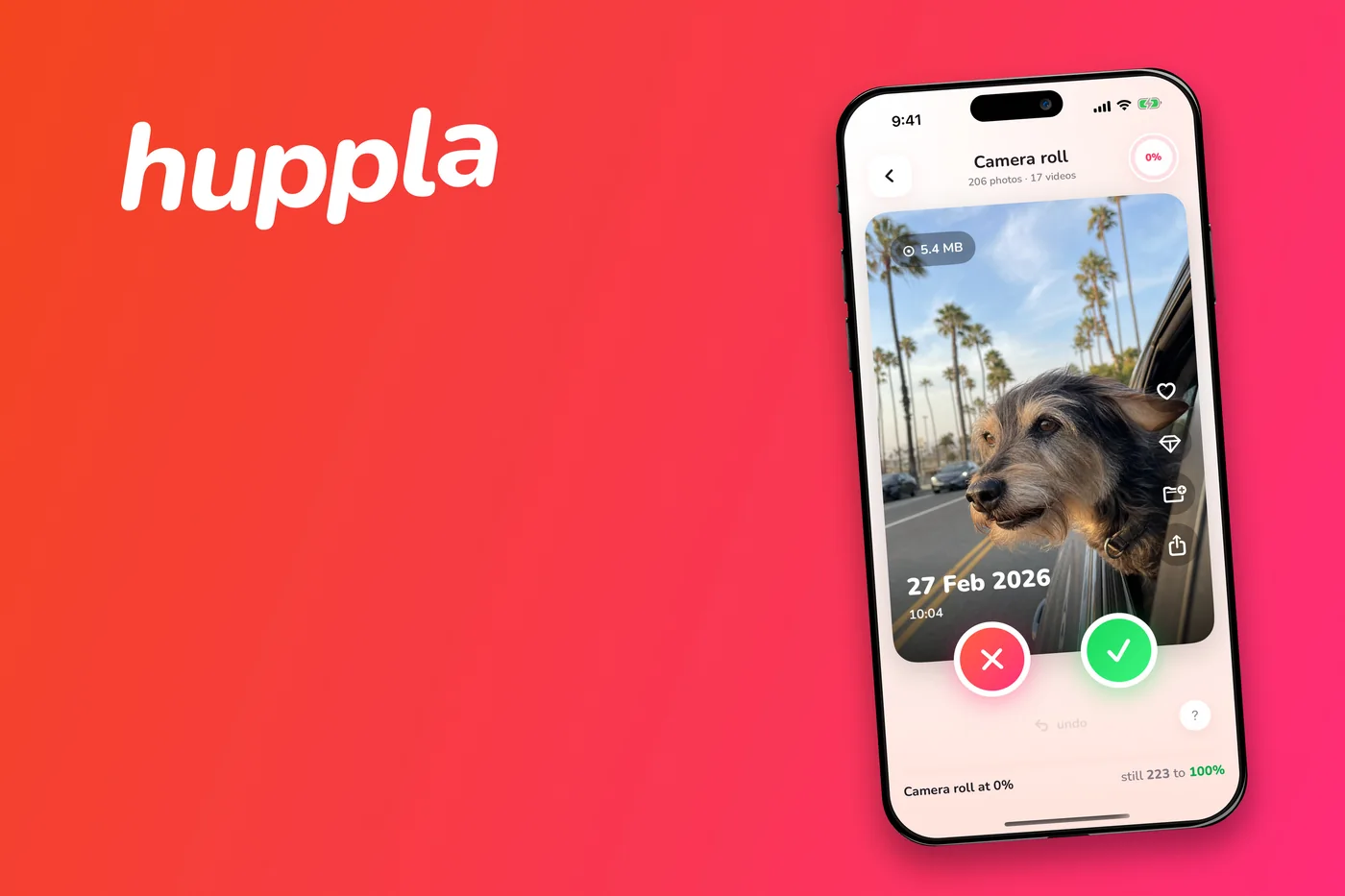
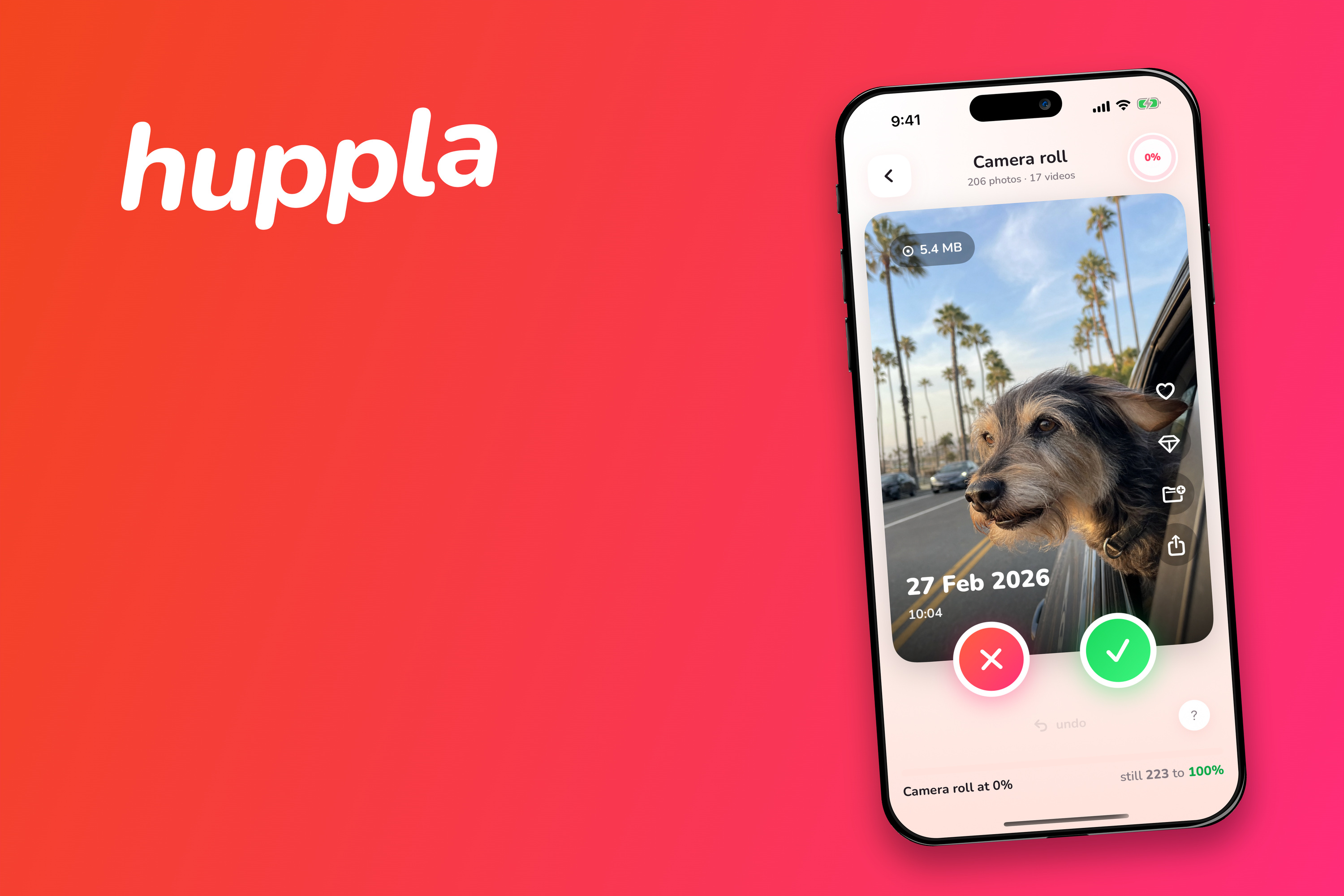
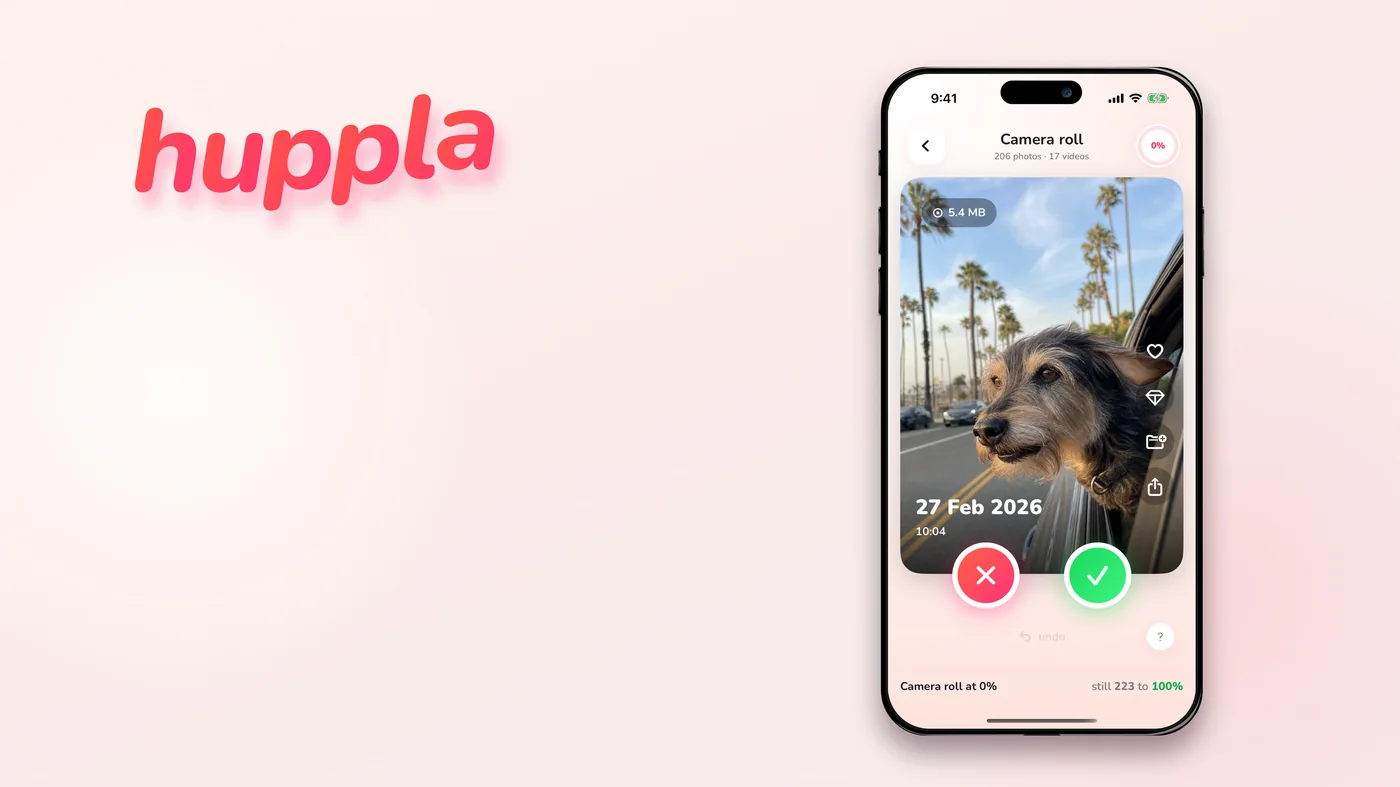
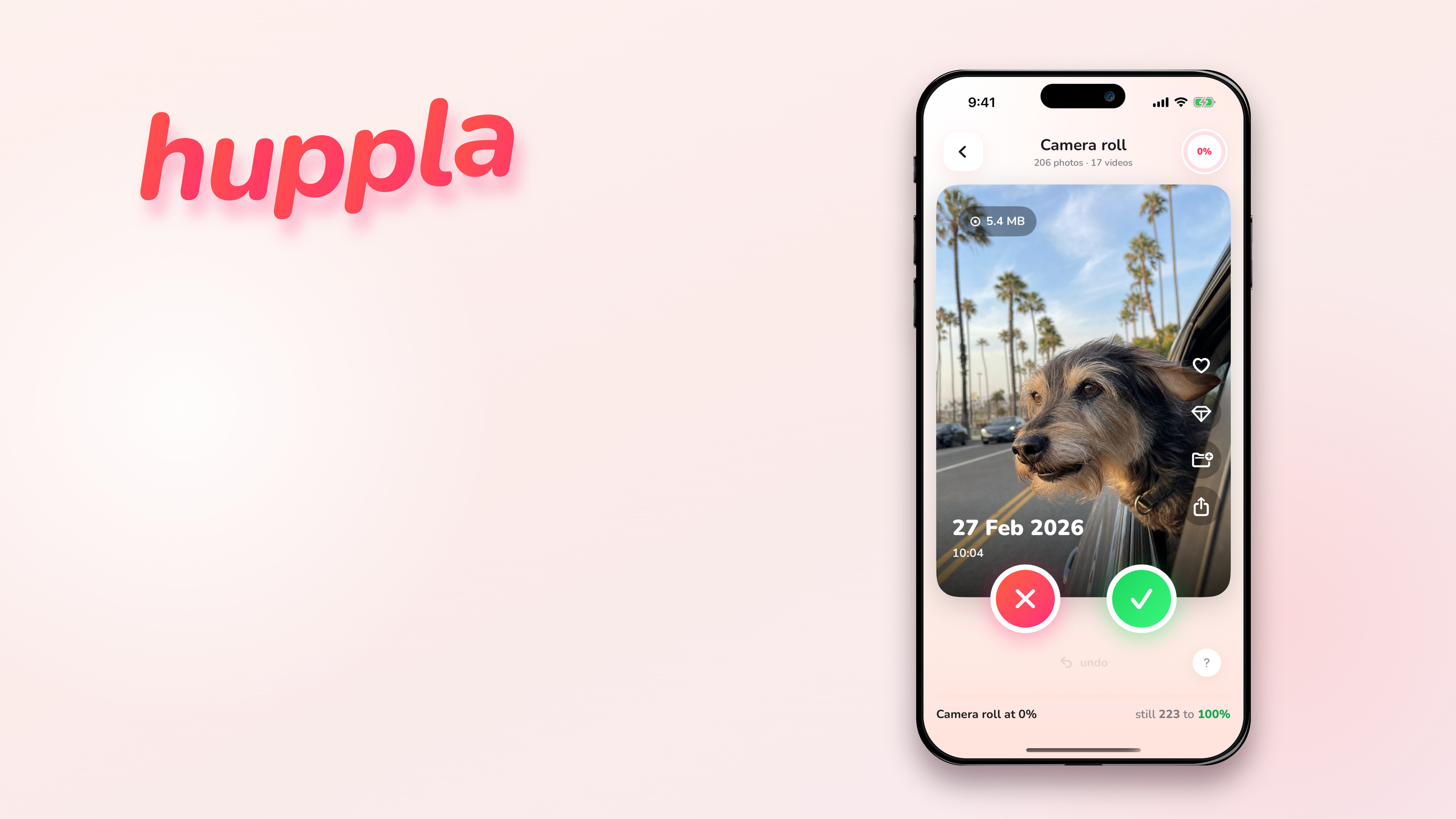
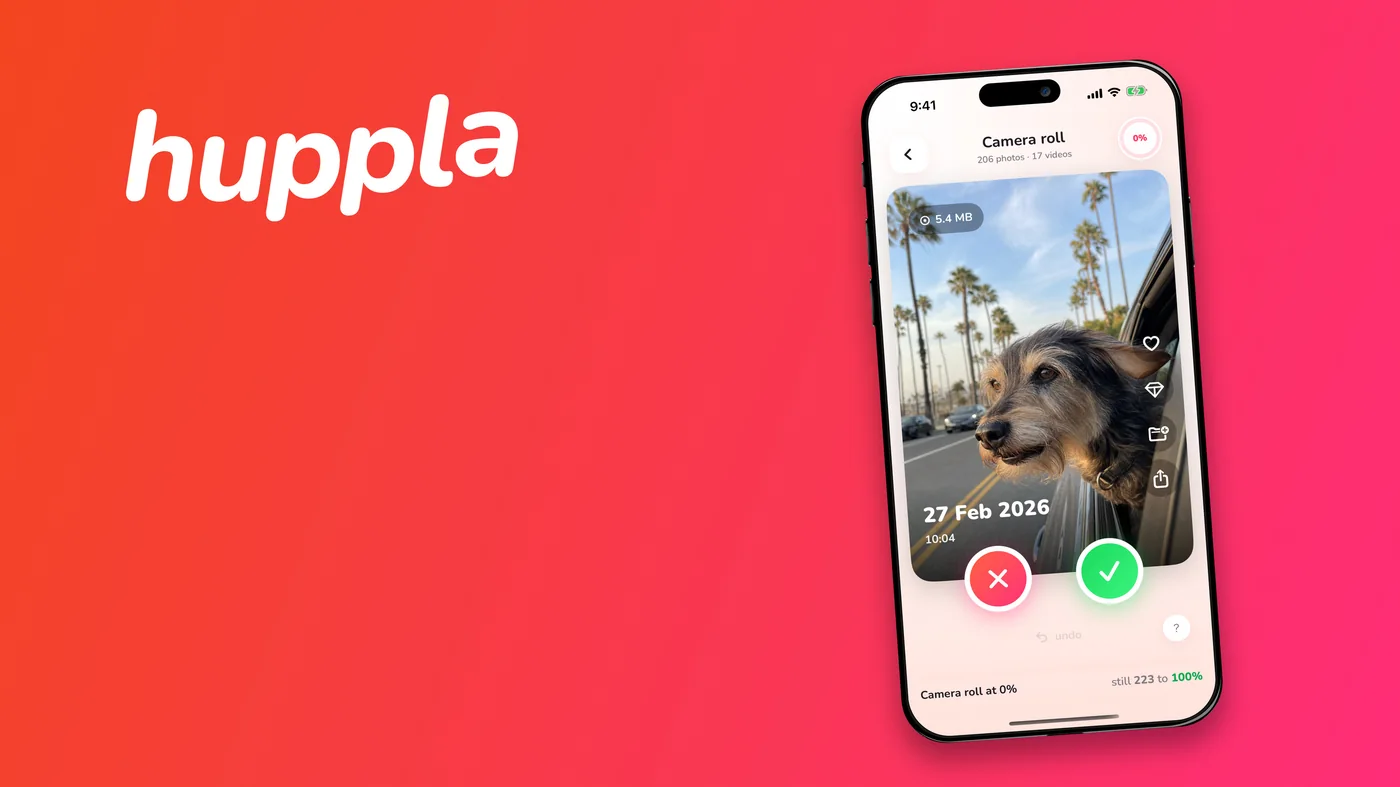
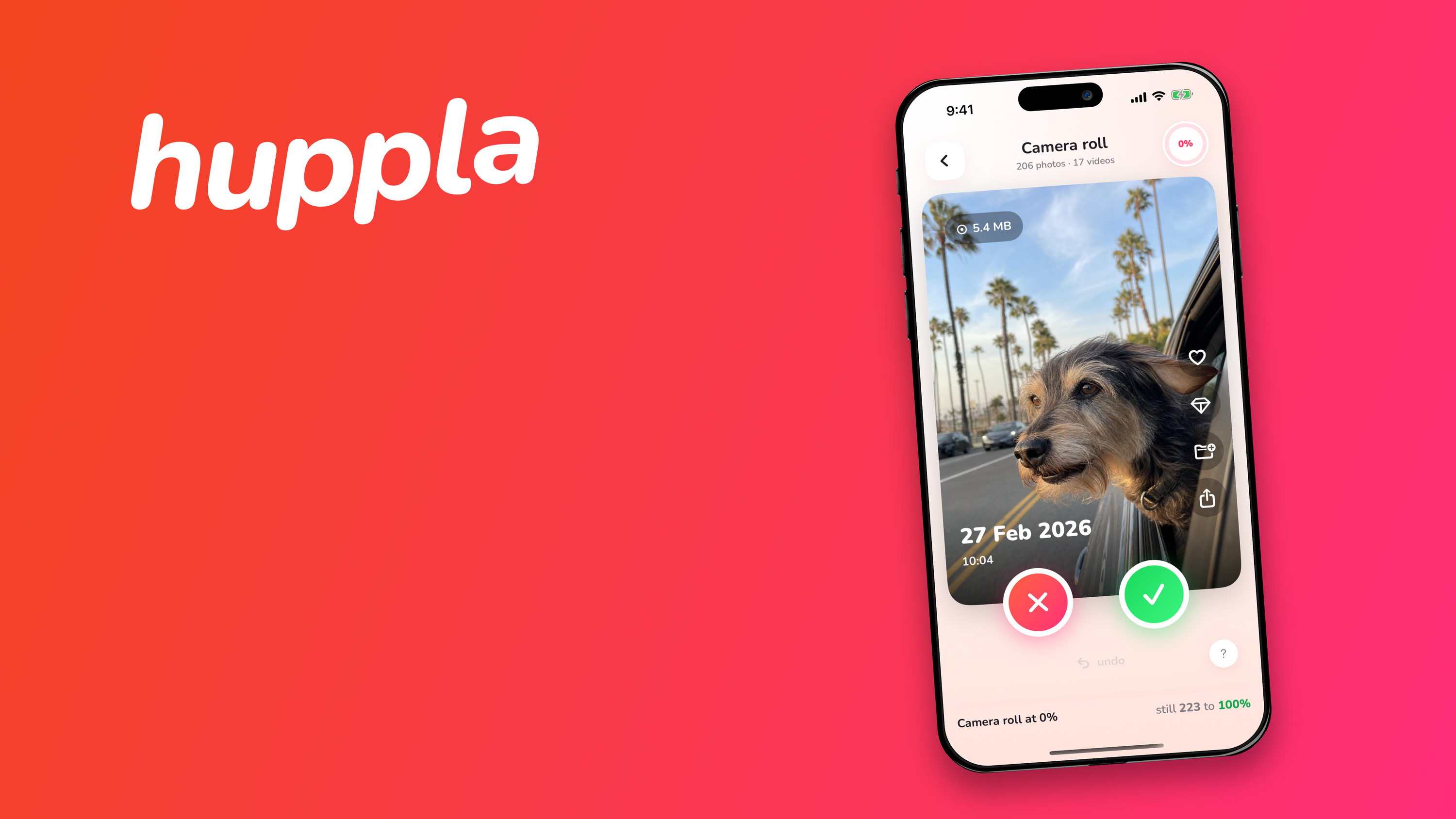
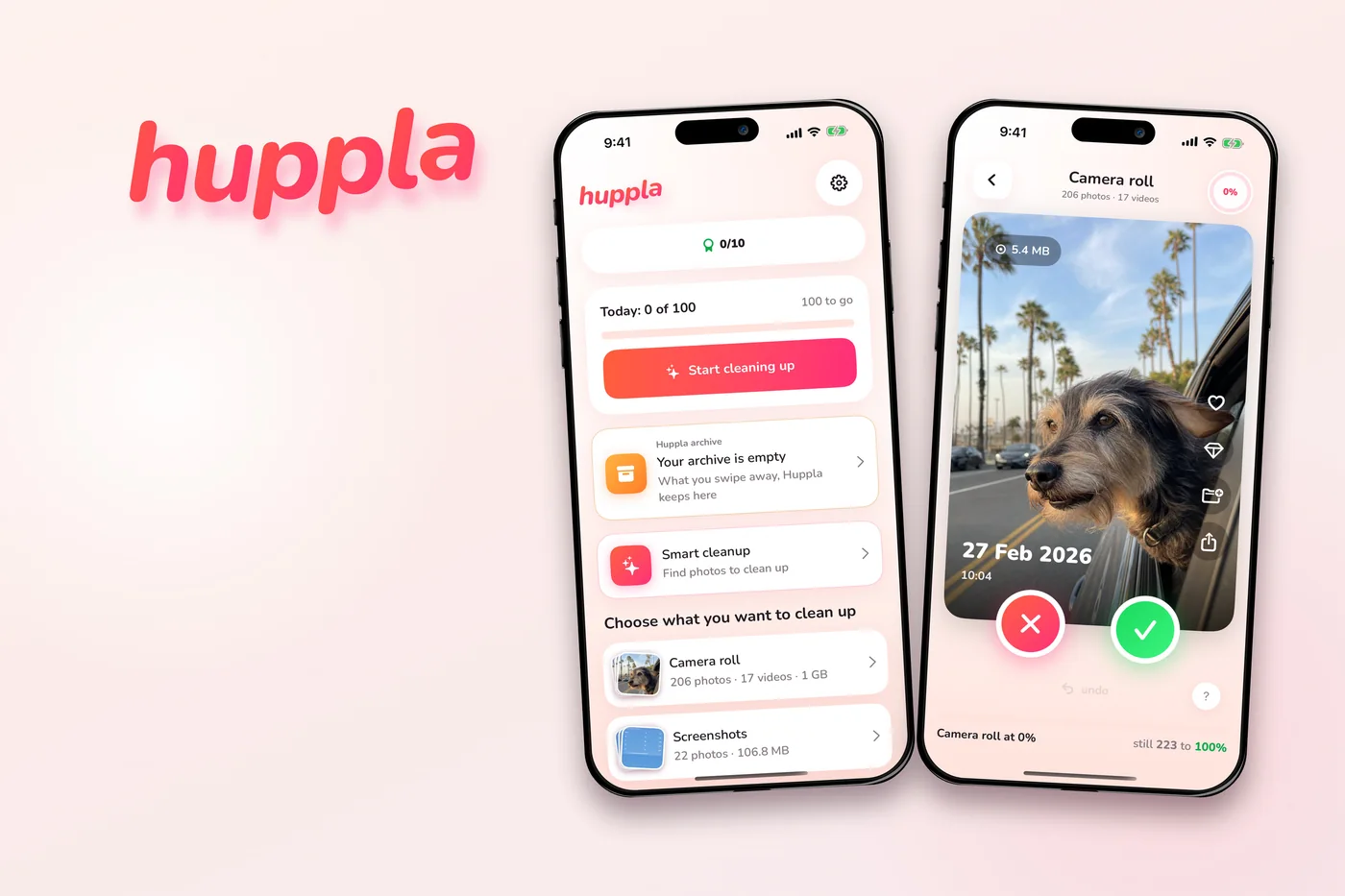
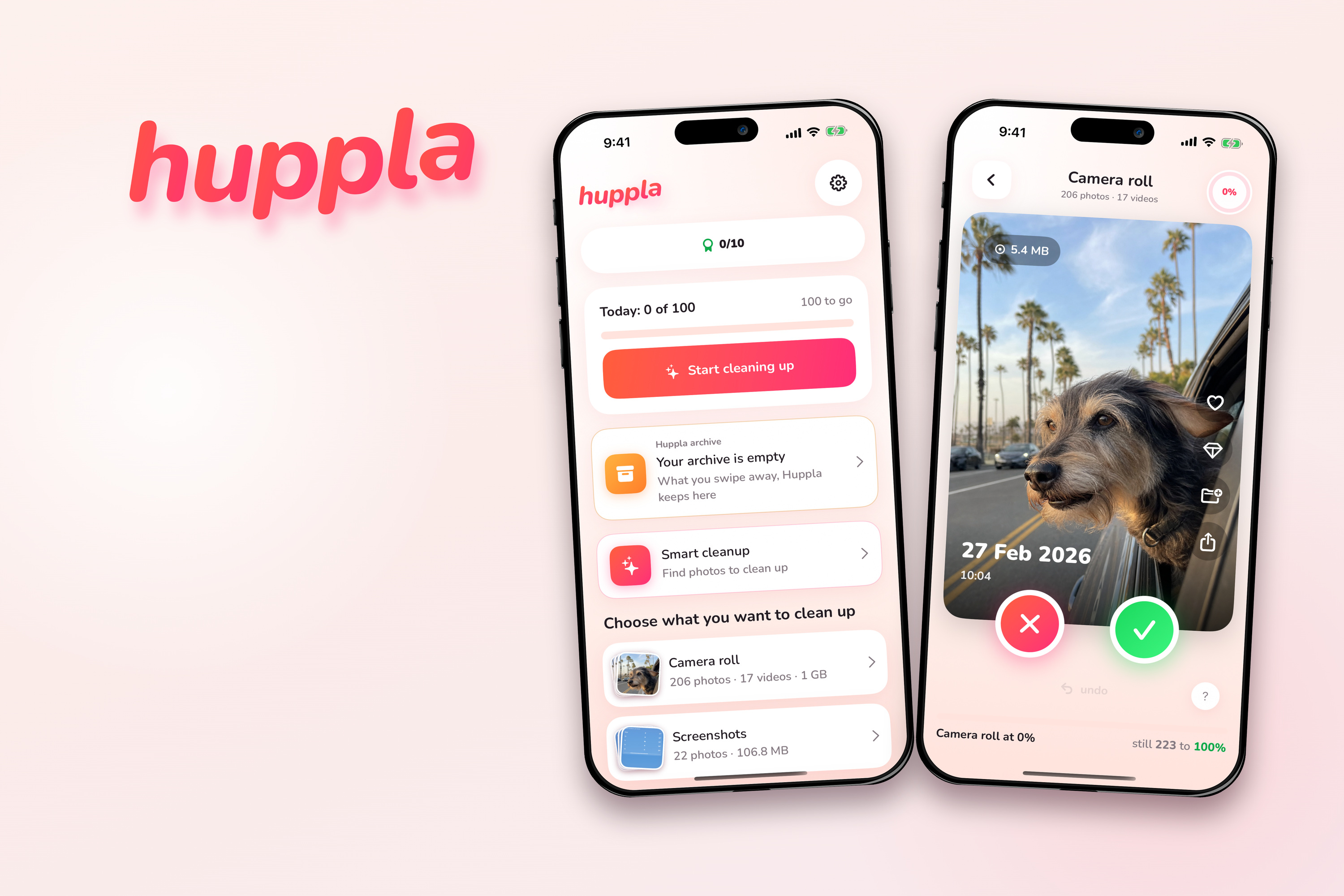
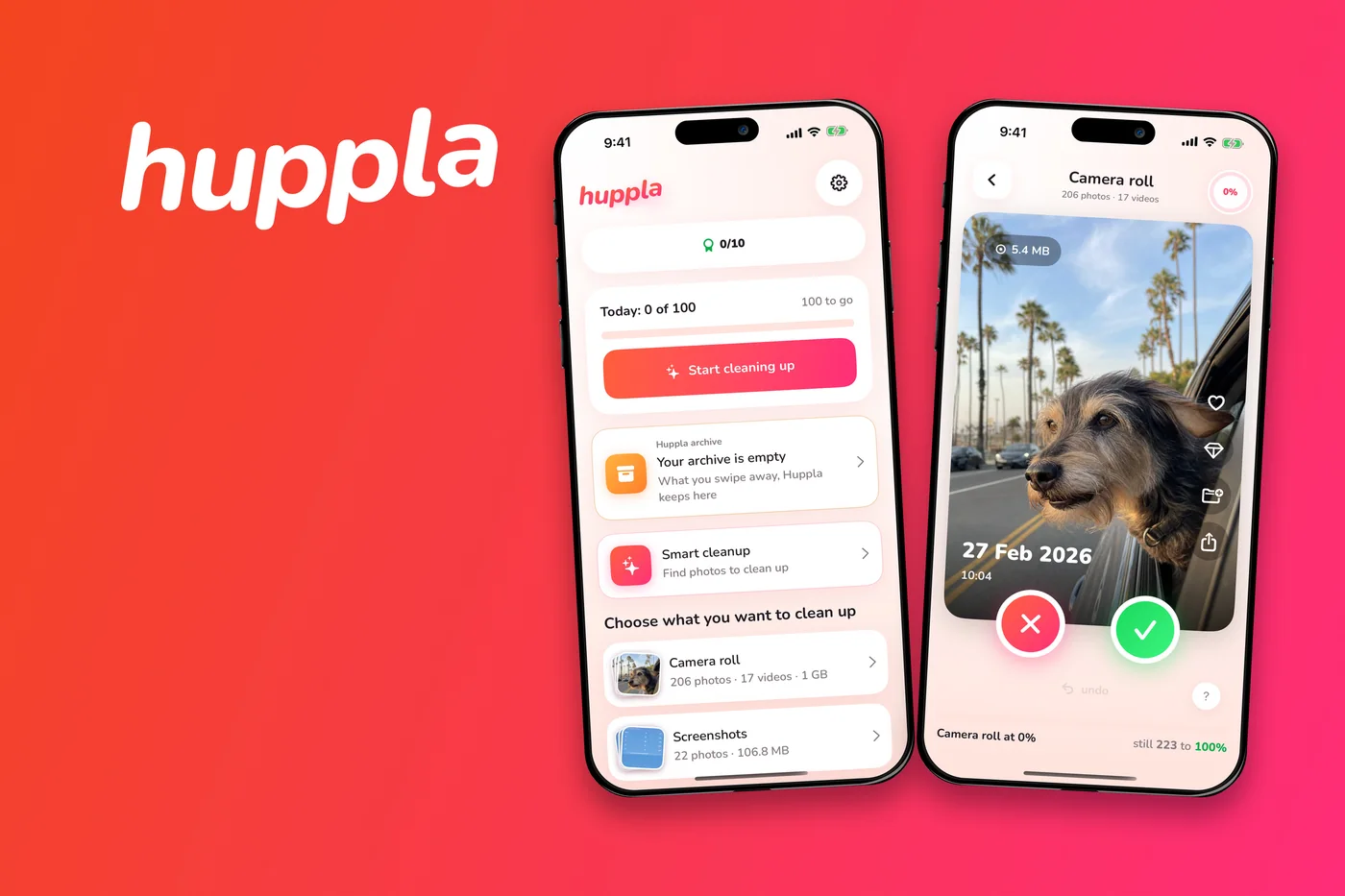
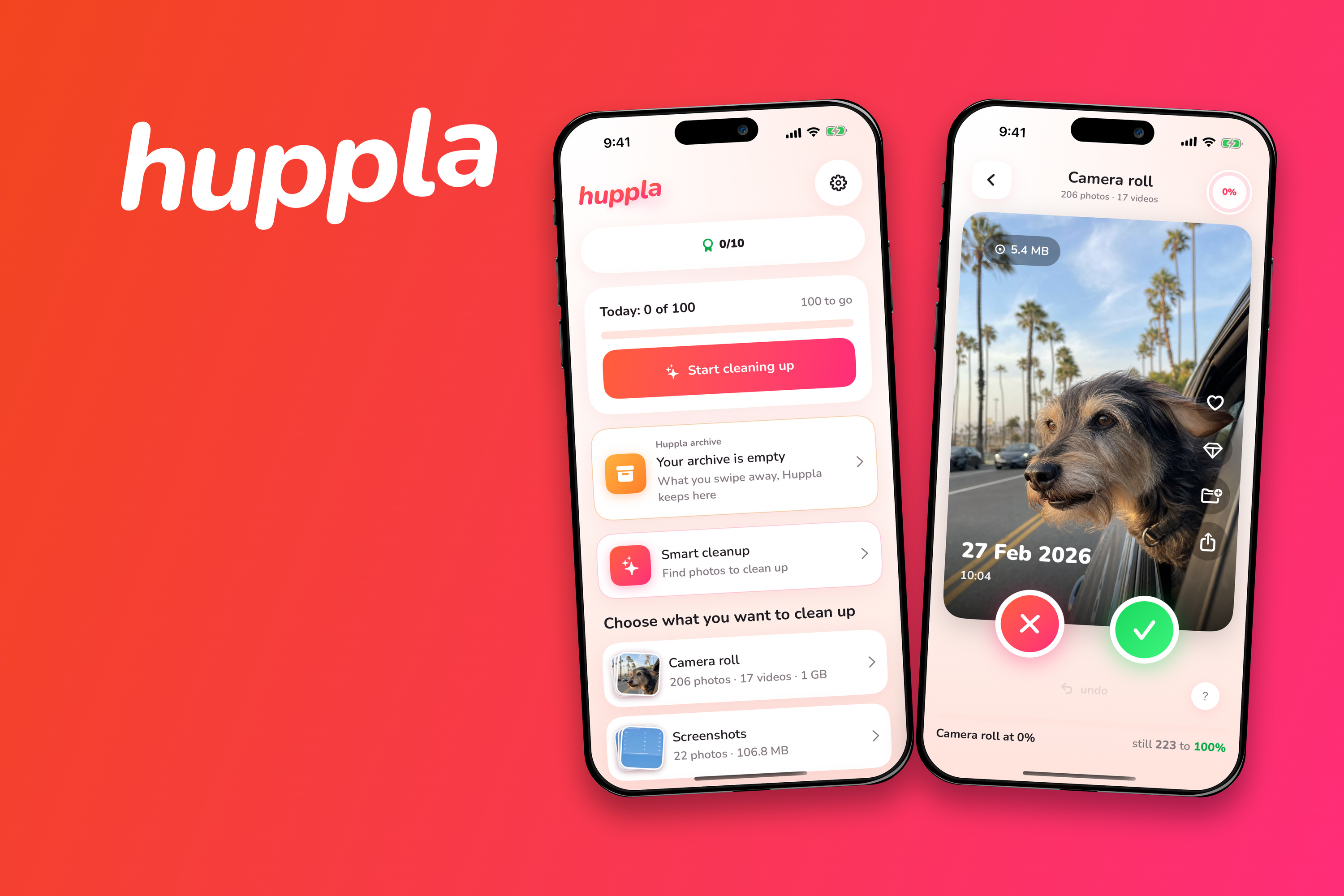
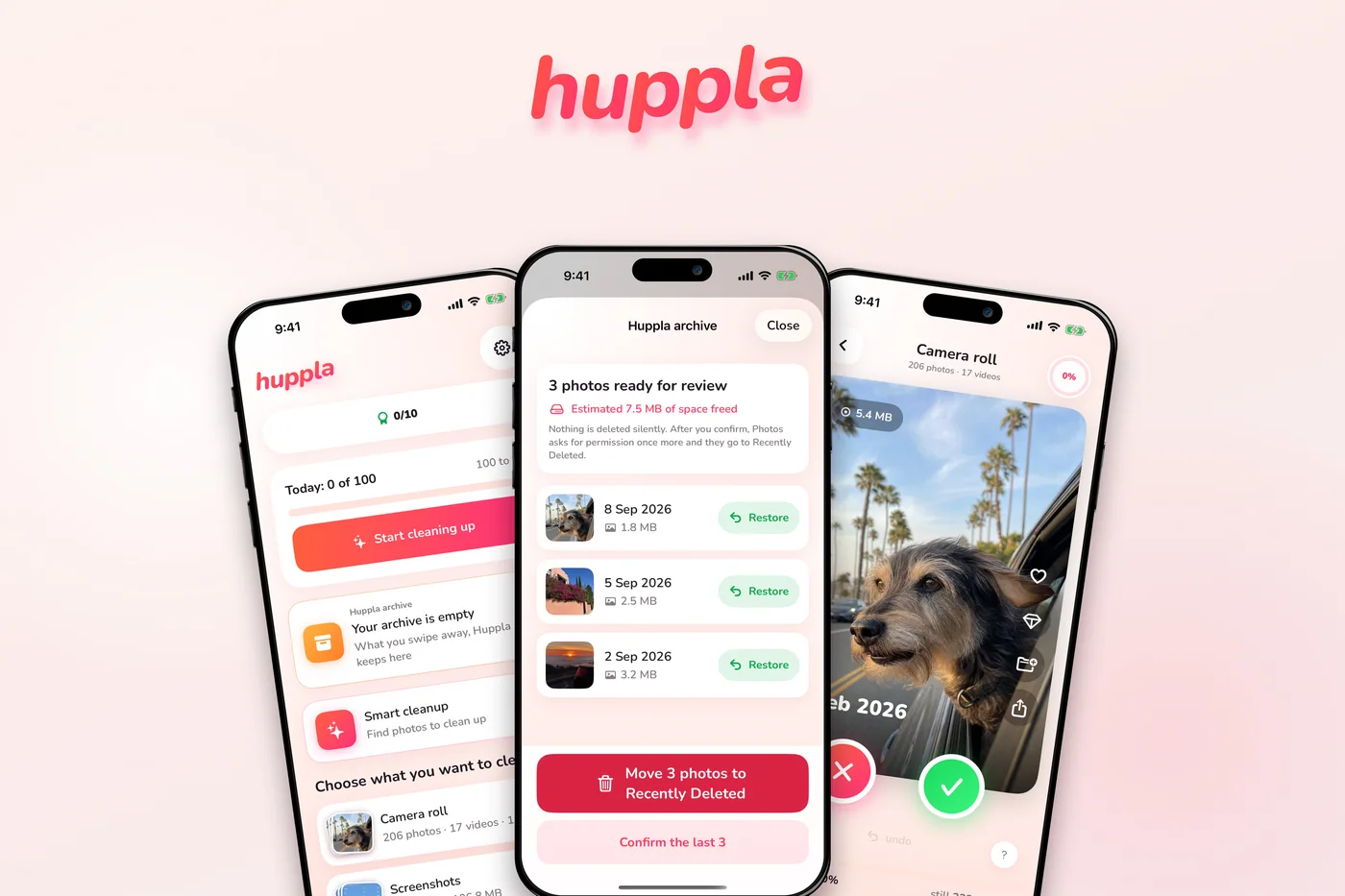
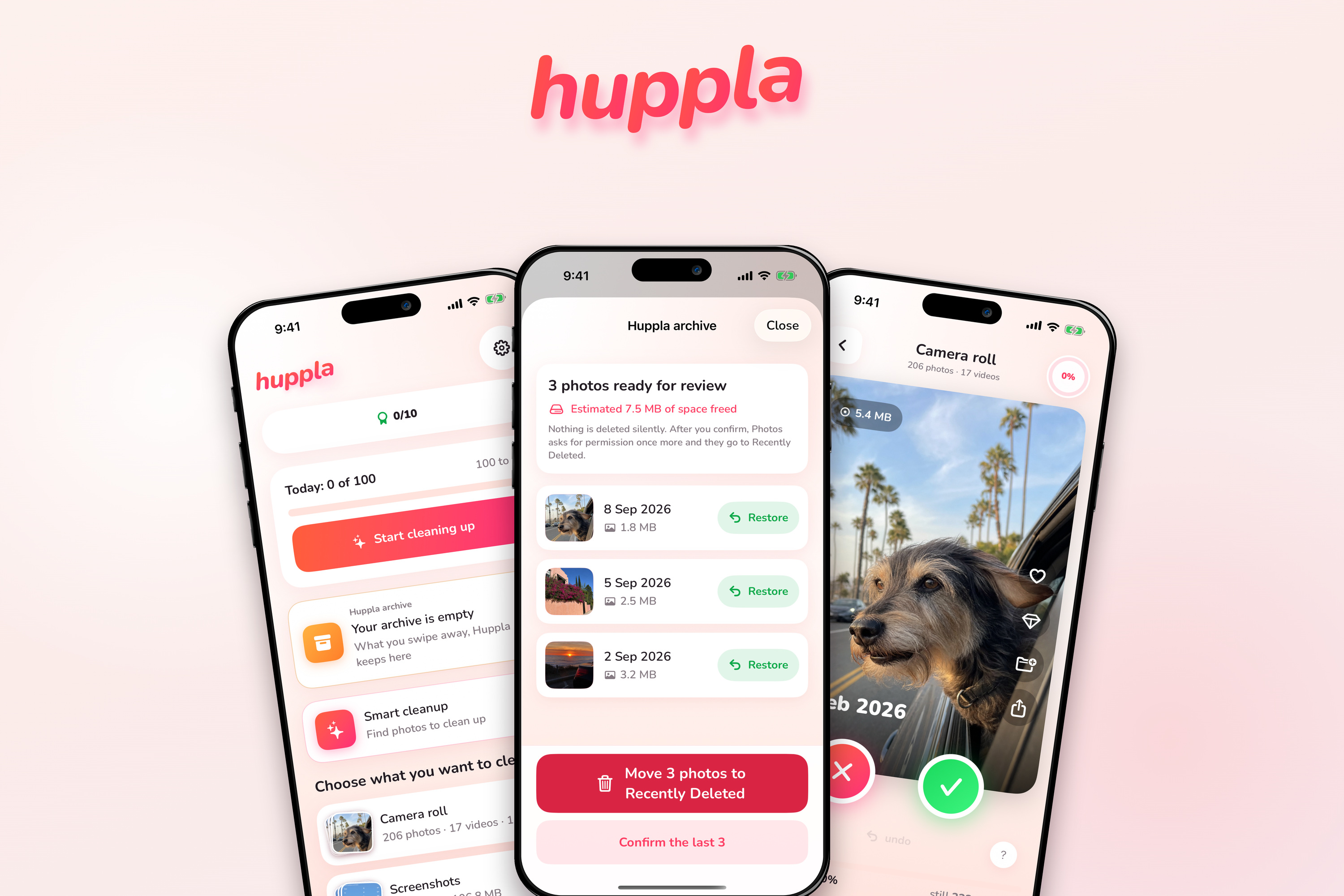
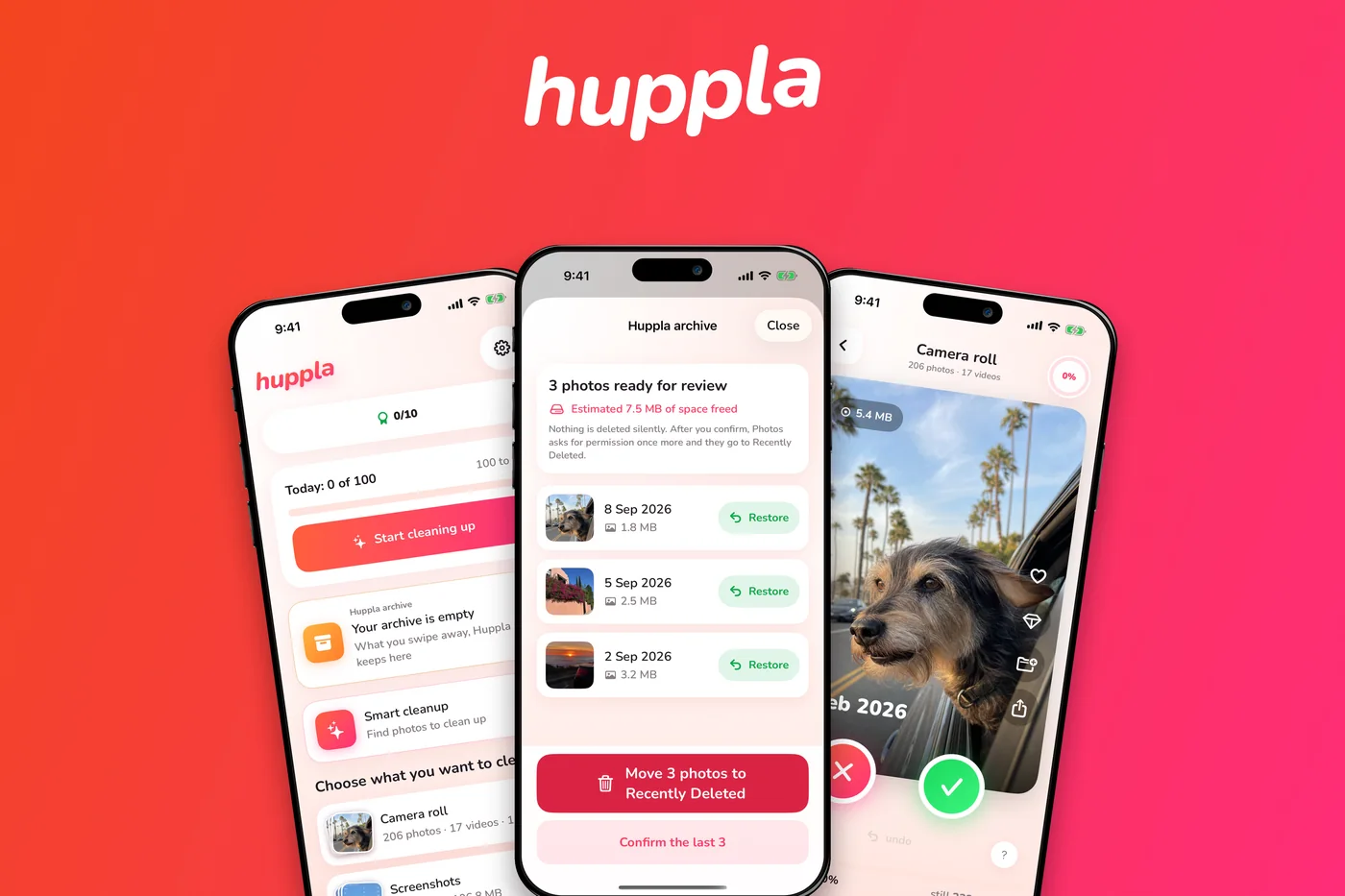
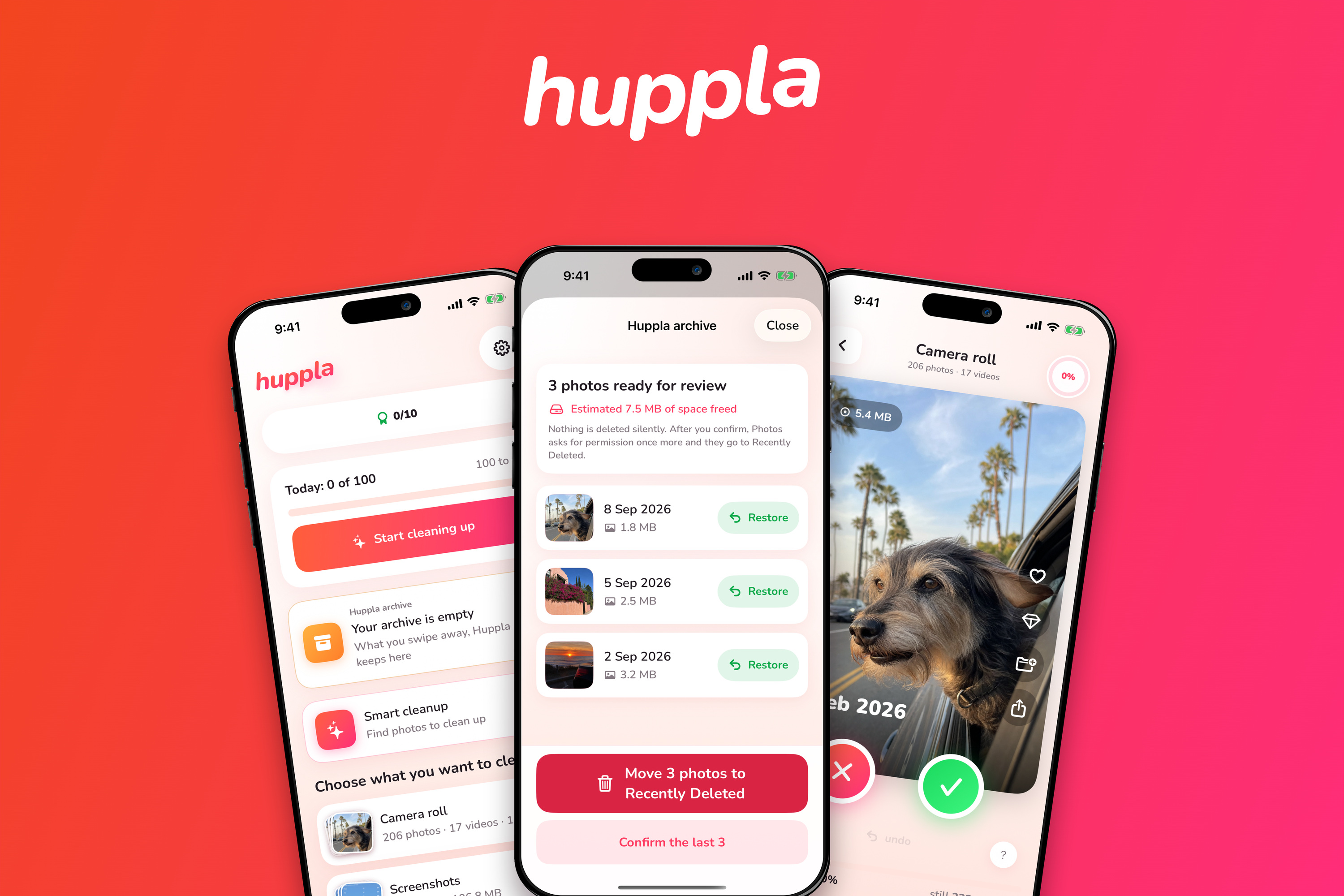
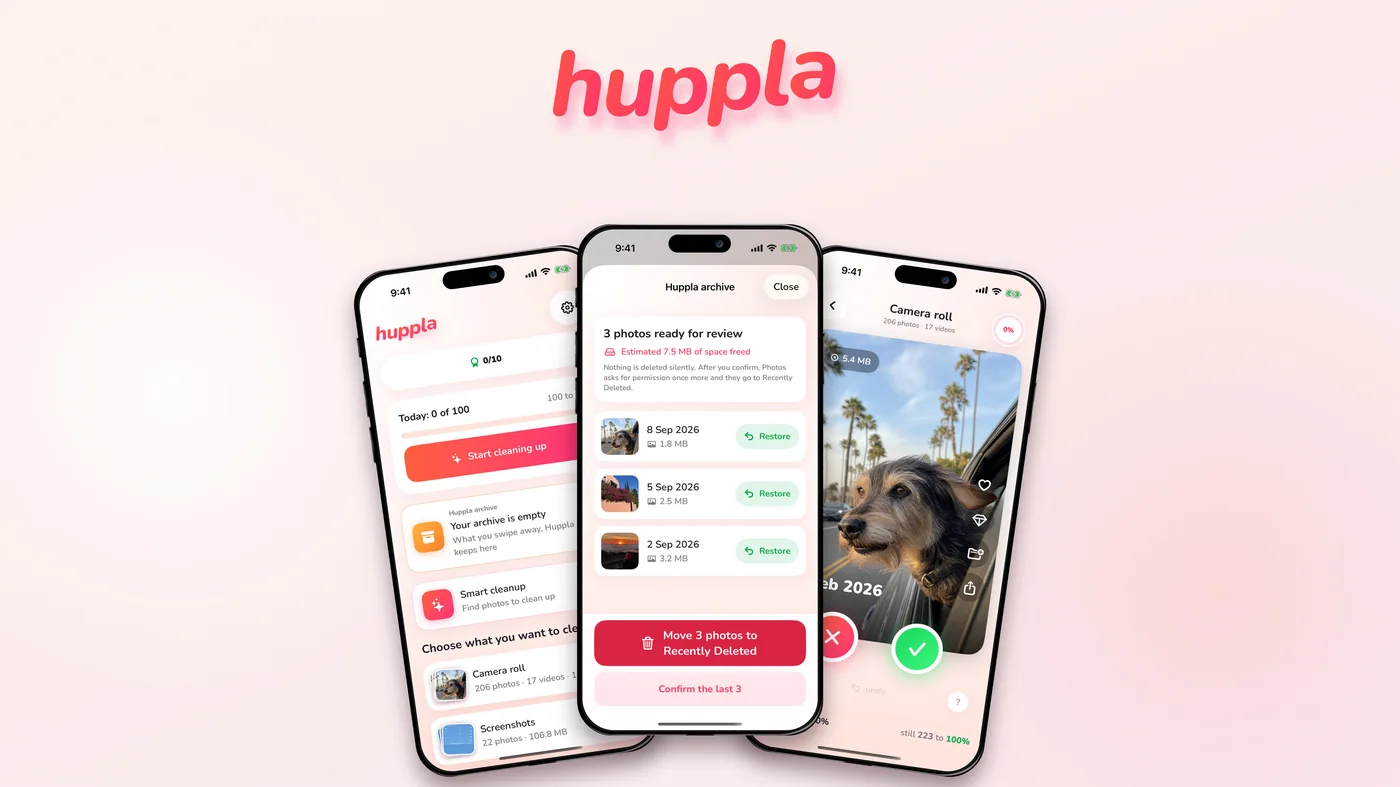
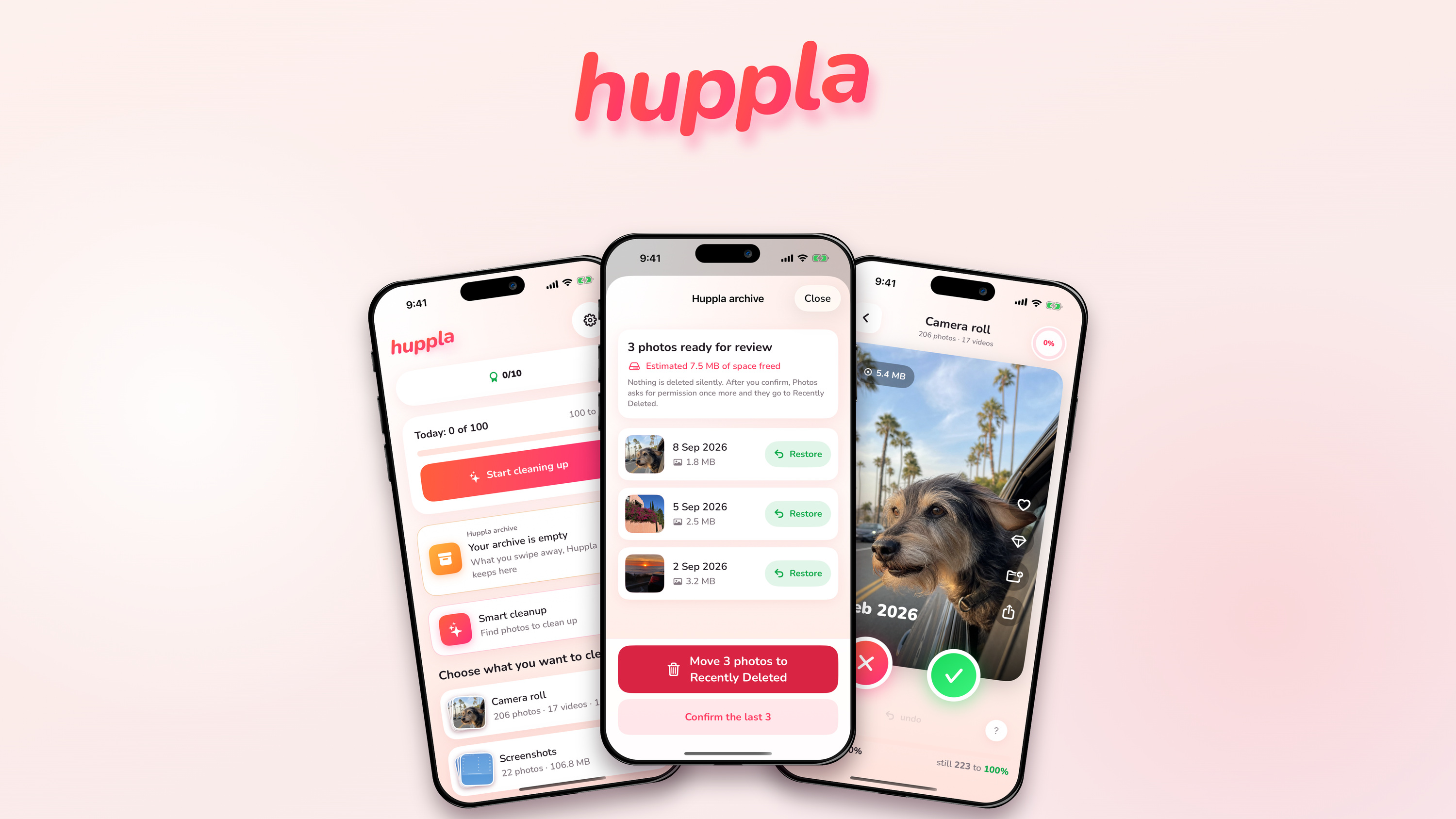
Ready-made lead images, 3,000 pixels wide, in 3:2 and 16:9, with one, two or three devices on cream or on the brand gradient. No text, so your own headline fits.
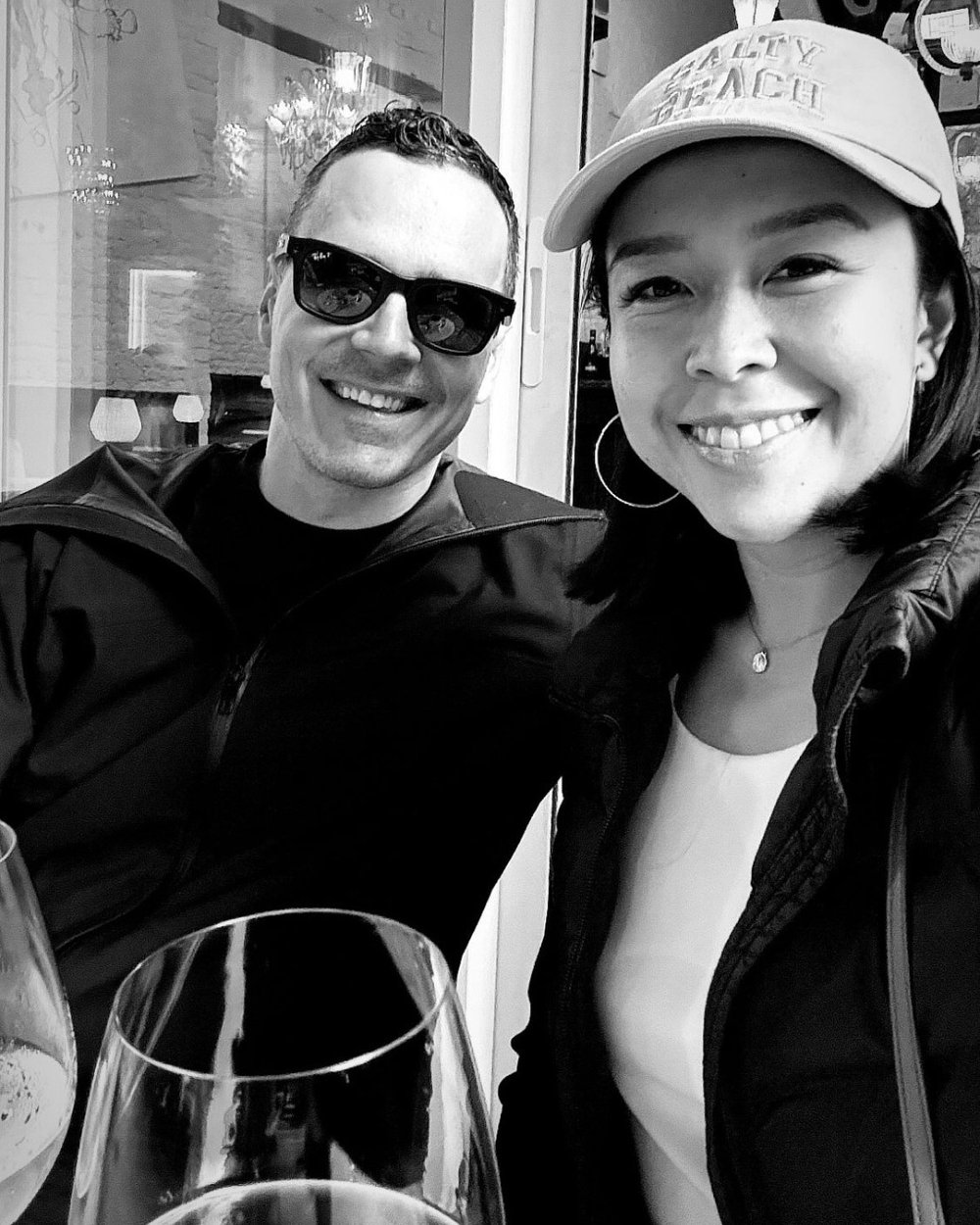
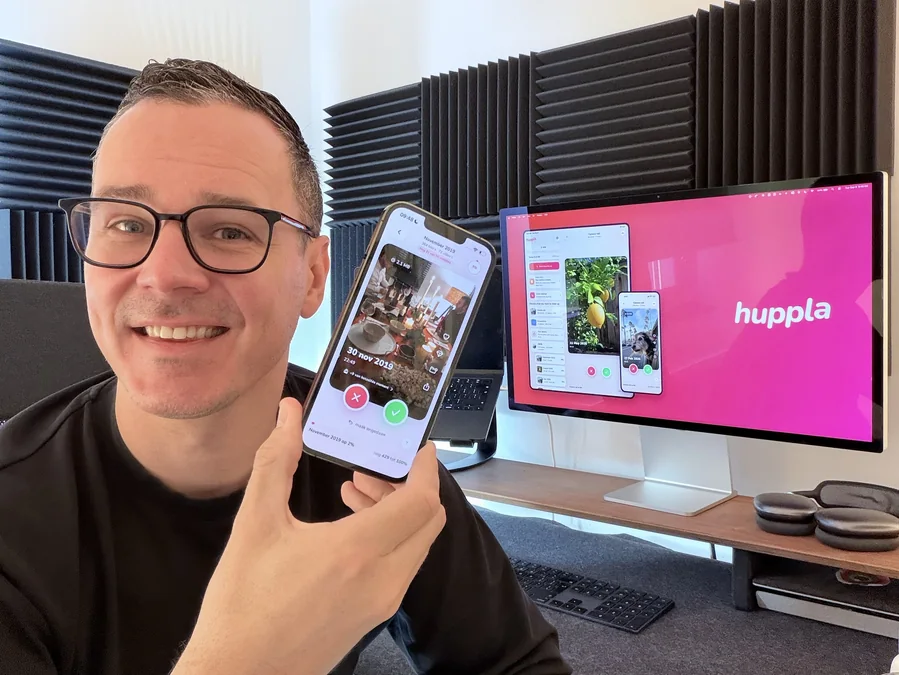
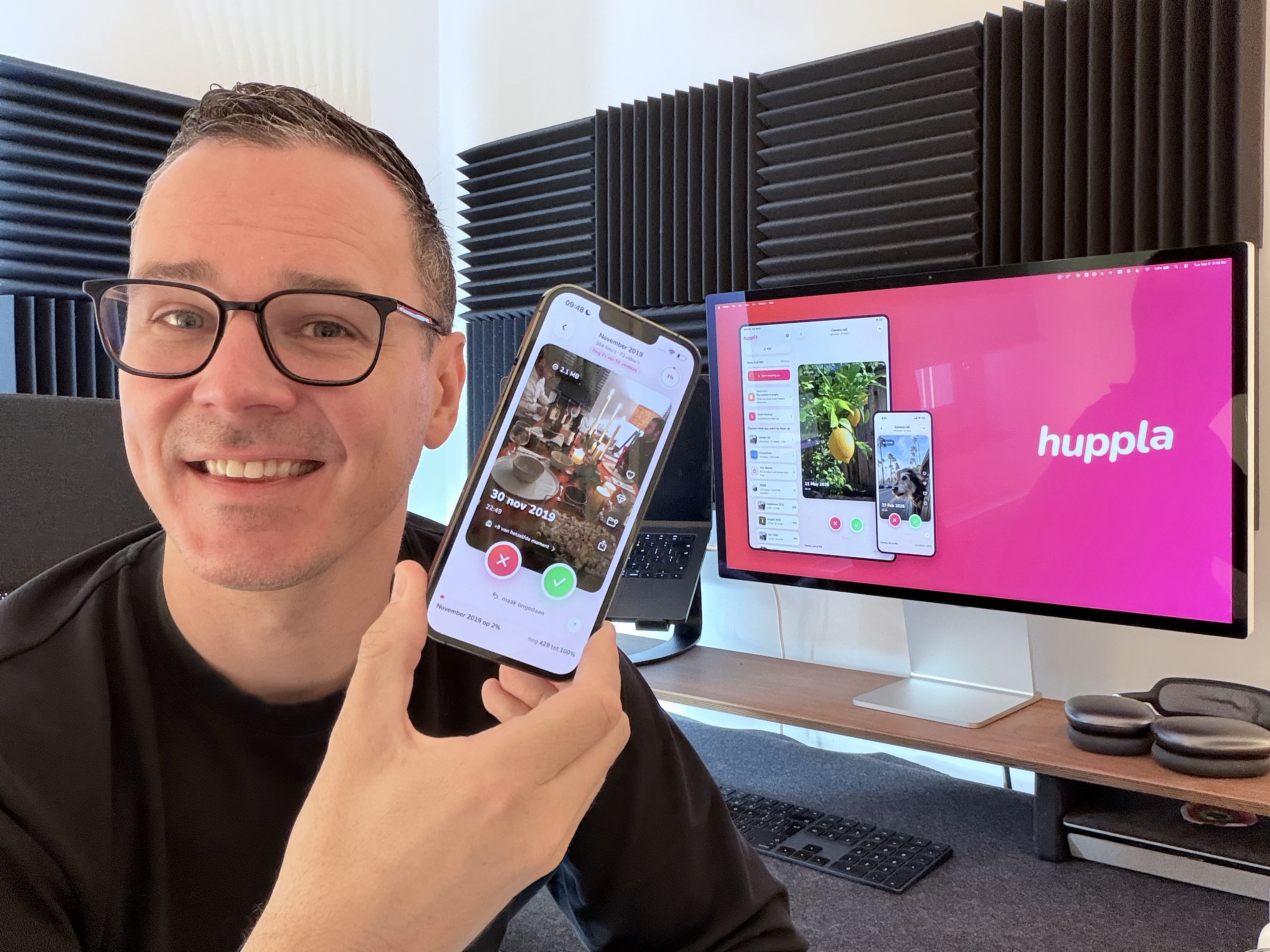
The co-founders
Free to use with an article about Huppla. A larger original of the first photo and its credit follow once we have checked them.

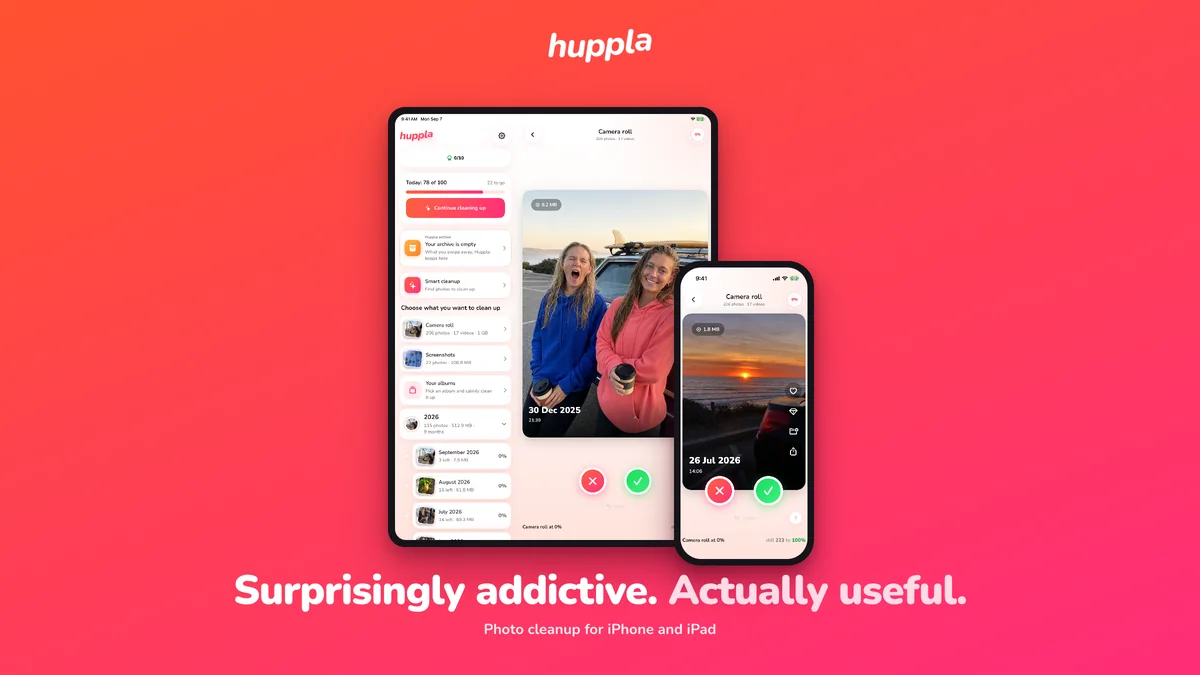
Ready-made banners
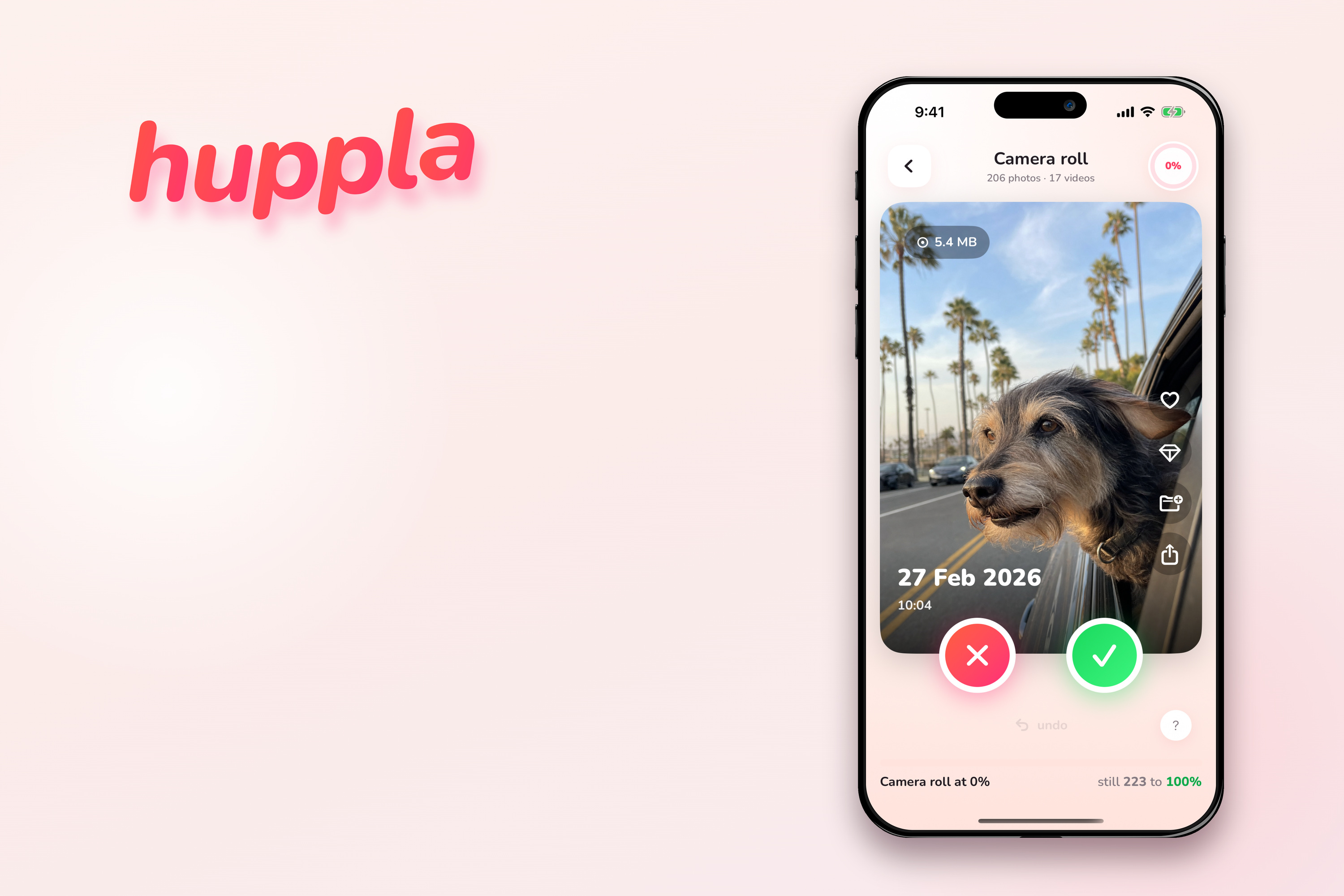
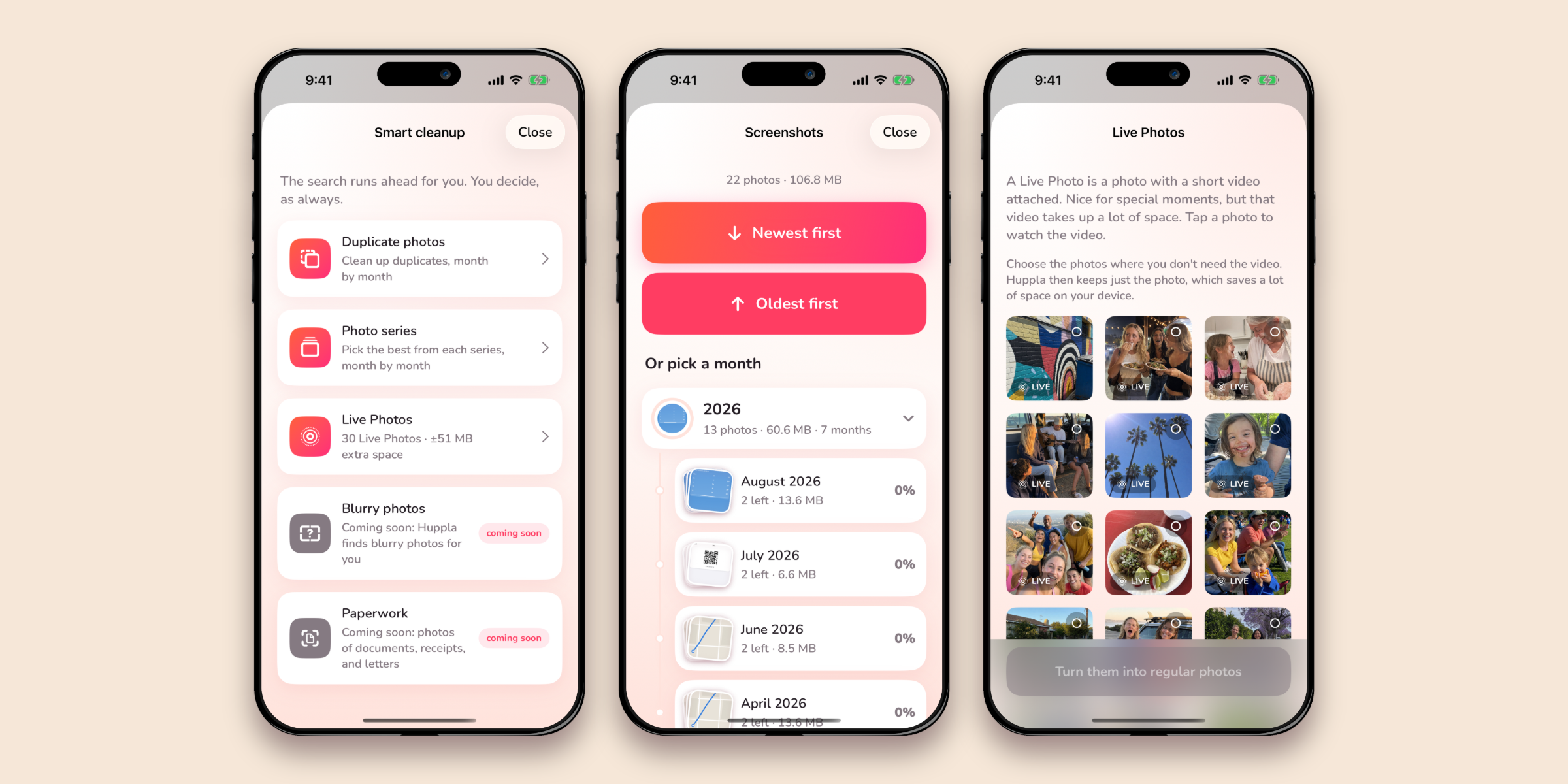
Unlike the blog covers above, these already carry our own headline. Four compositions with the same message, so one of them fits your layout. If you want your own headline, take a blog cover instead.
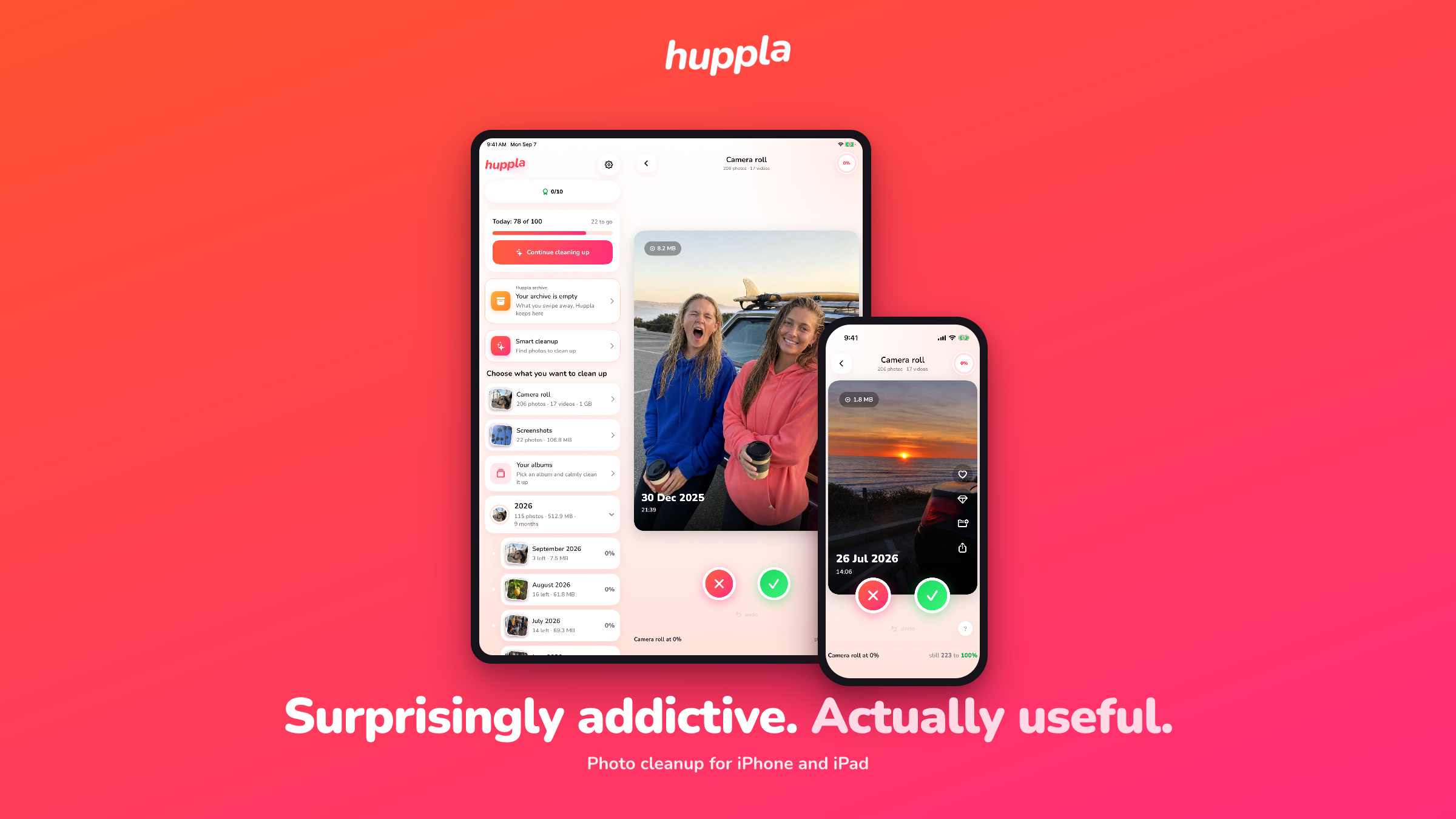
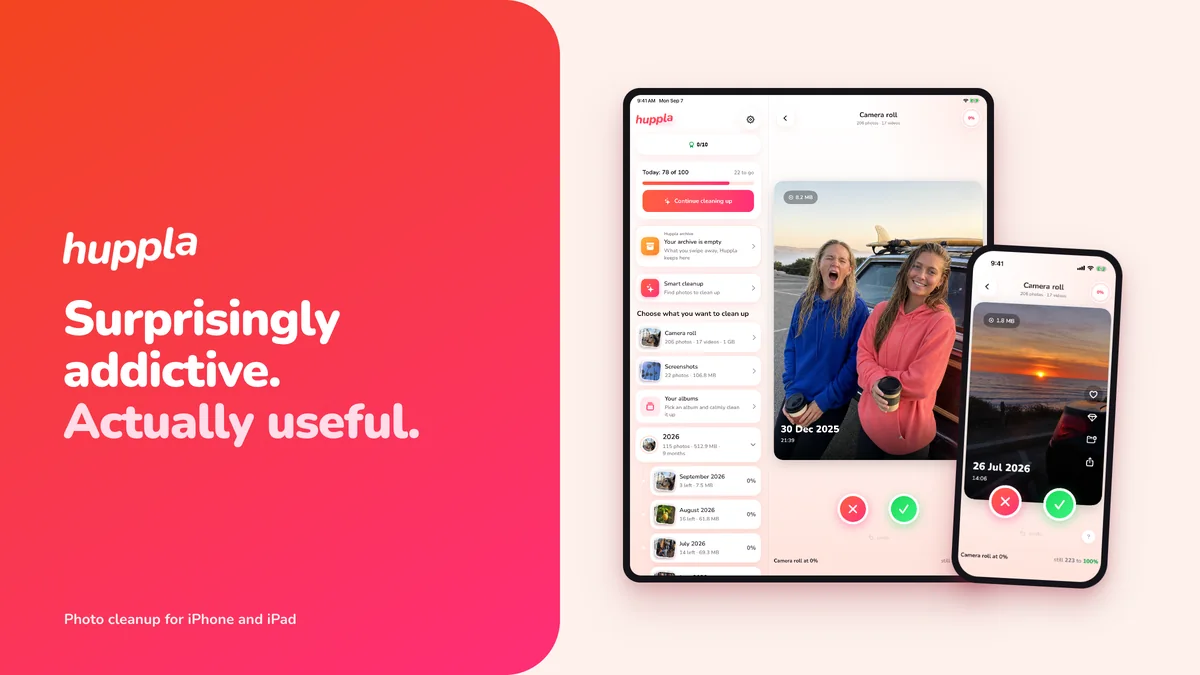
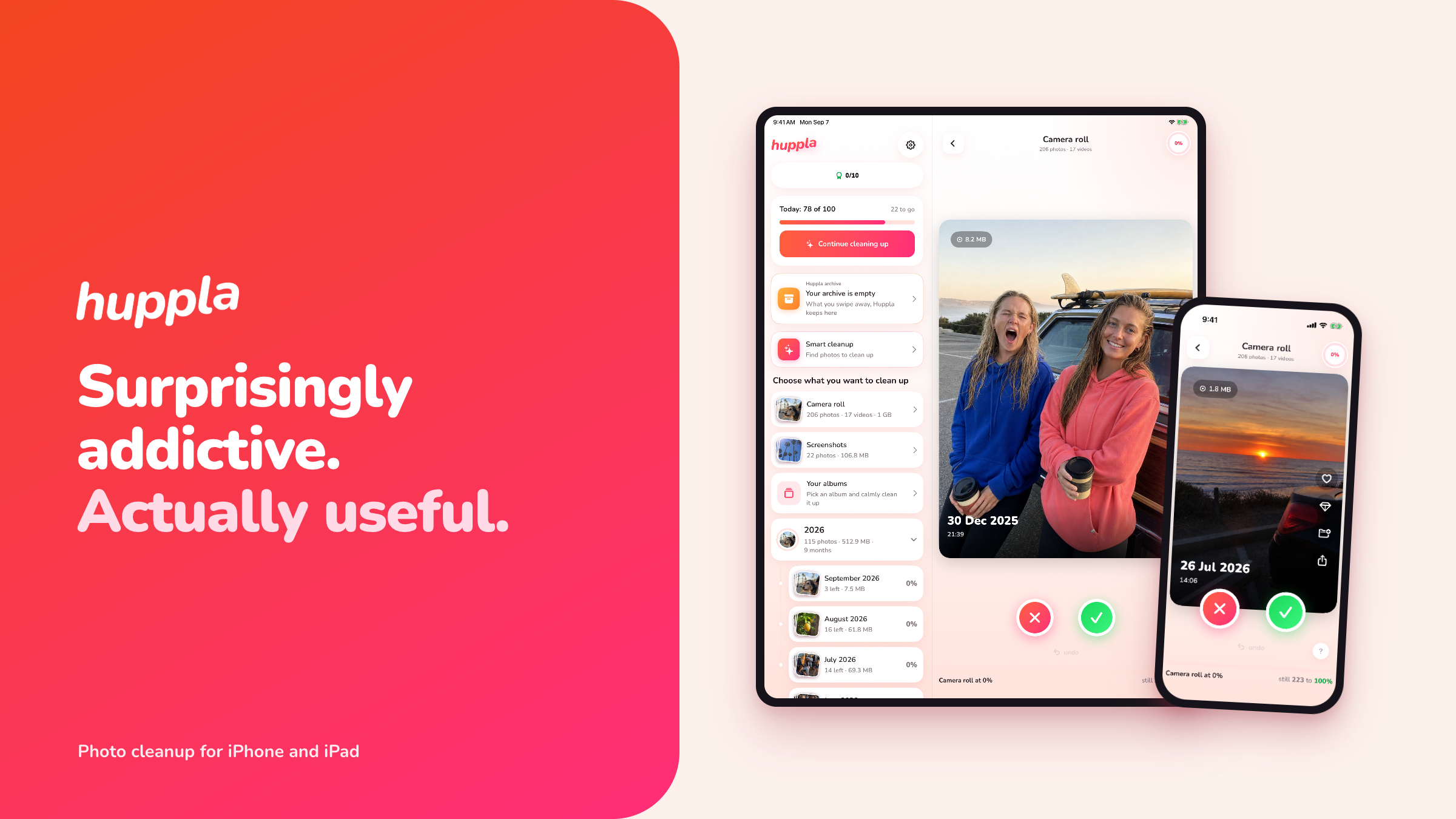
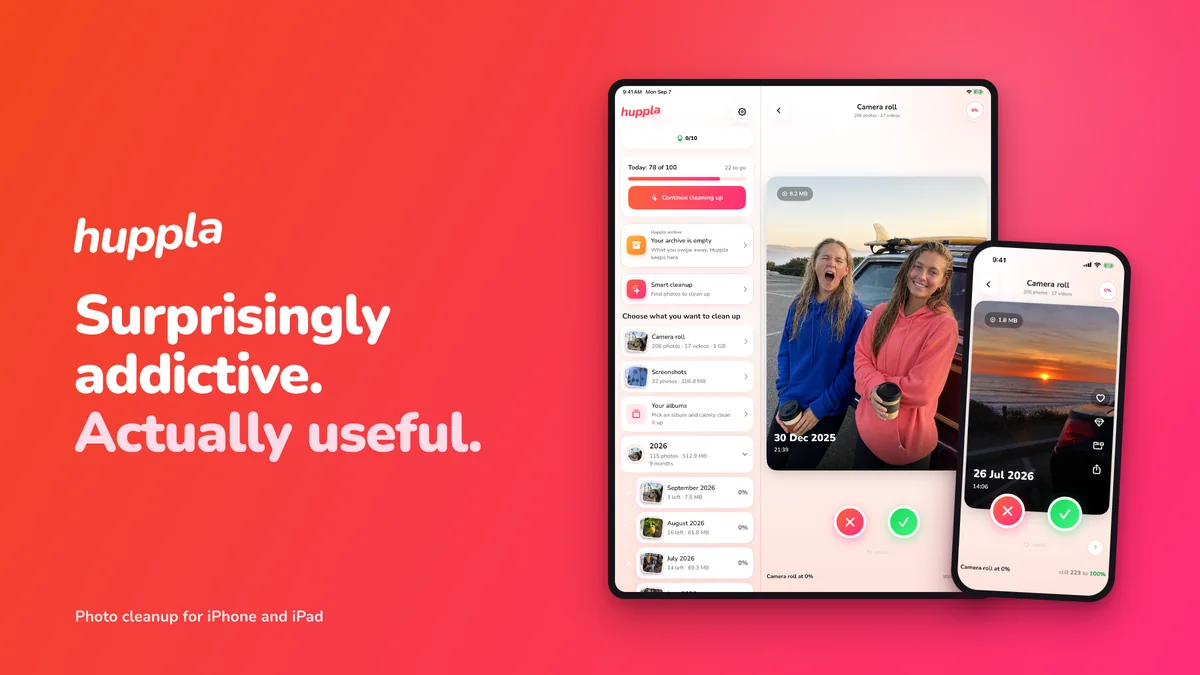
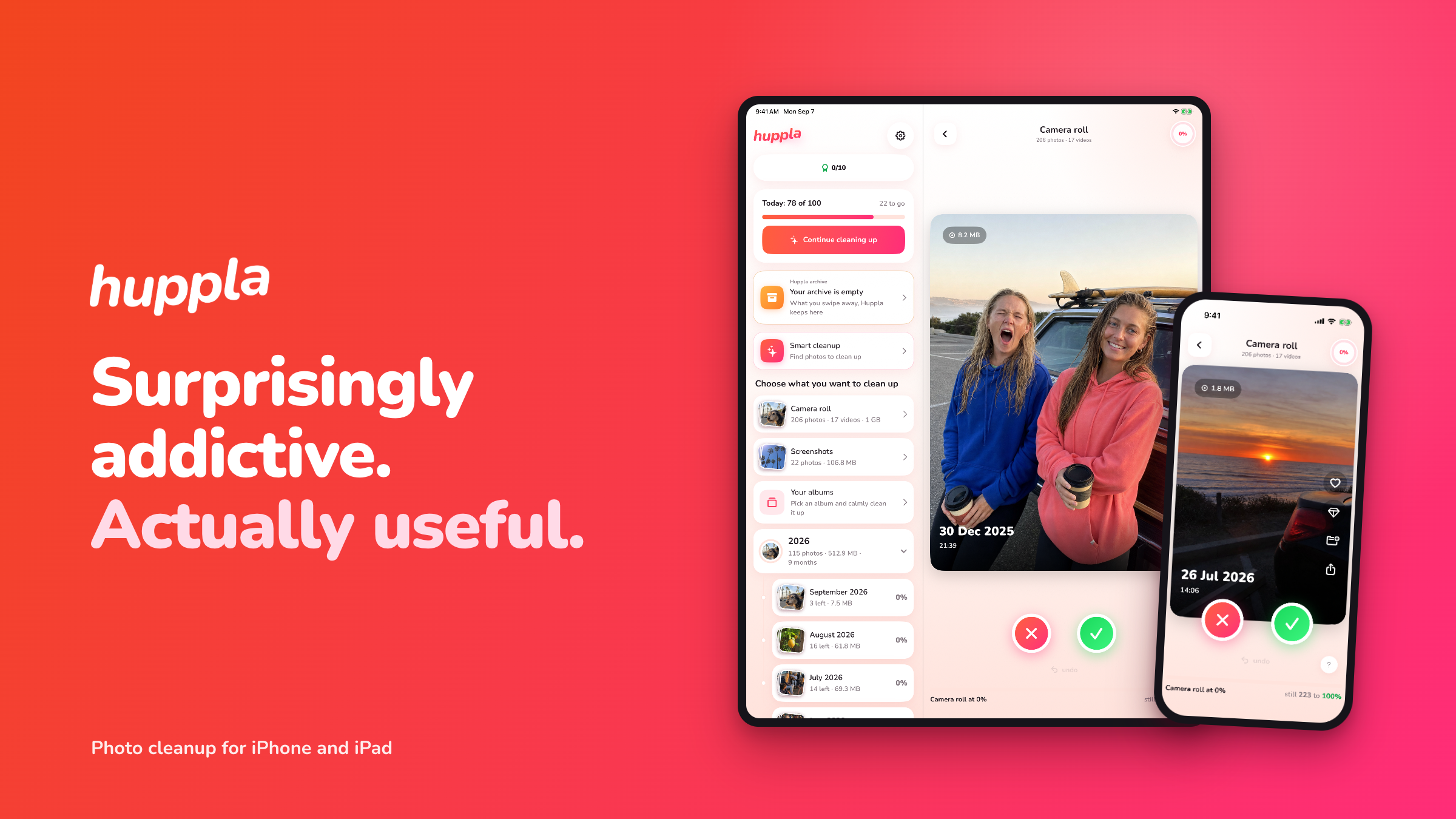
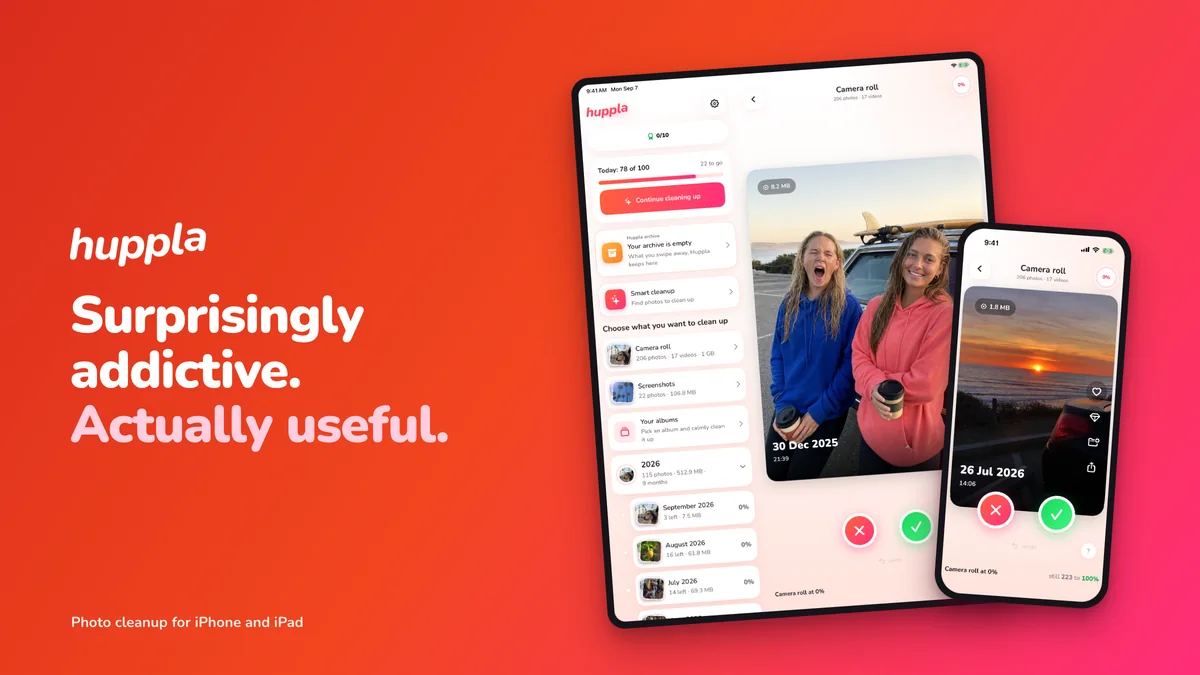
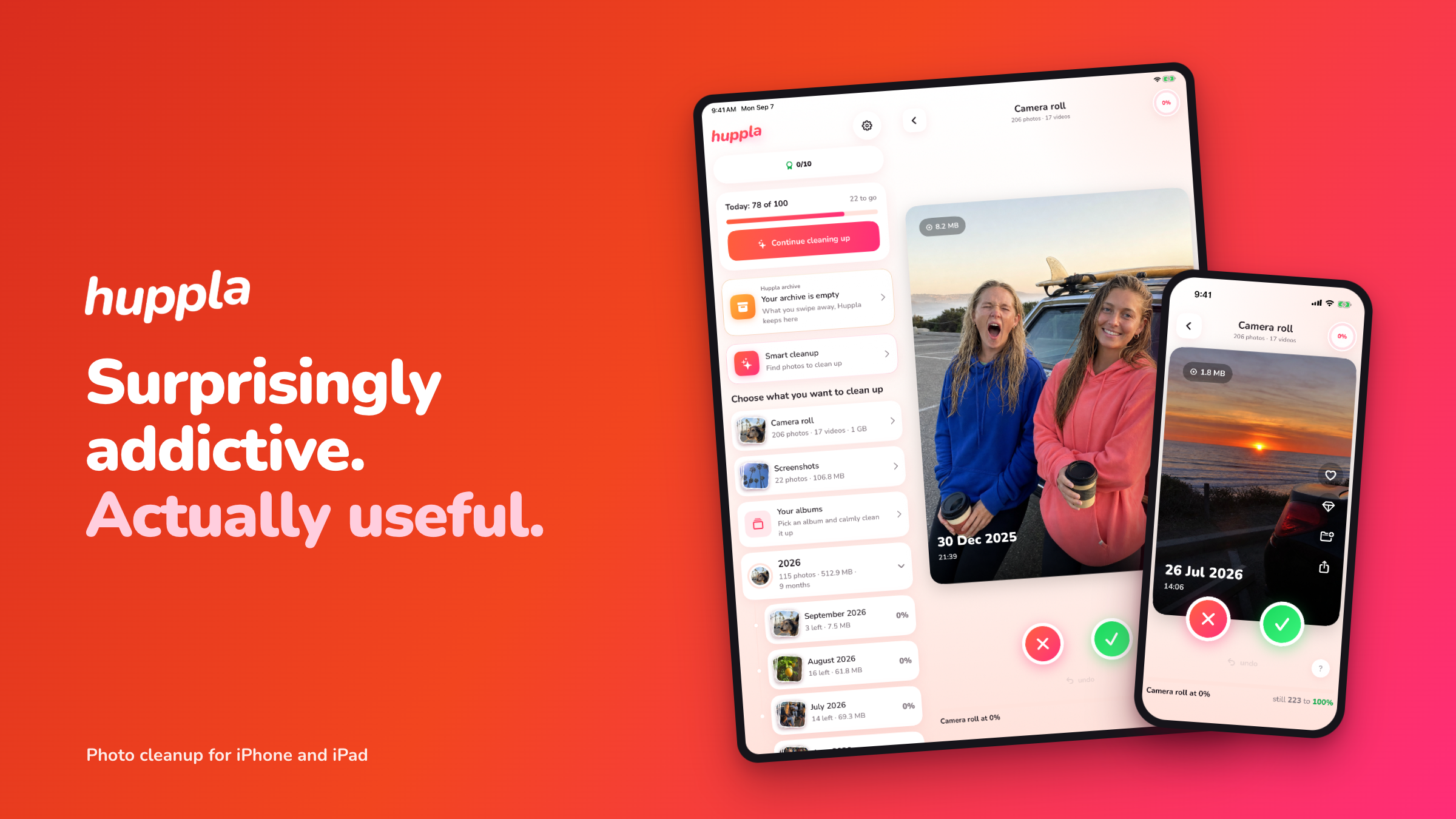
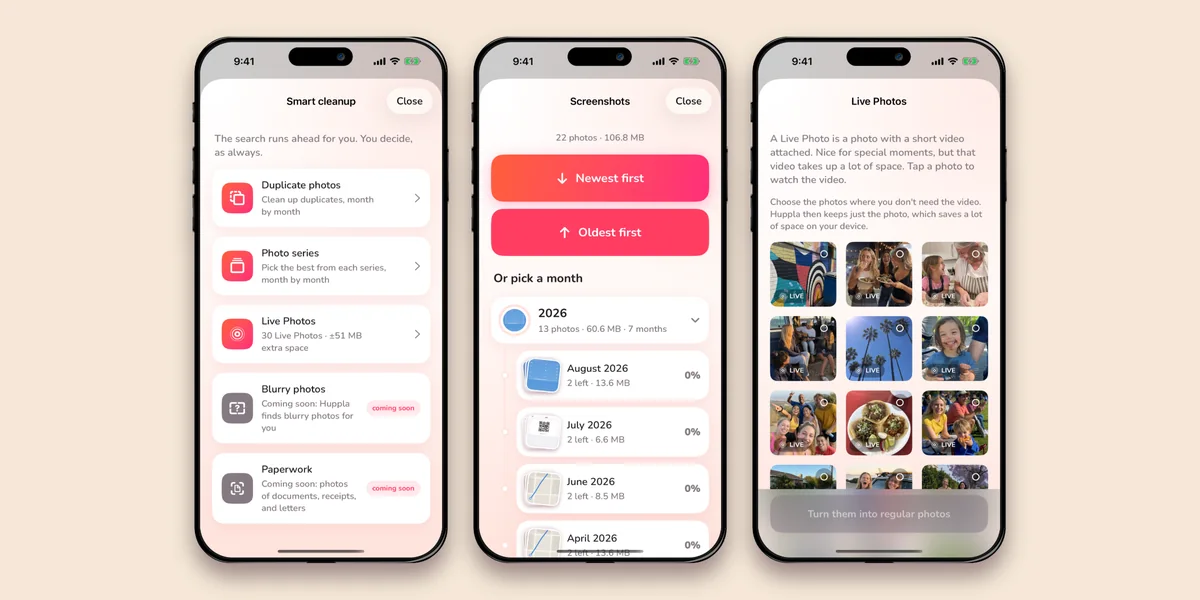
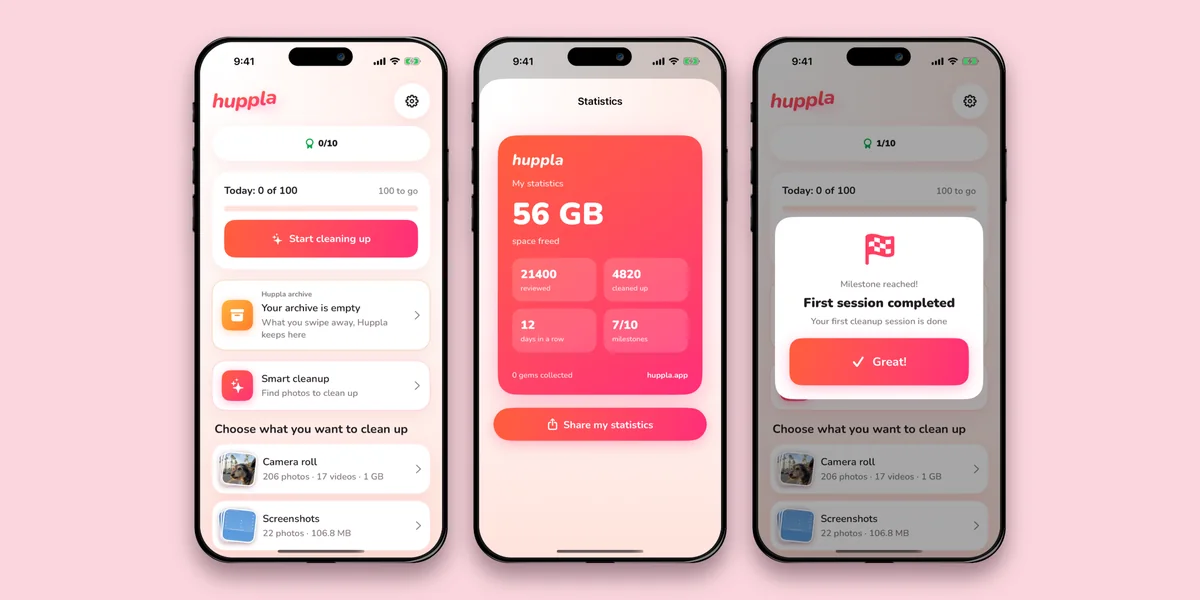
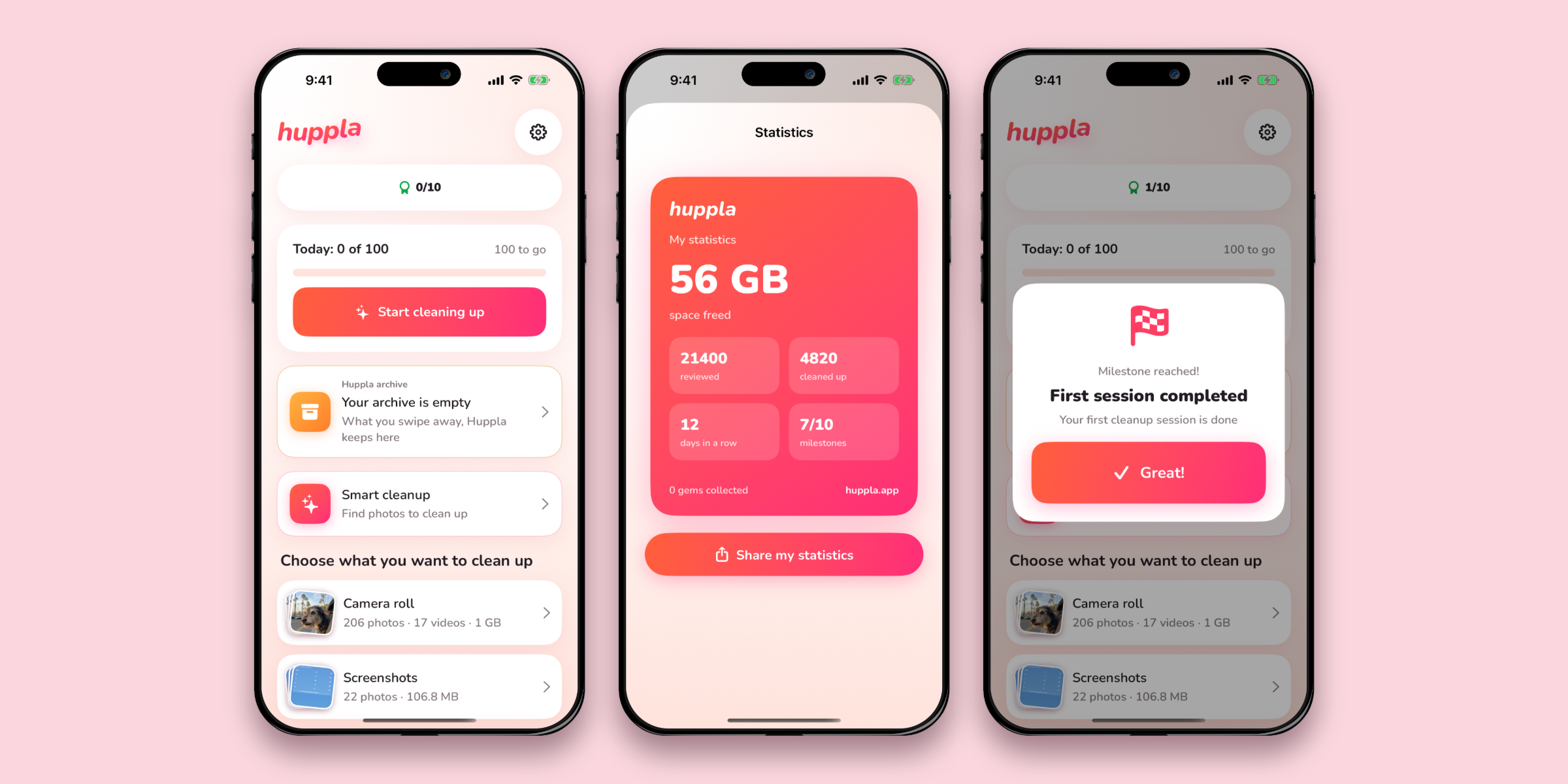
Three screens side by side
No headline and no wordmark, on a plain background: the shape tech blogs use themselves. Ready to drop into an article.
Images for inside the article
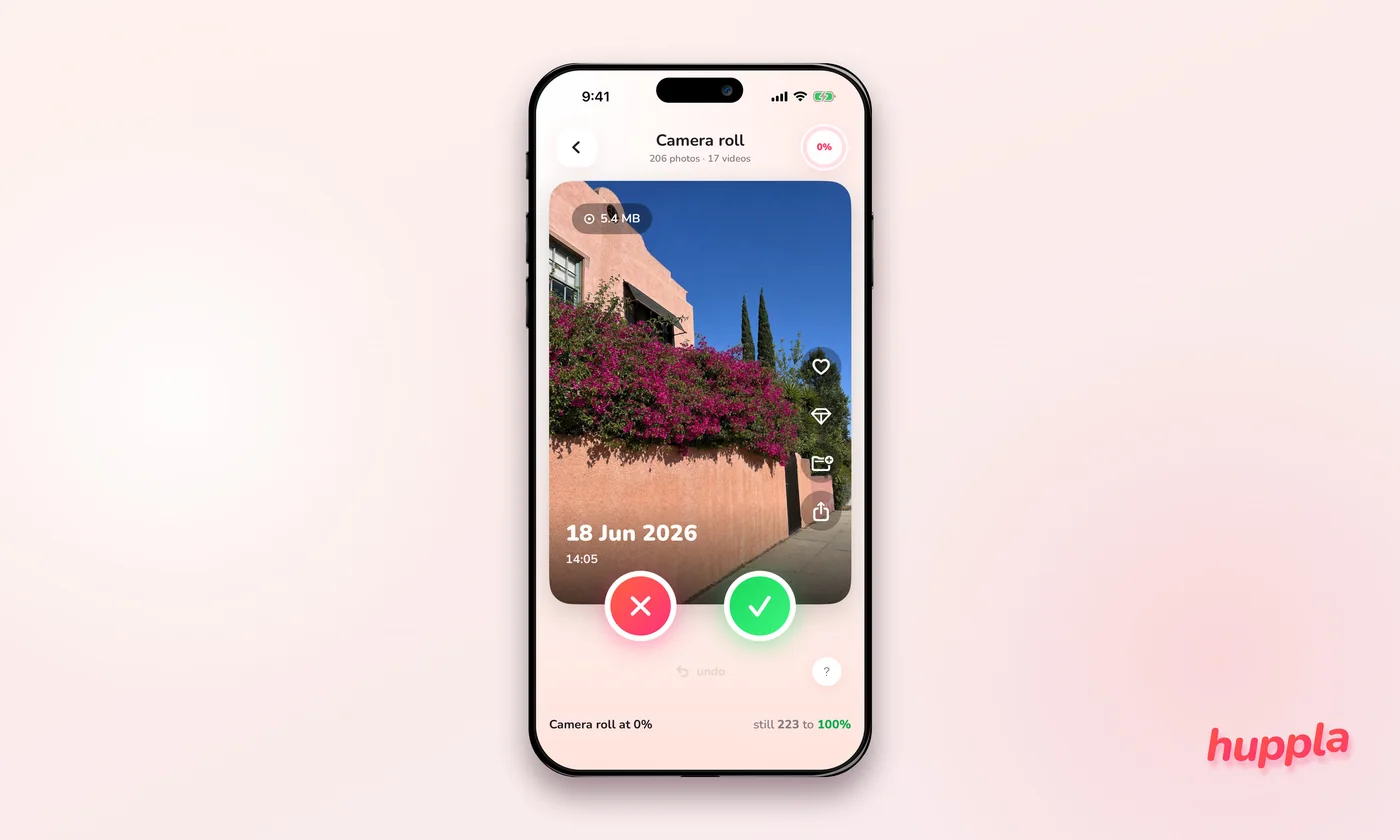
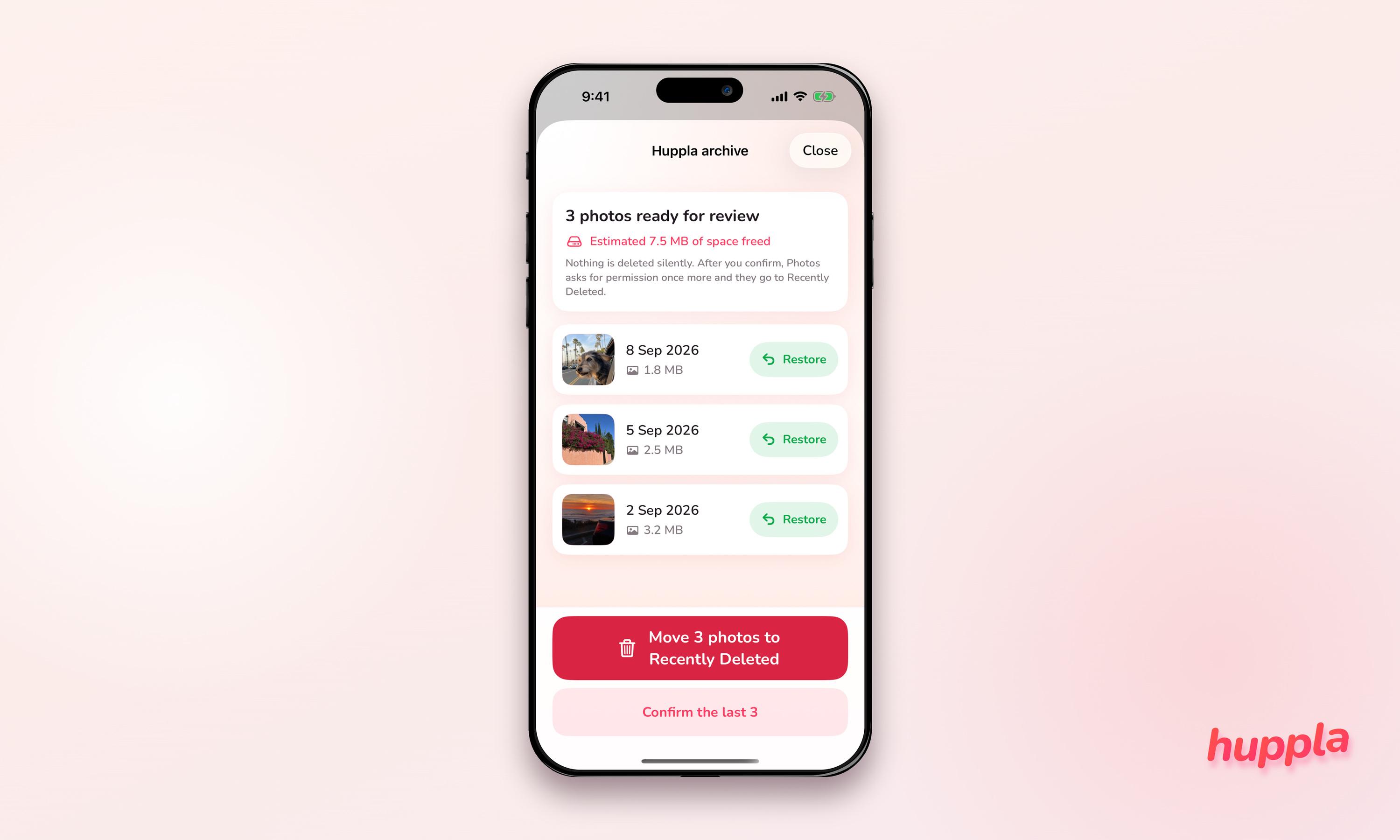
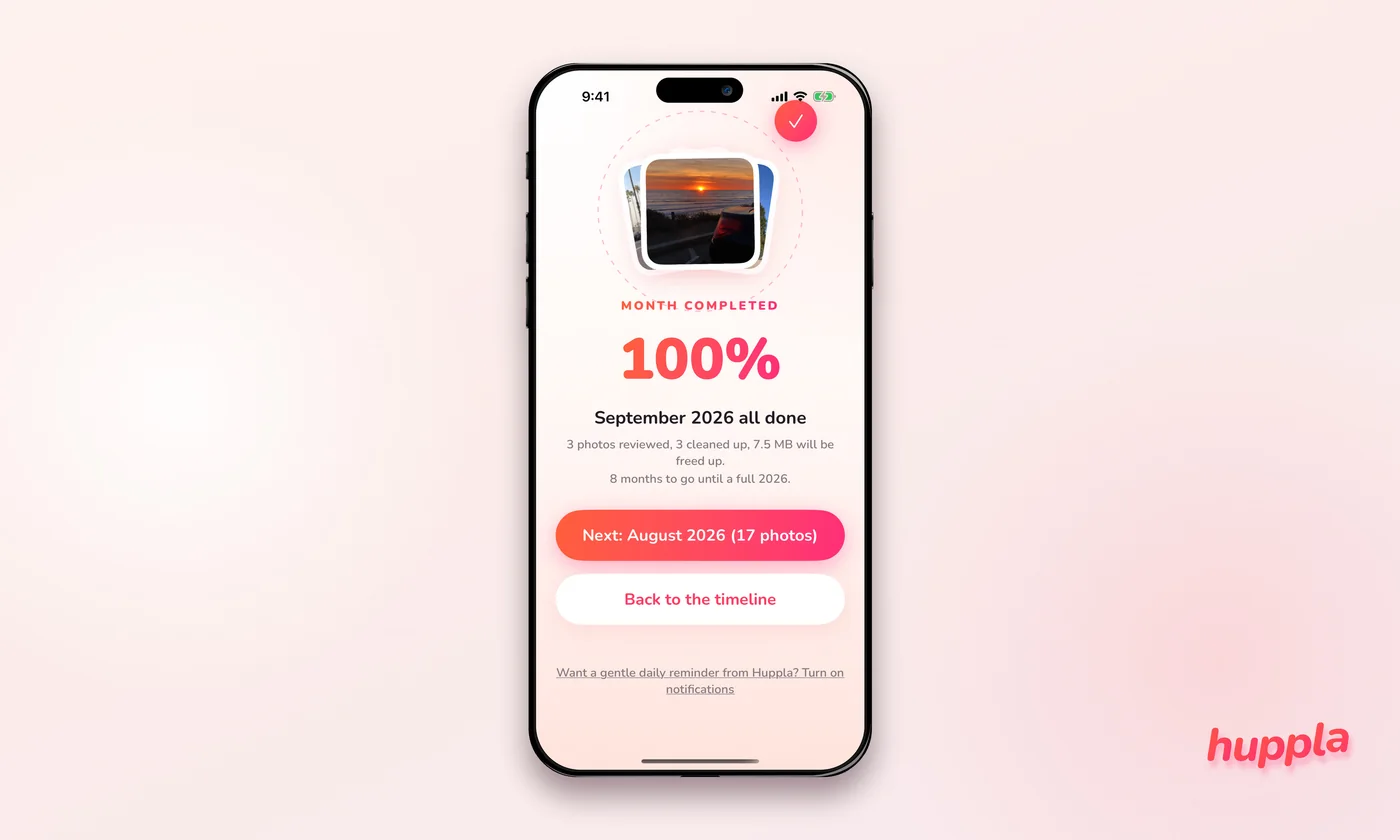
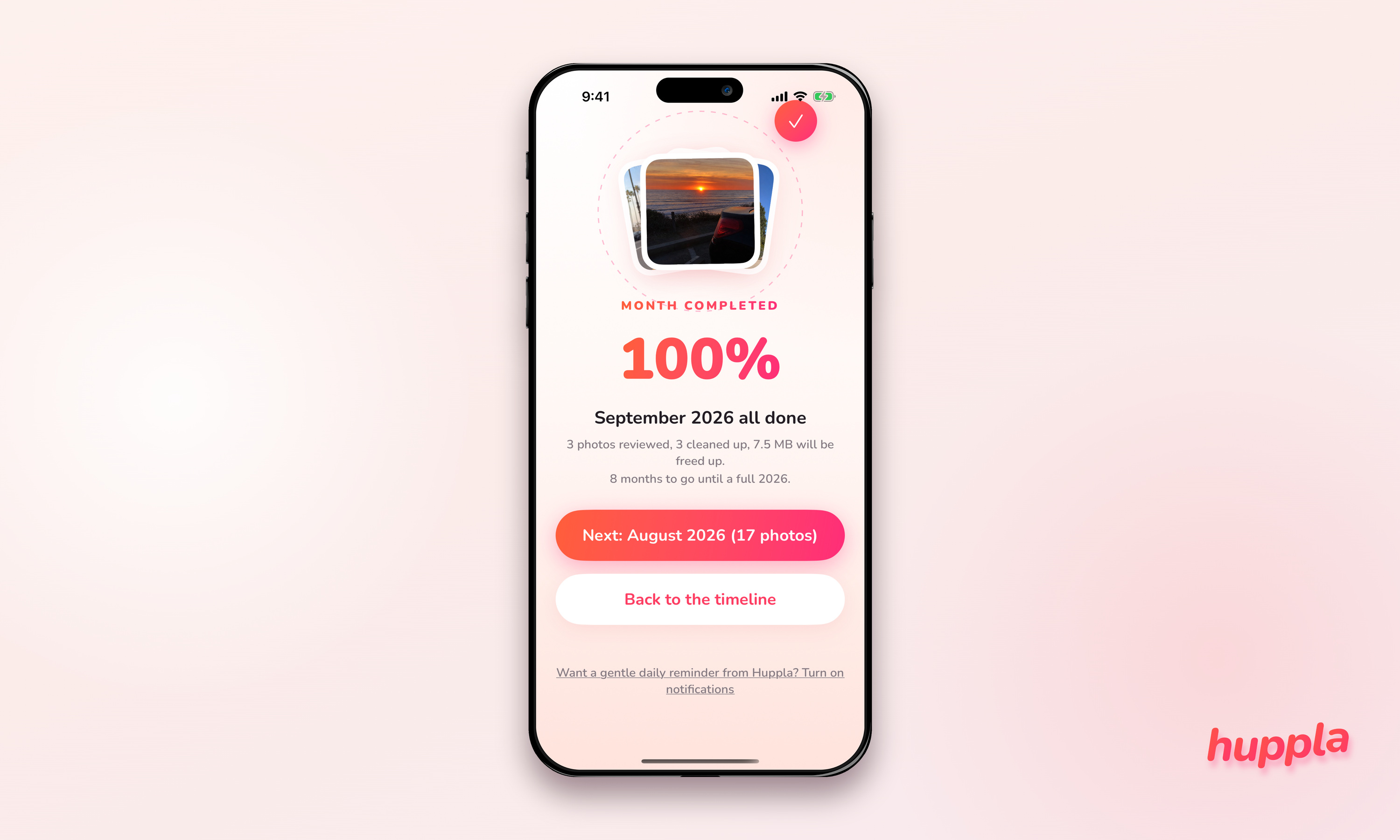
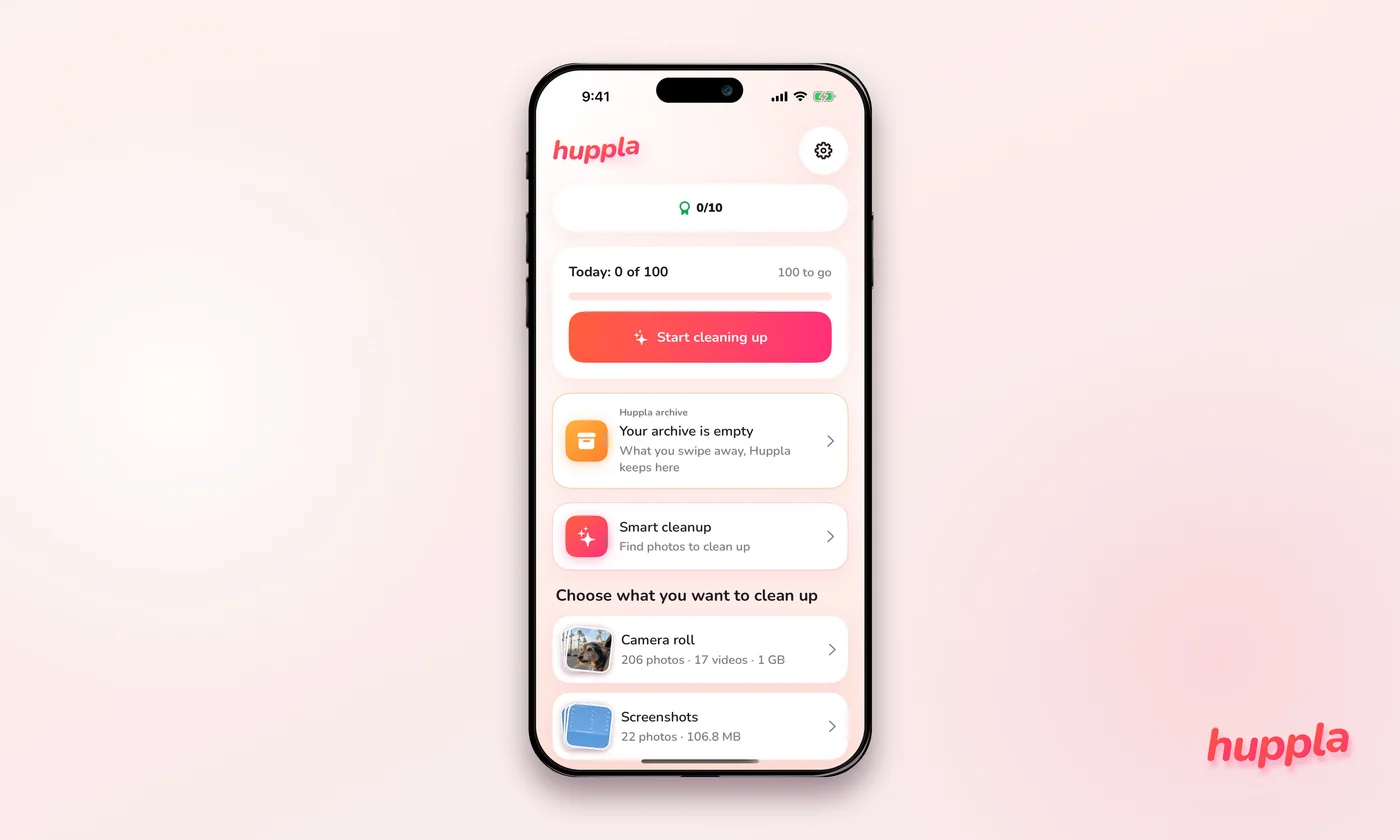
One screen per step on a cream background, 3,000 × 1,800. Useful halfway through an article: the swipe step, the archive, a month completed, the home screen, Smart cleanup.
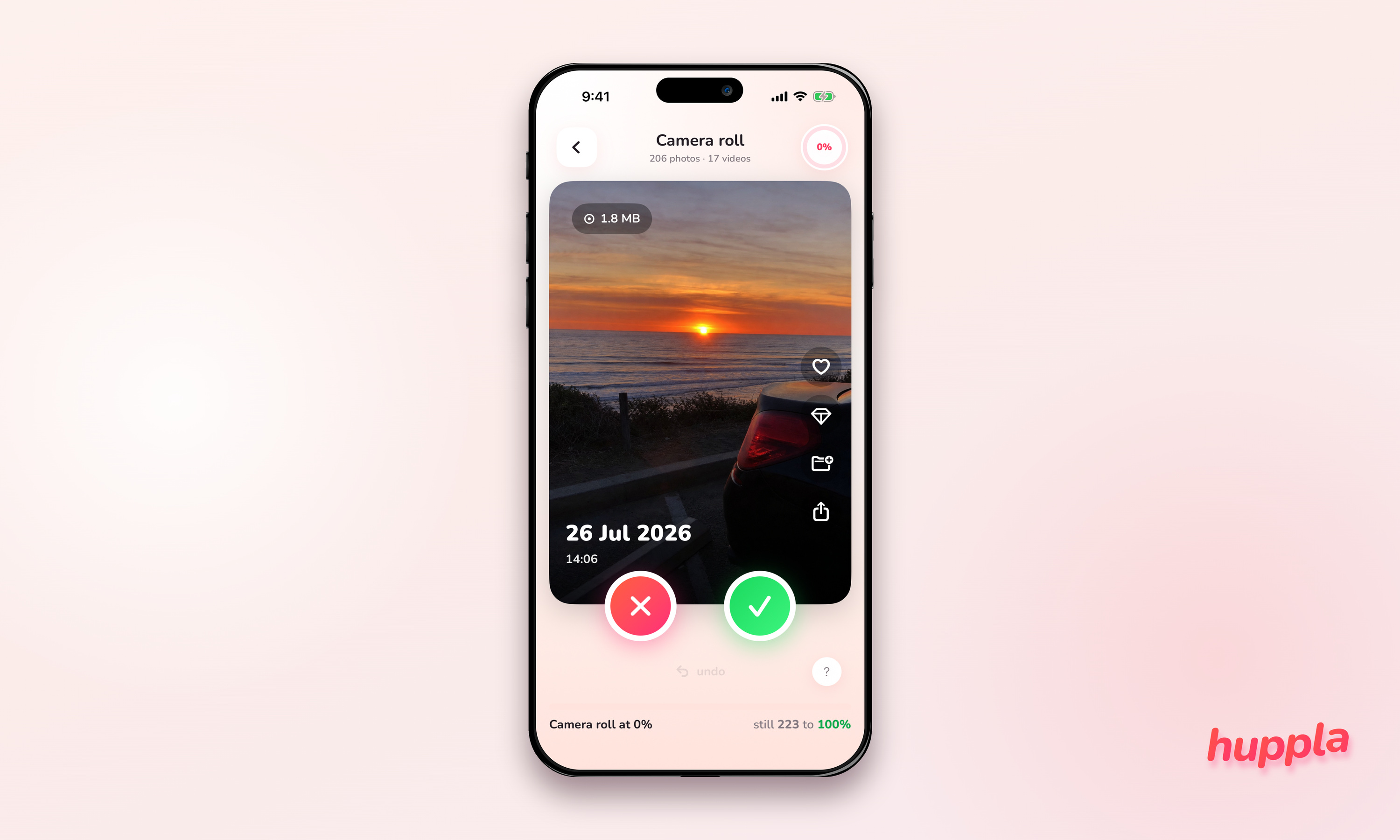
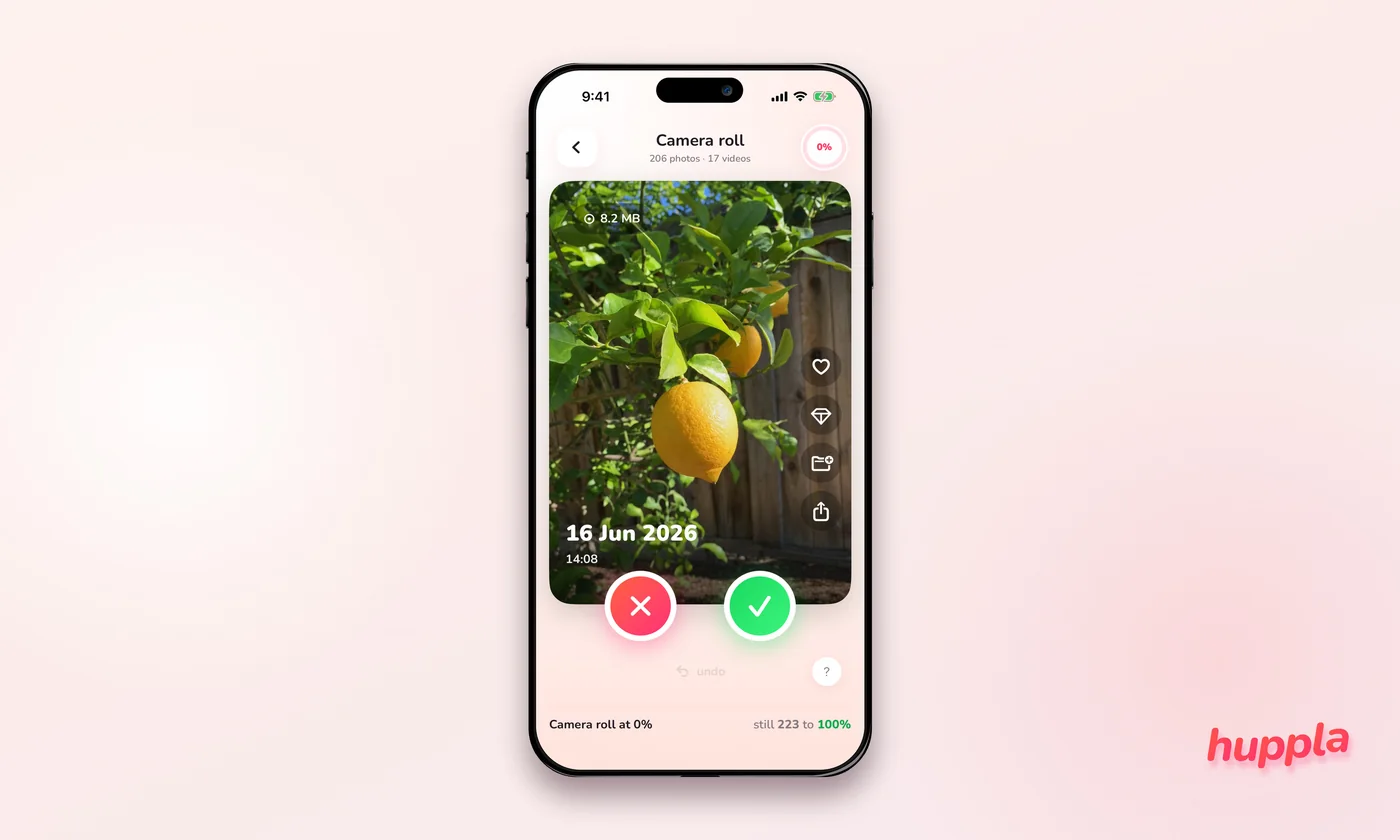
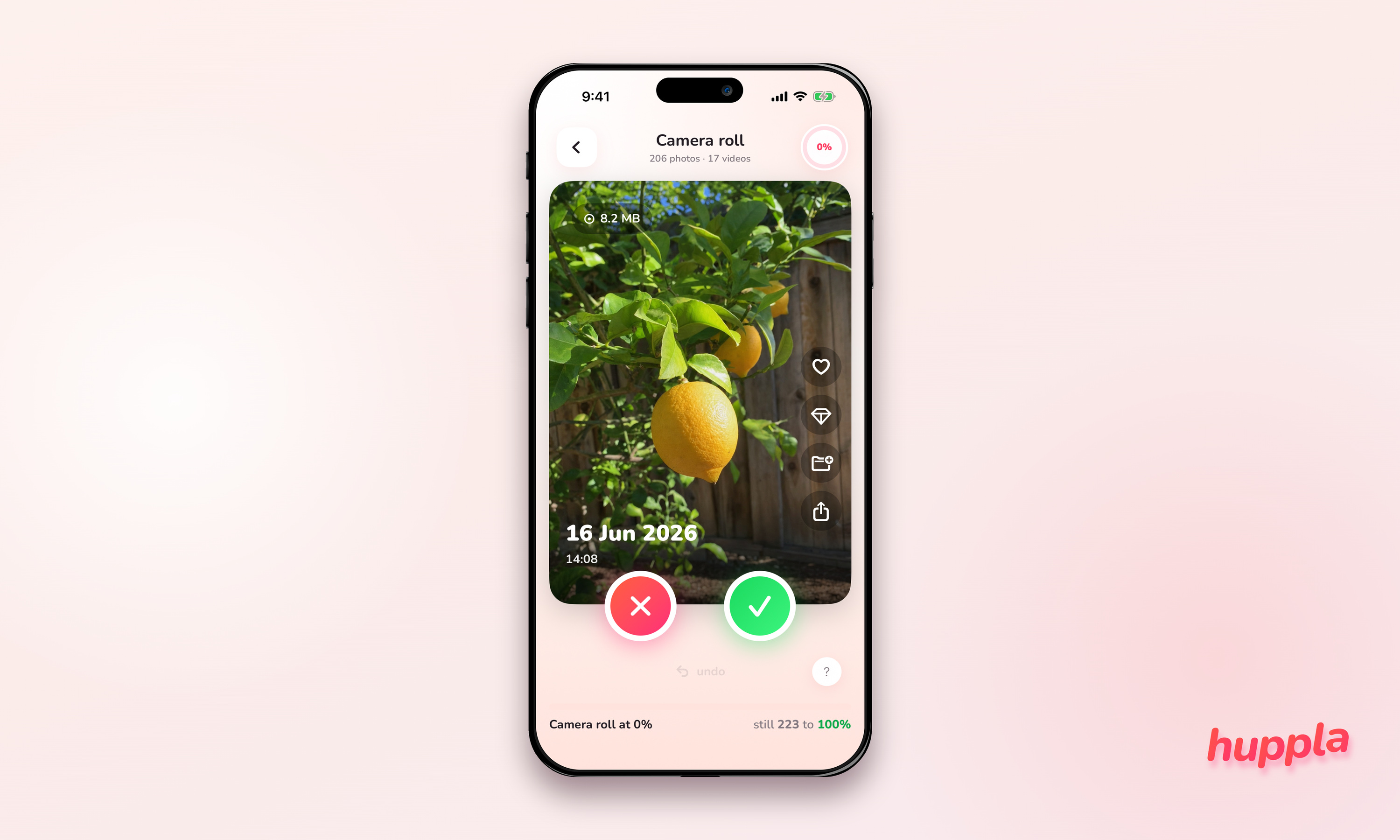
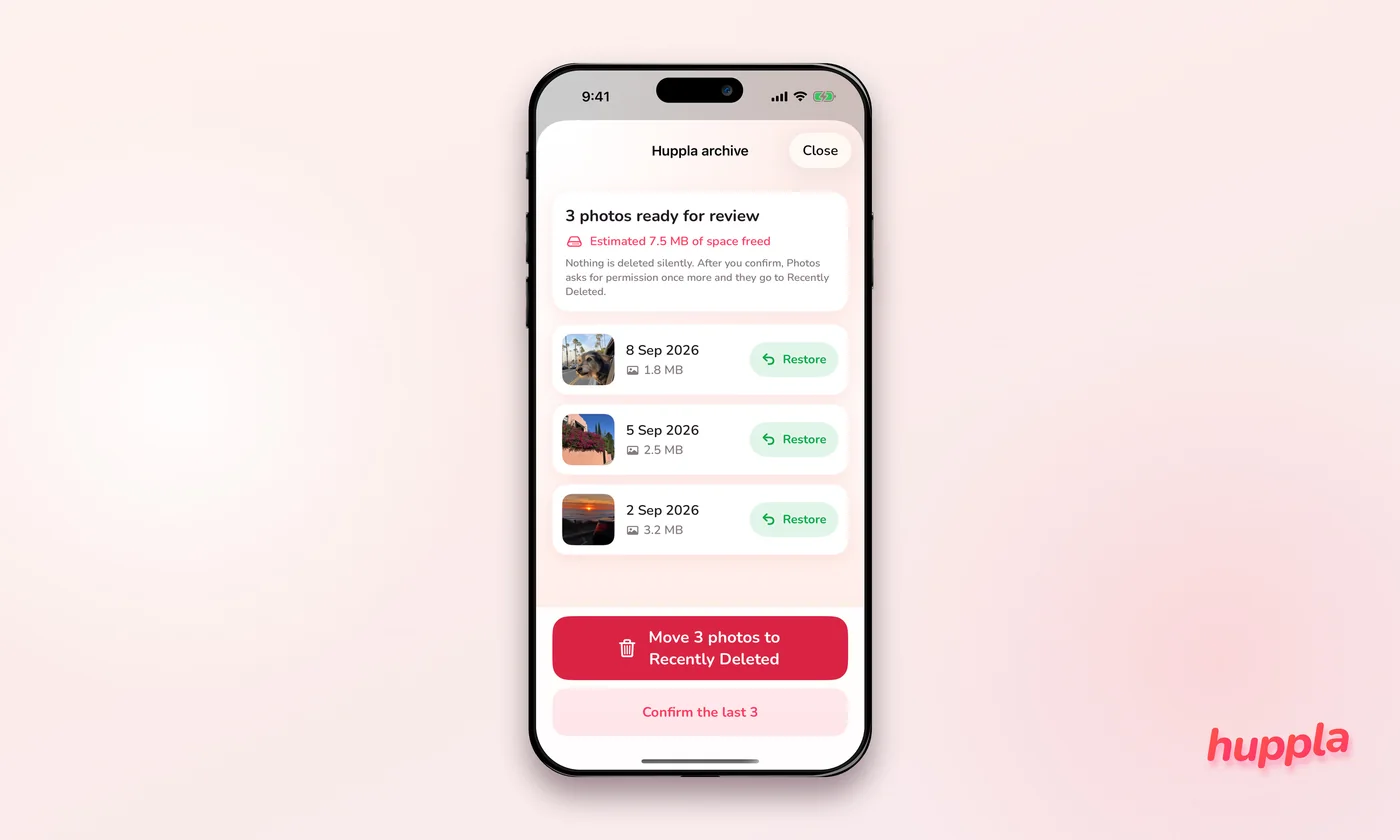
Square and portrait
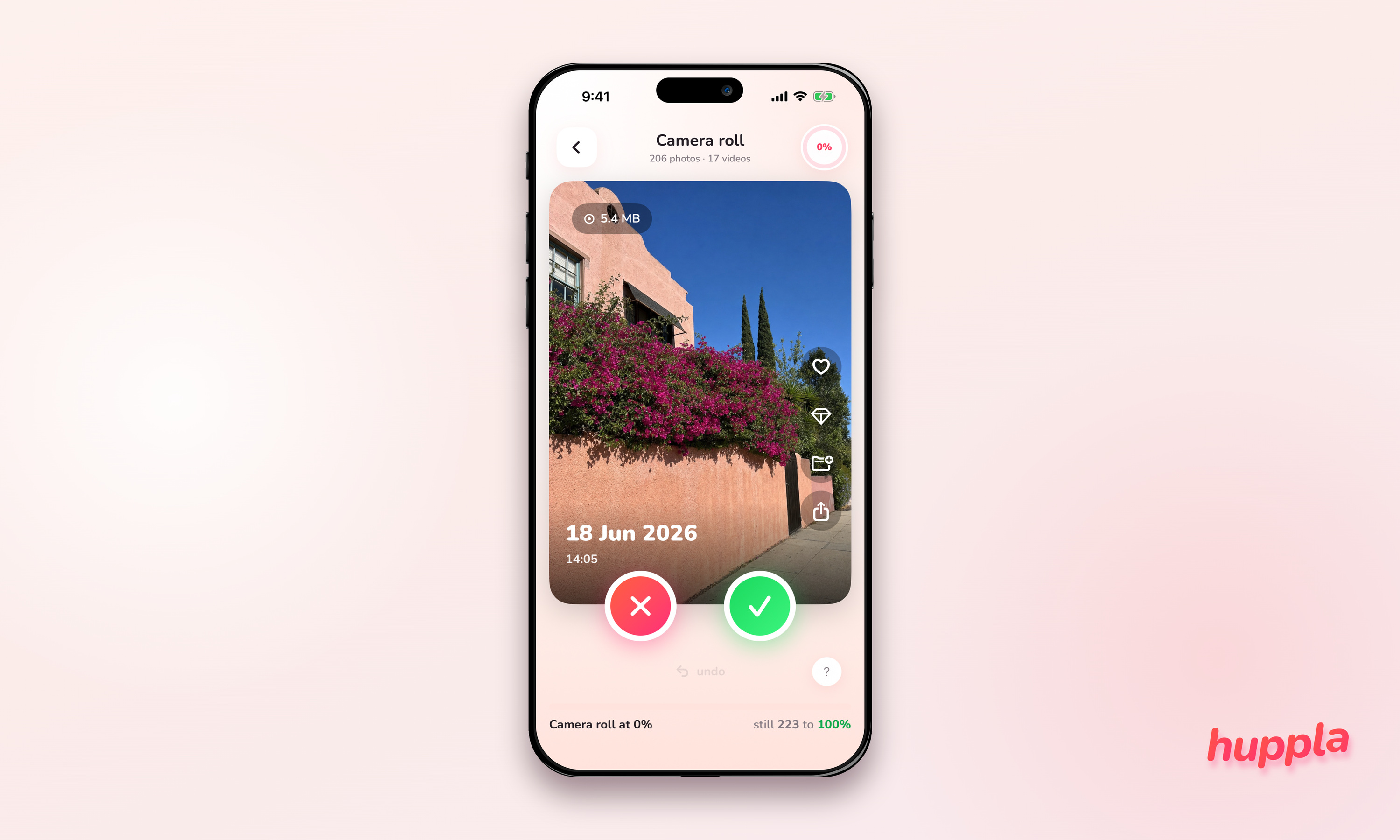
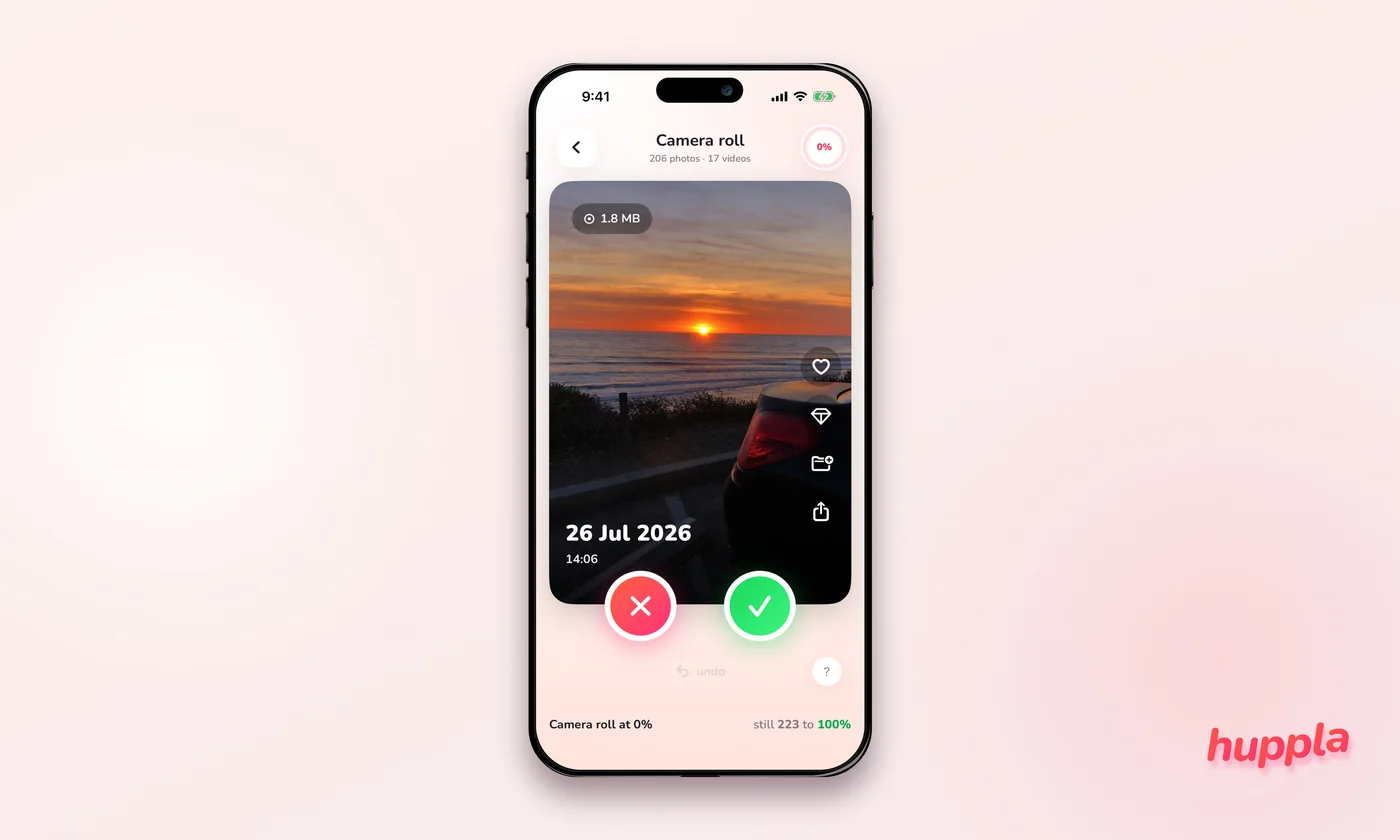
For social posts and vertical placement: 2,000 × 2,000 and 2,000 × 2,500.
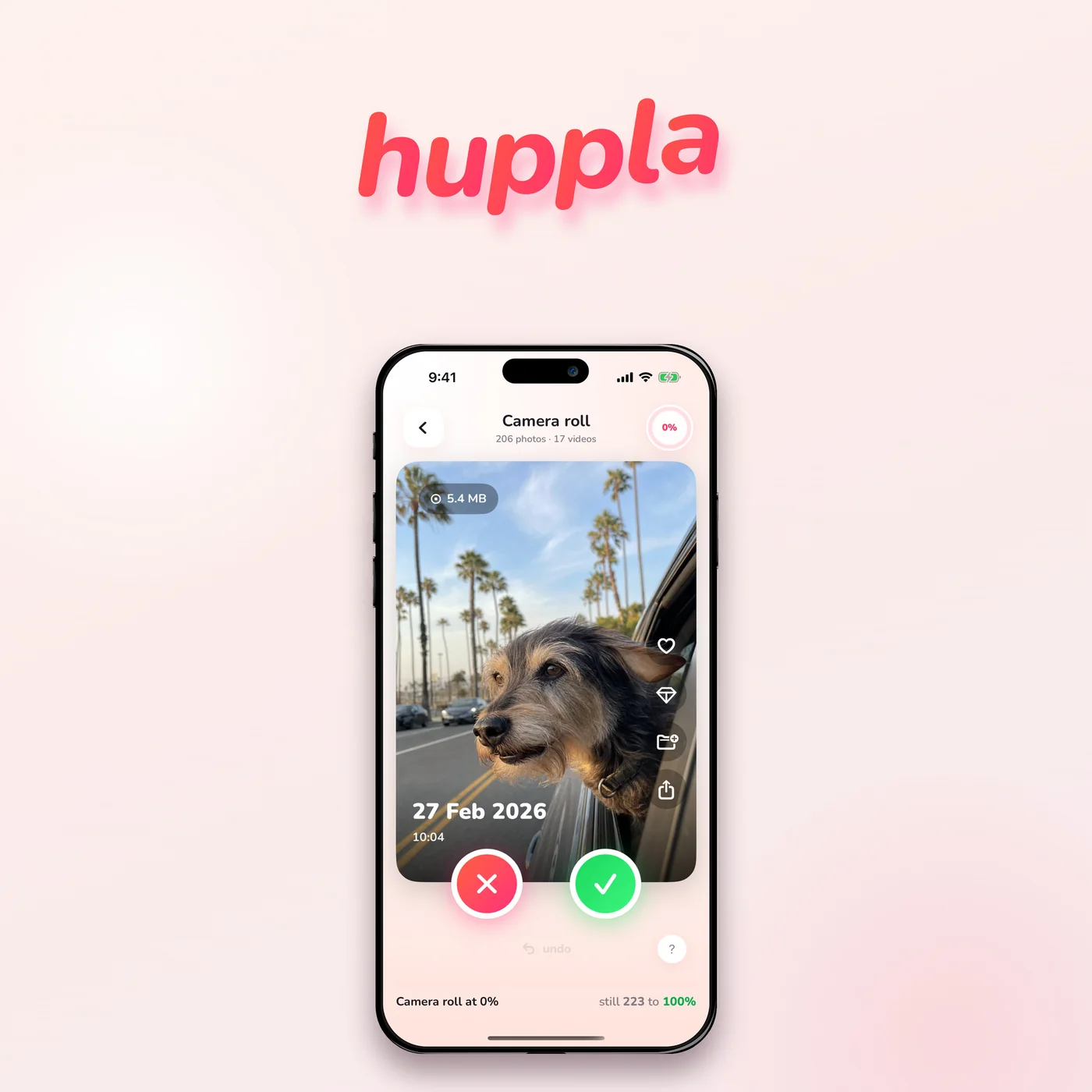
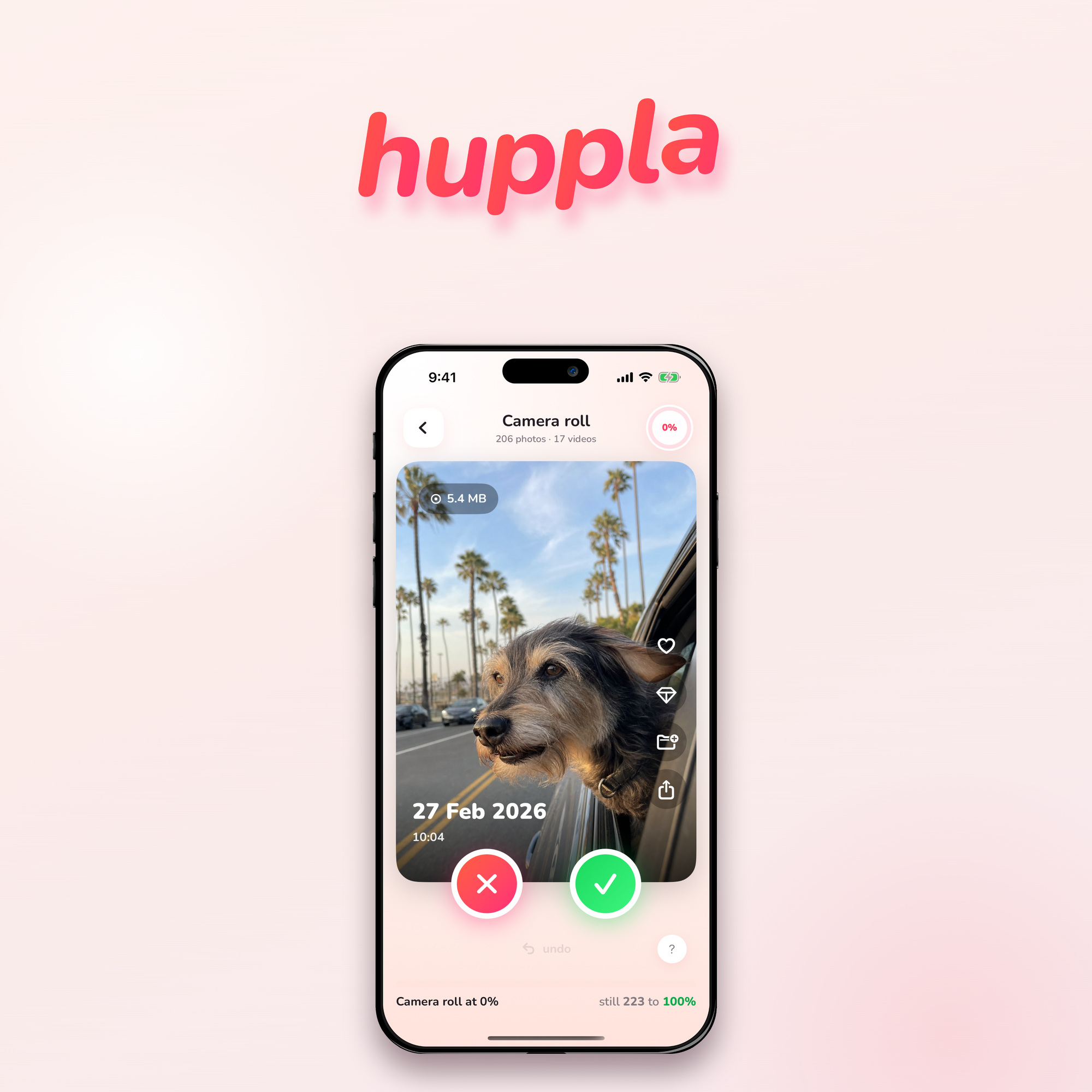
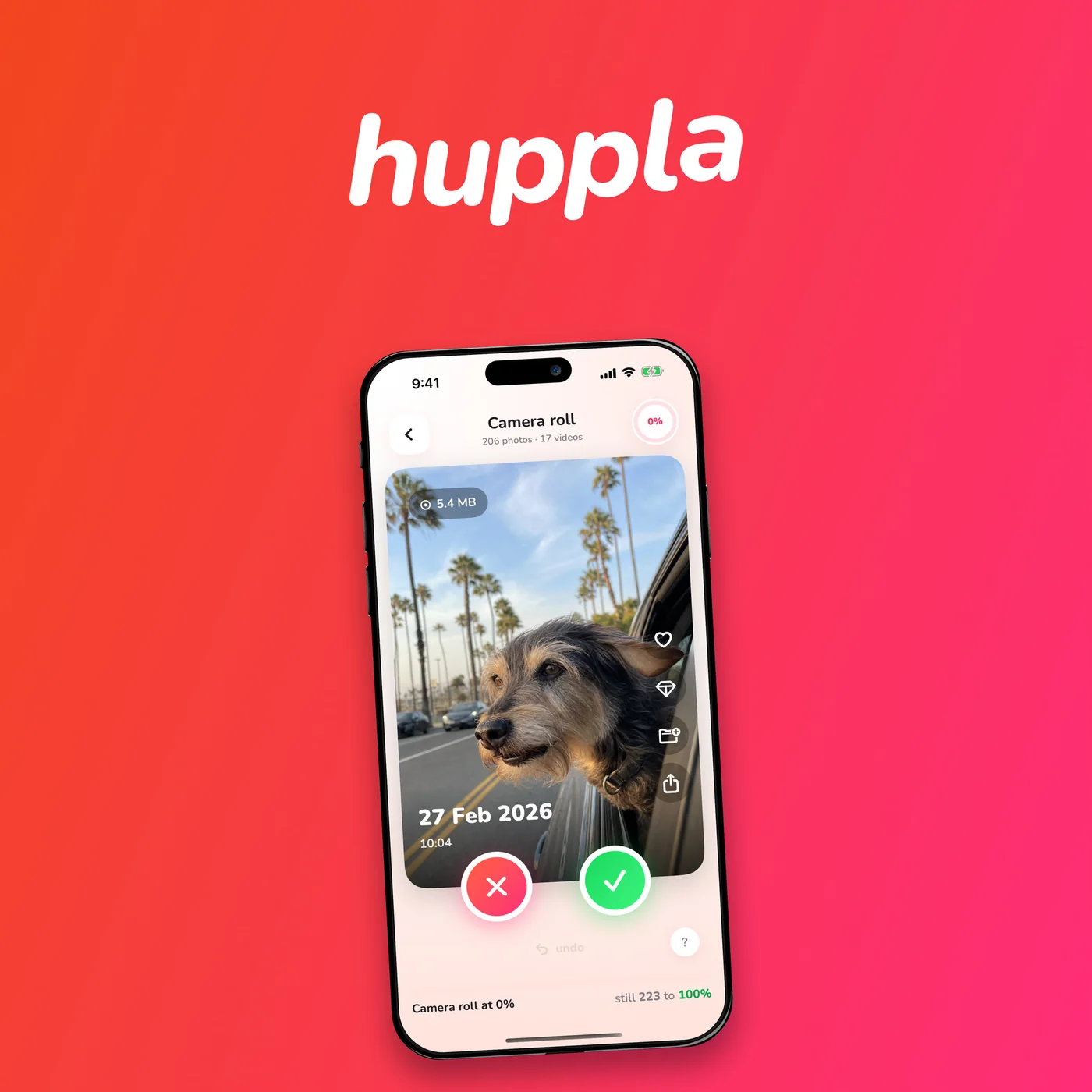
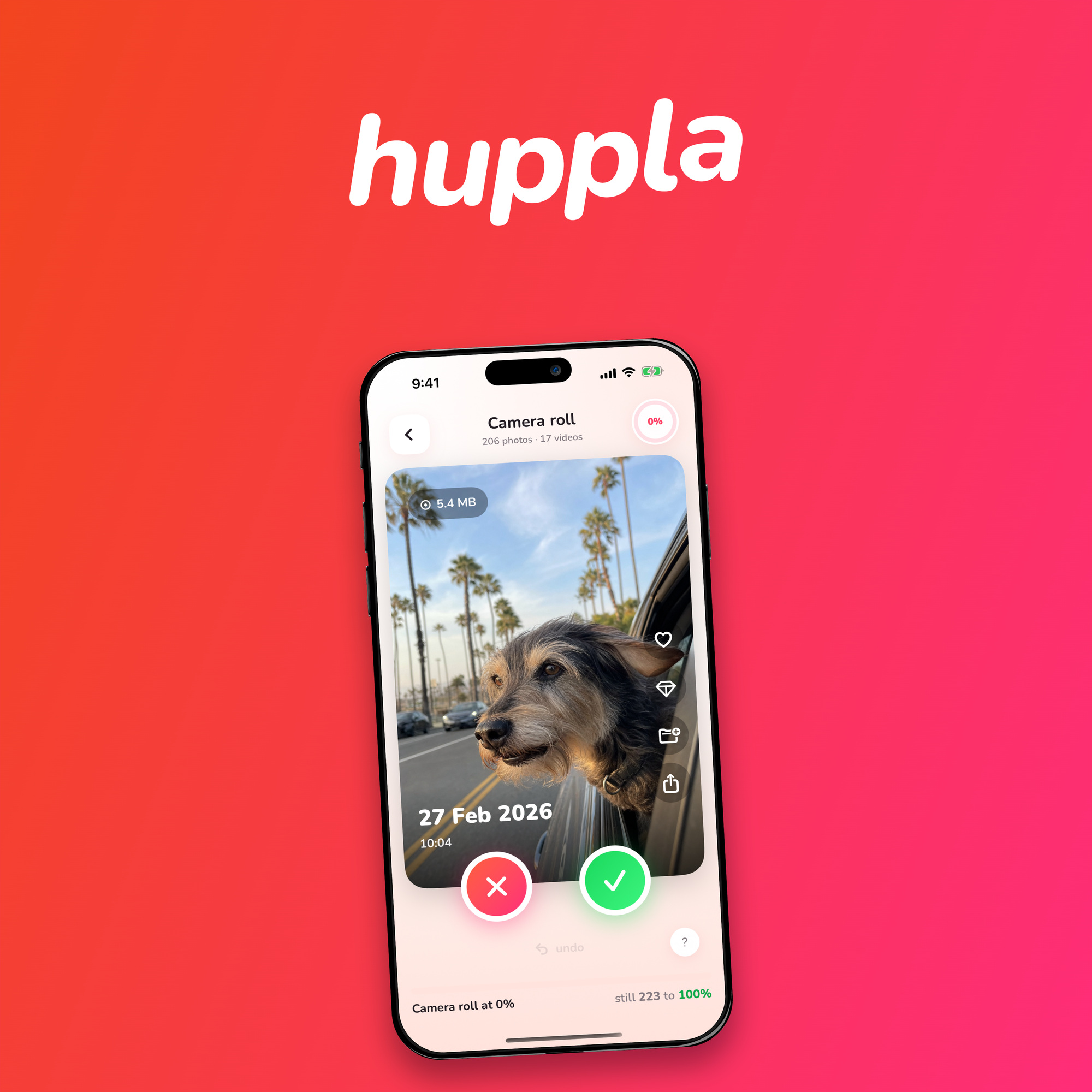
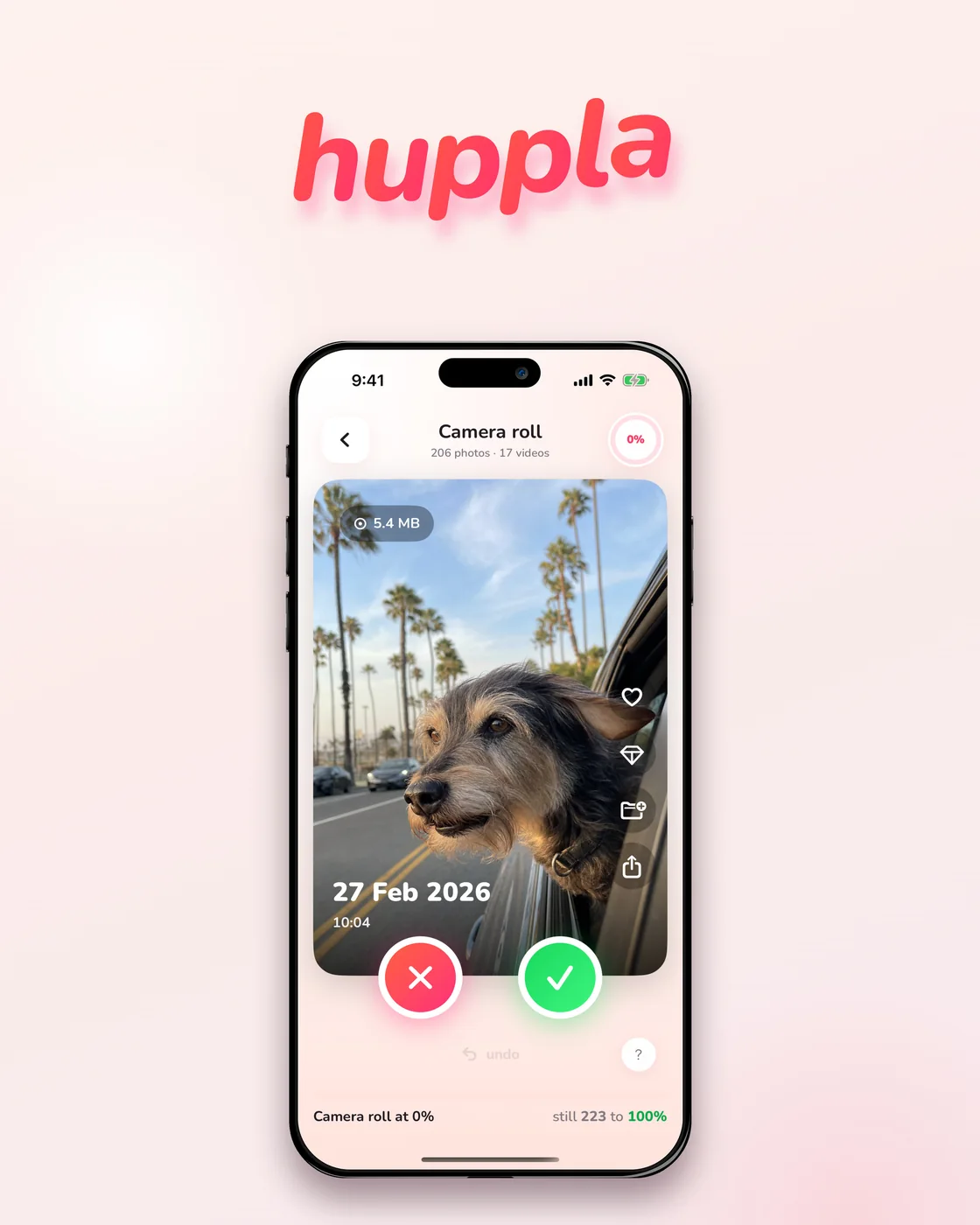
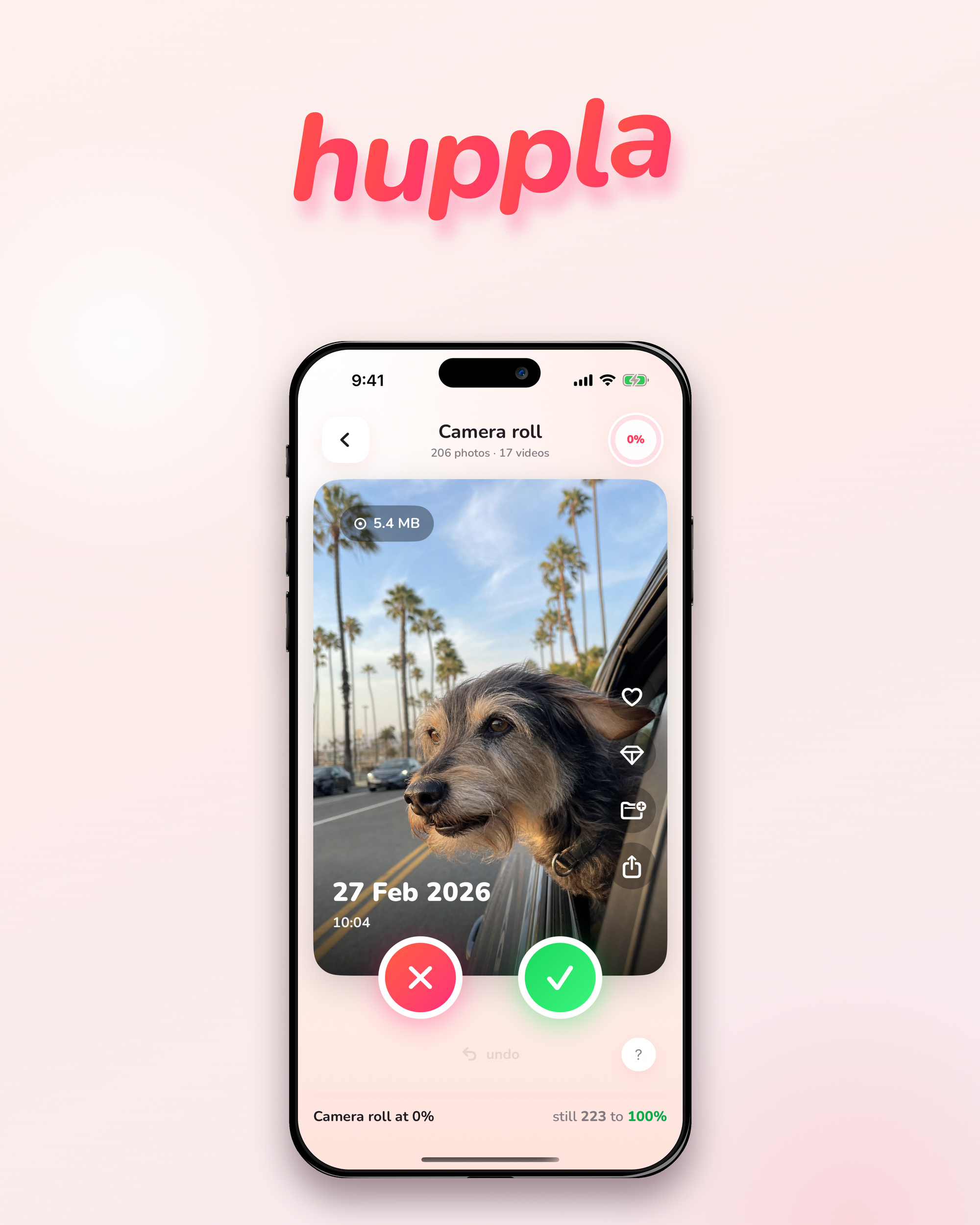
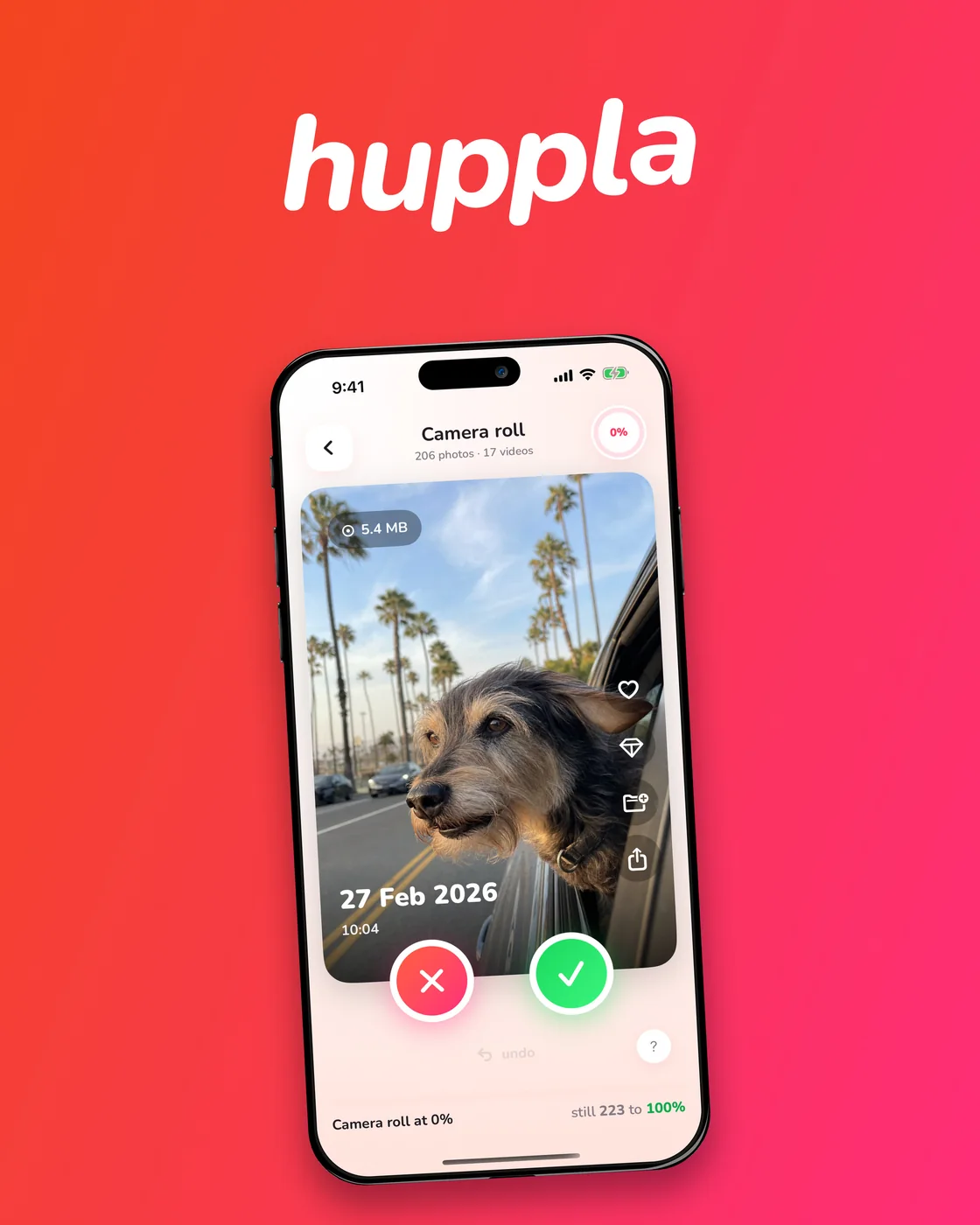
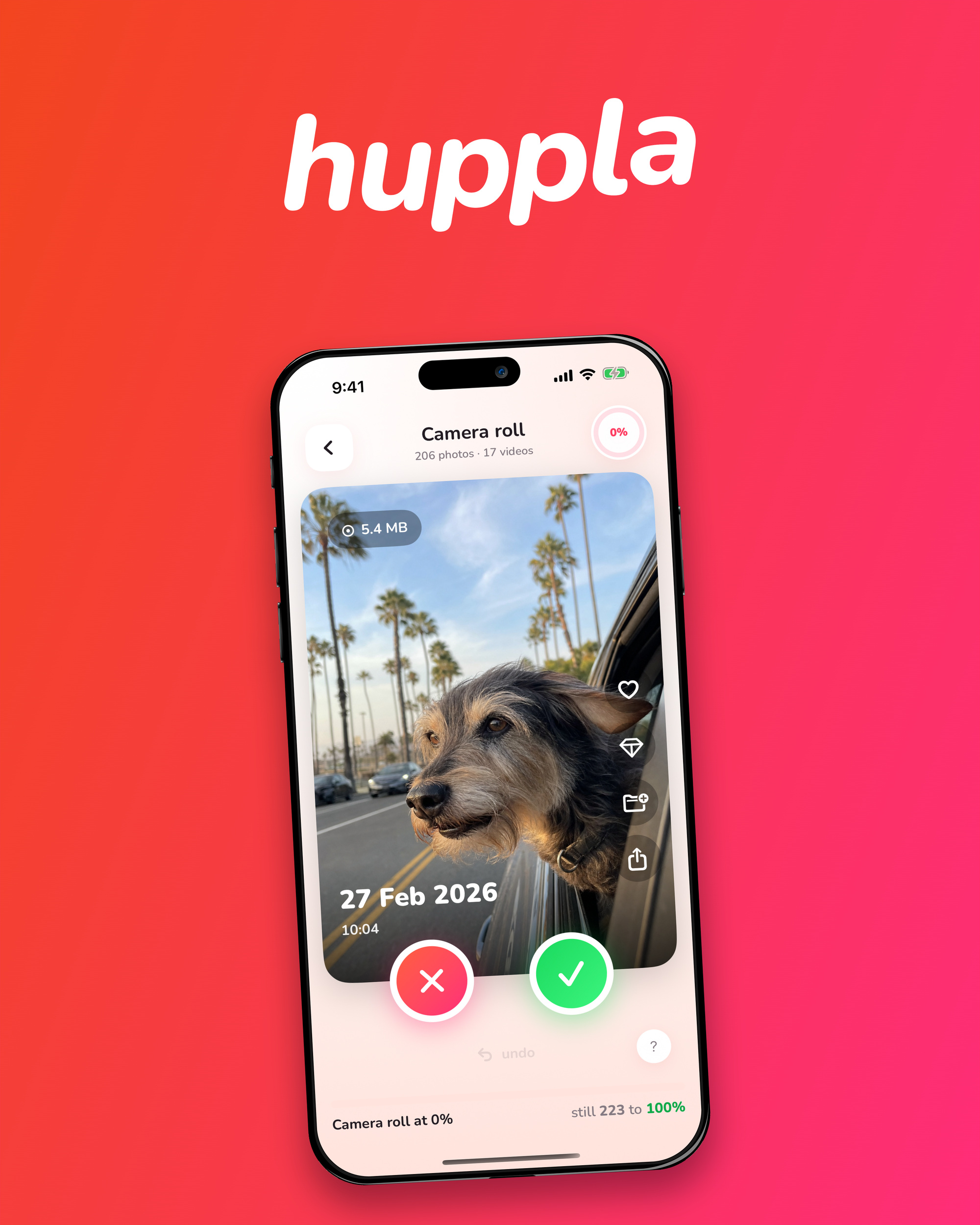
↓ Download all covers, article and social images (ZIP · 21.3 MB)
iPhone screens
Every screen of the app in an iPhone frame, as a transparent PNG at 1813 × 3722. One download for the whole set.
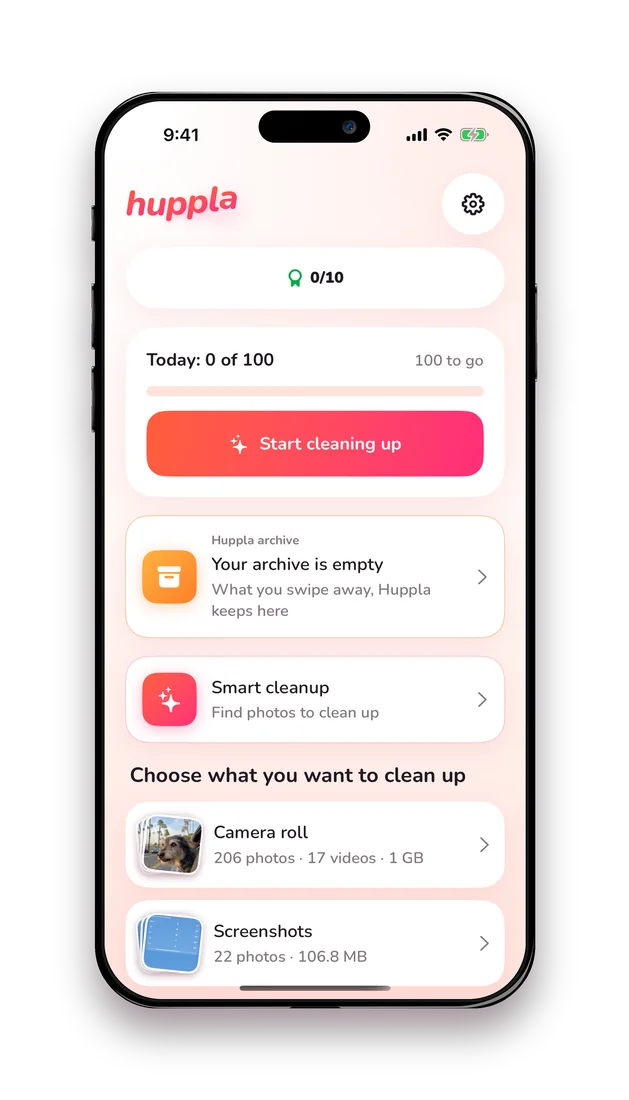
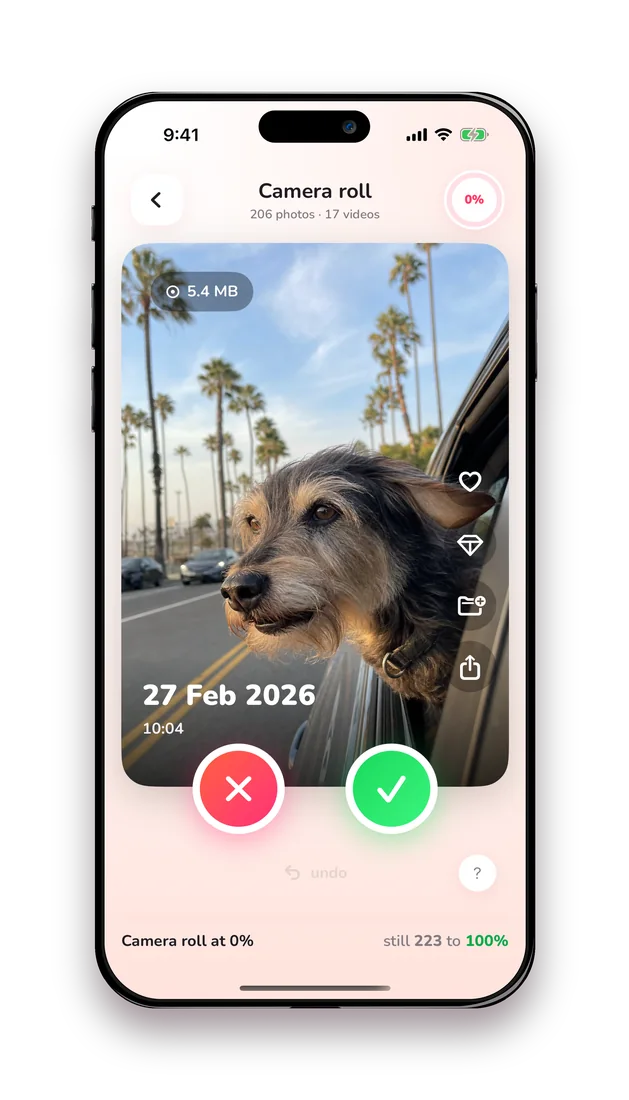
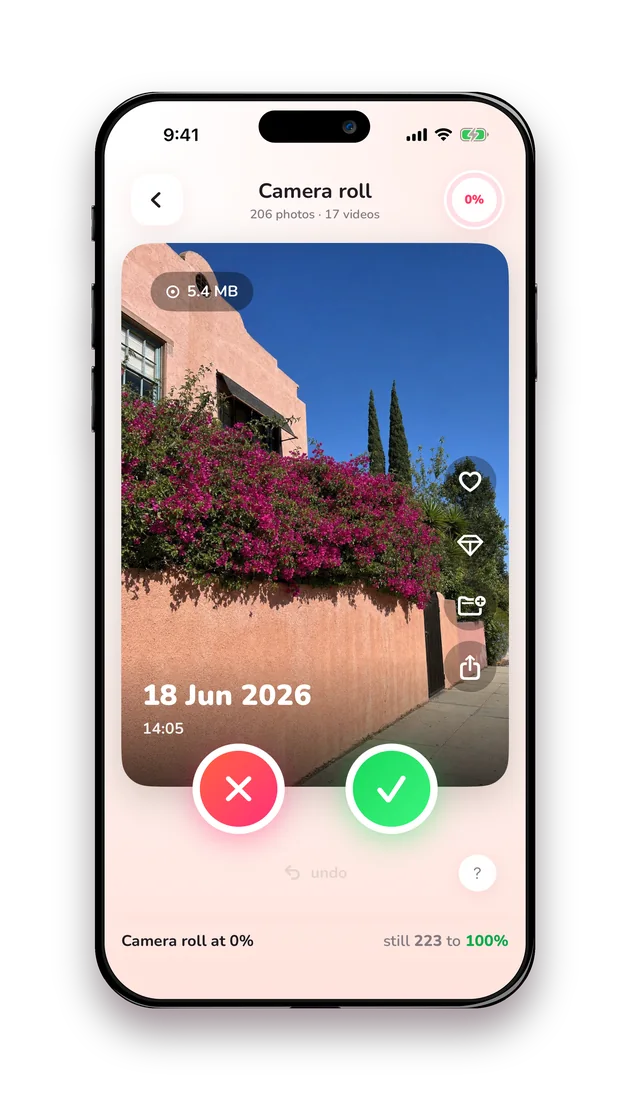
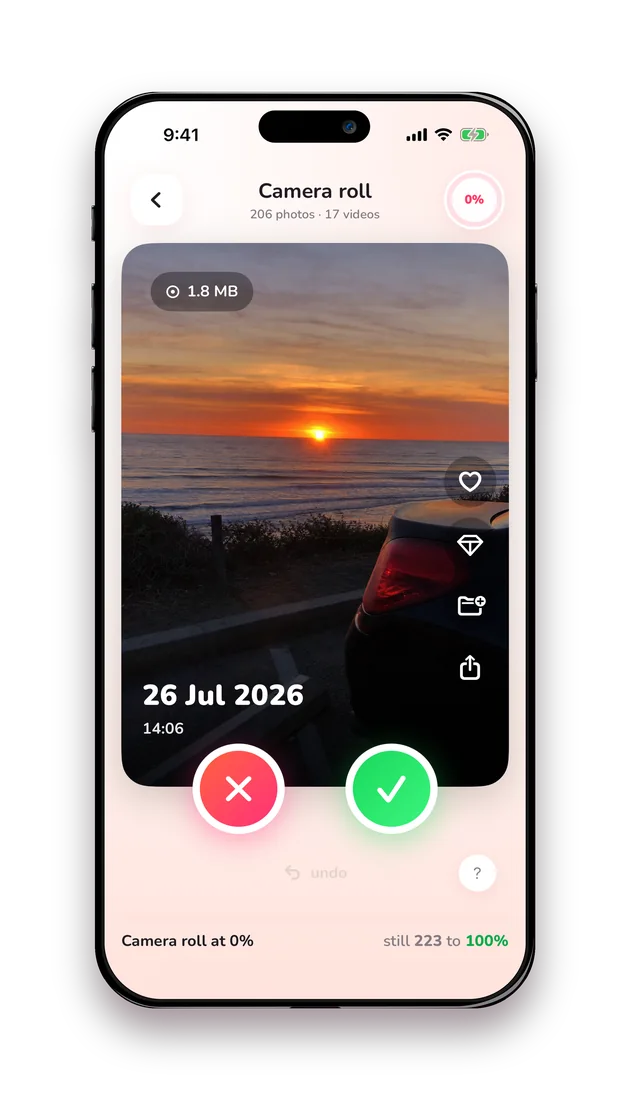
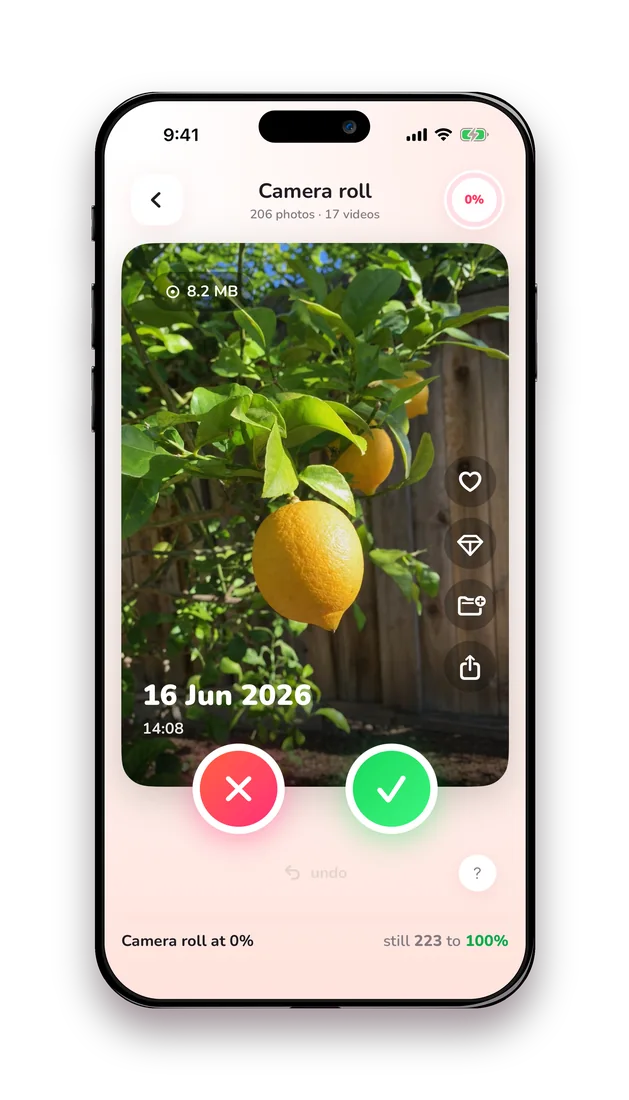
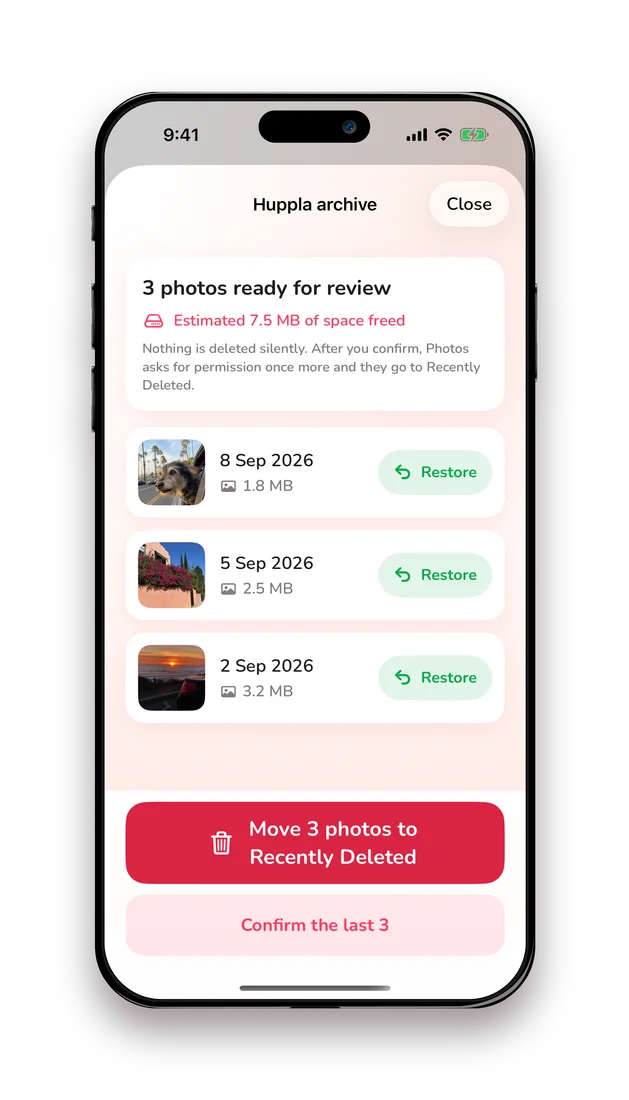
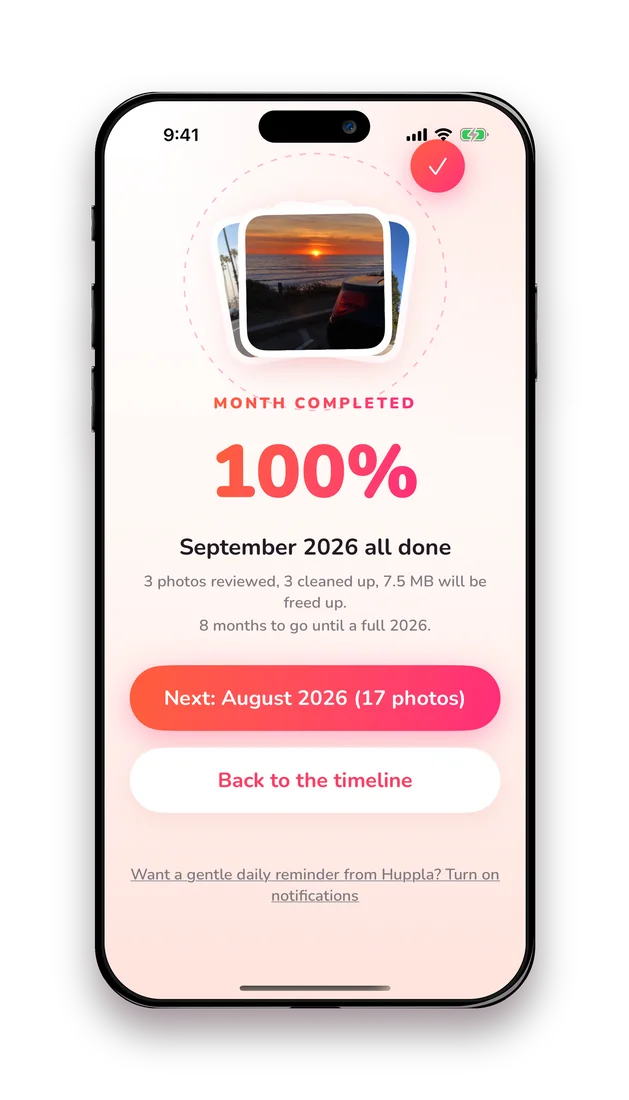
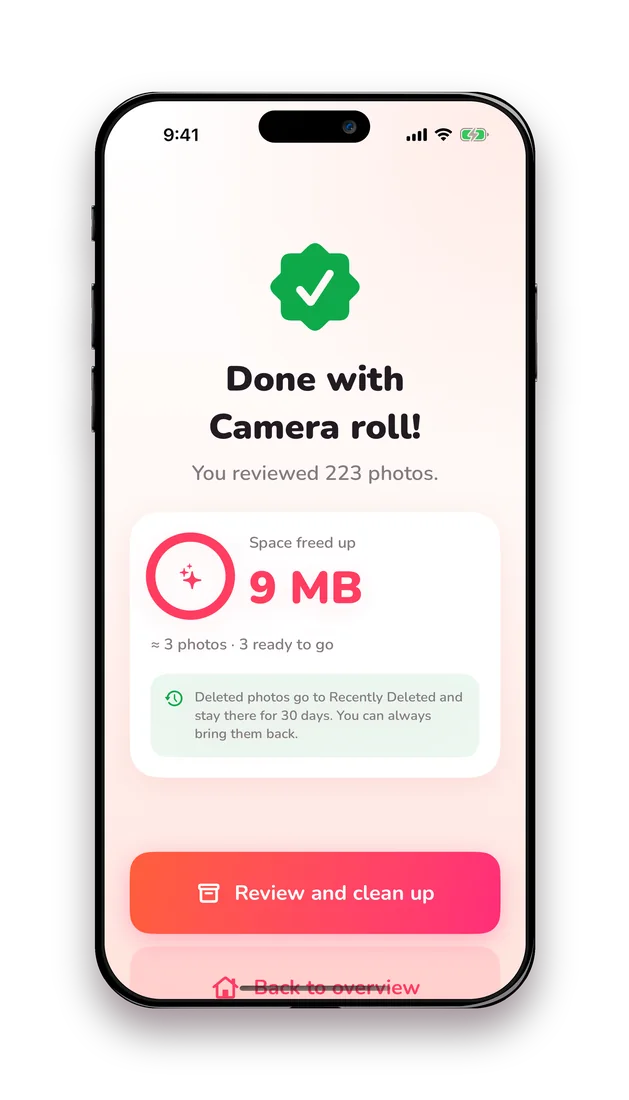
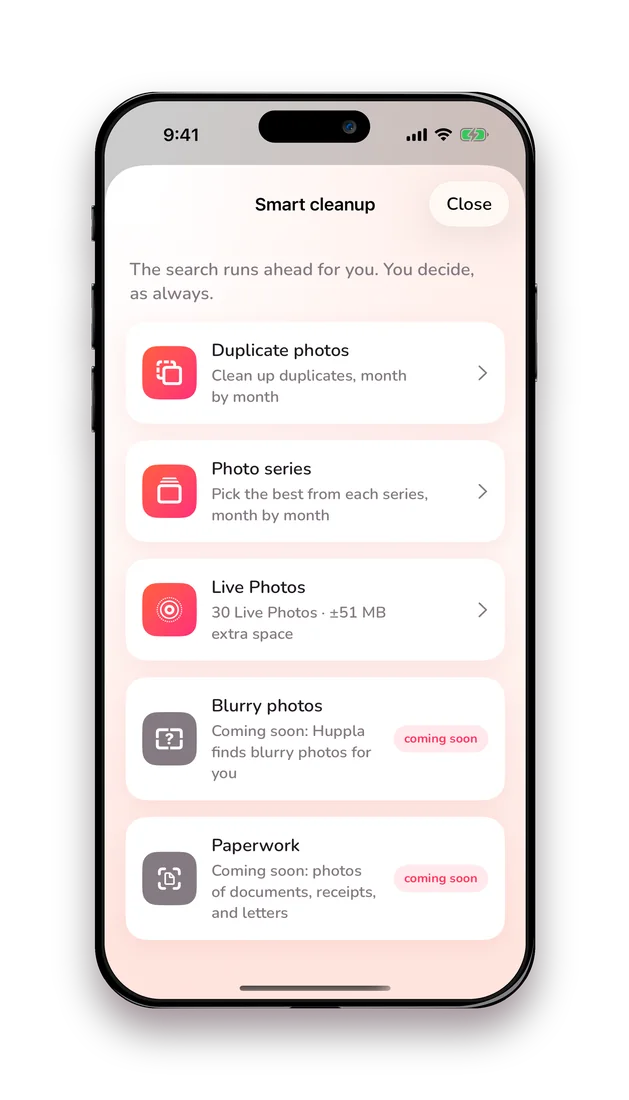
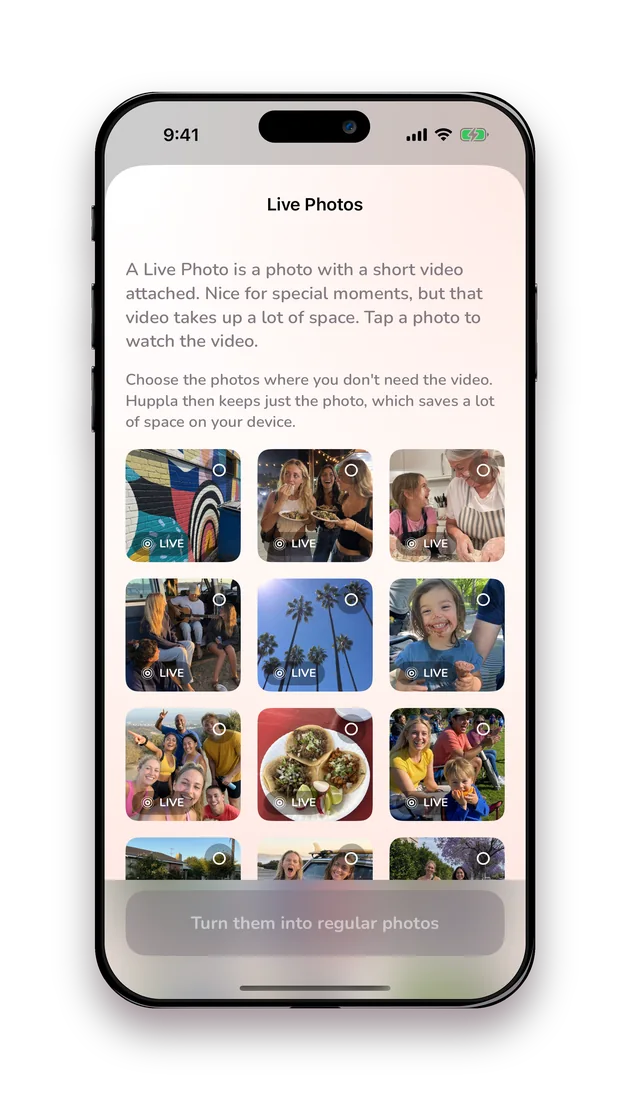
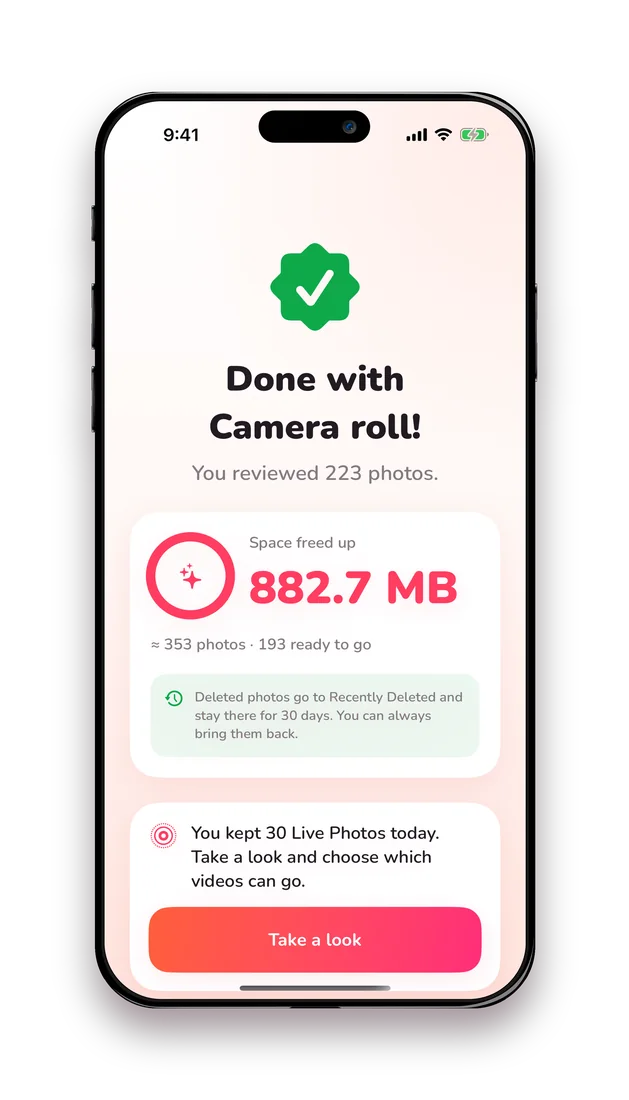
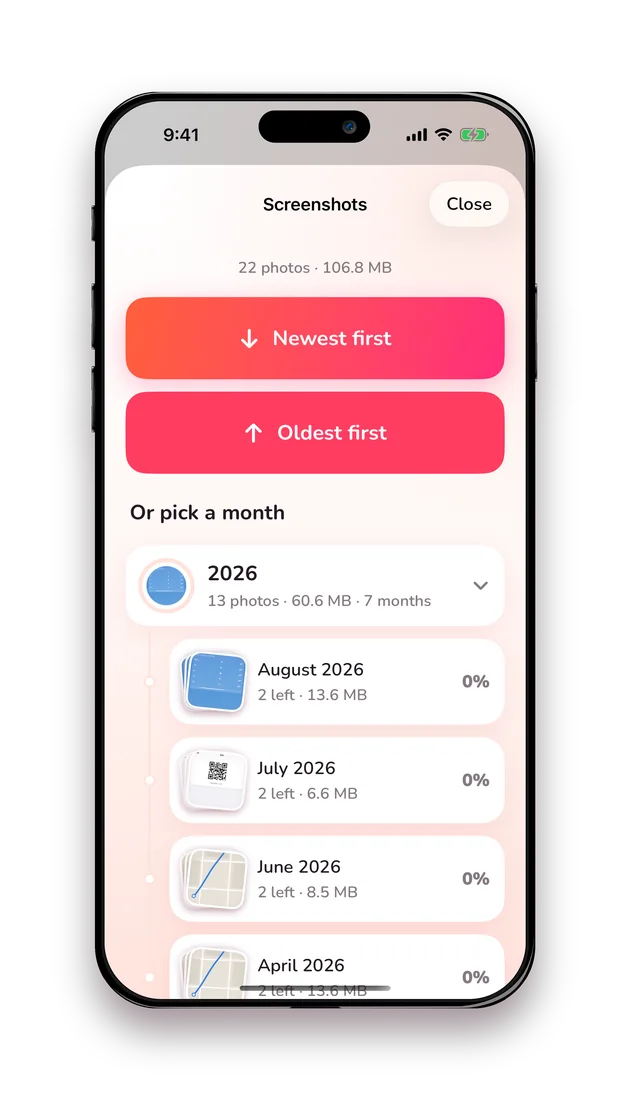
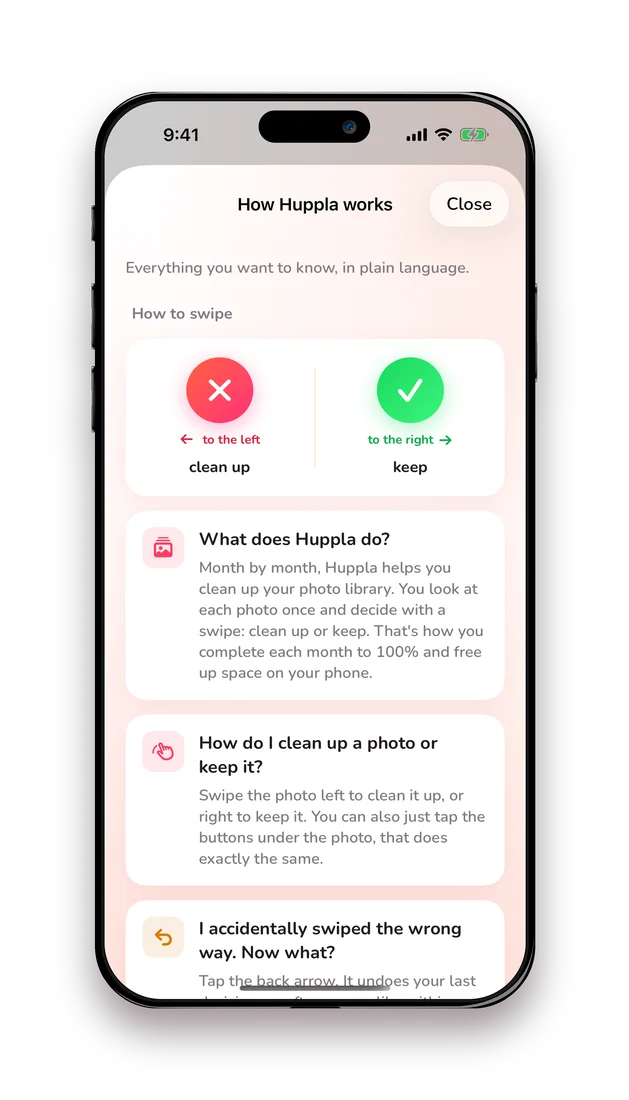
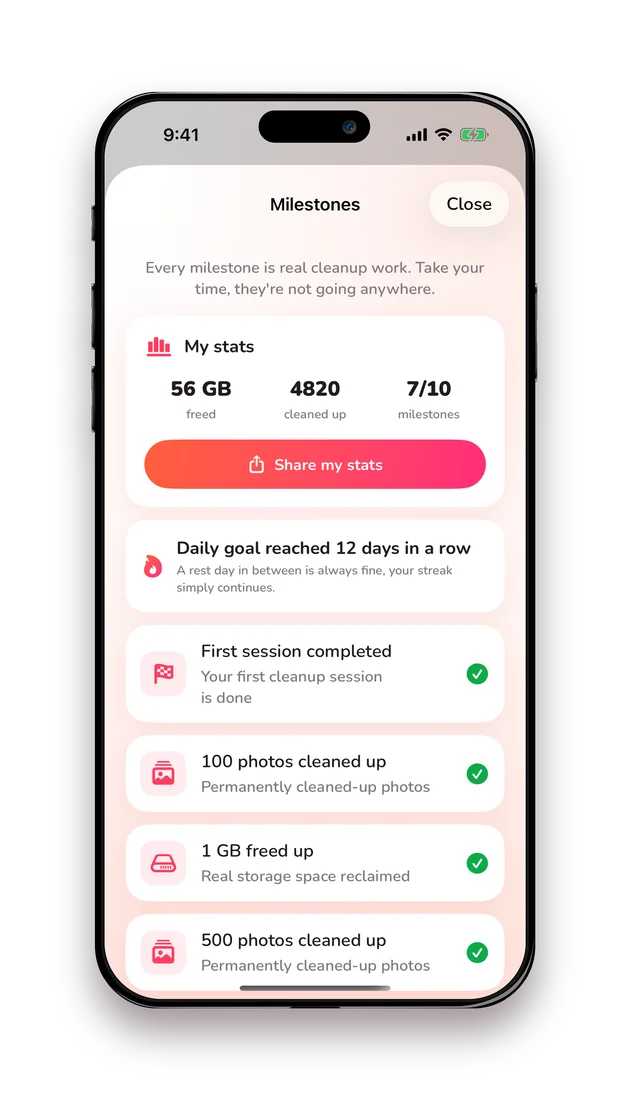
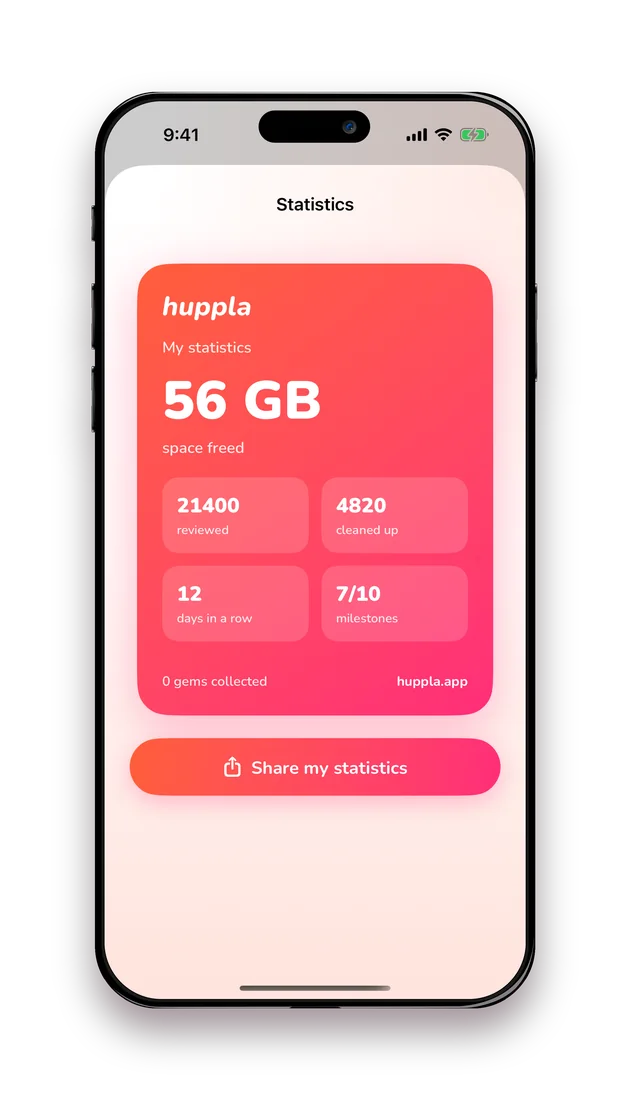
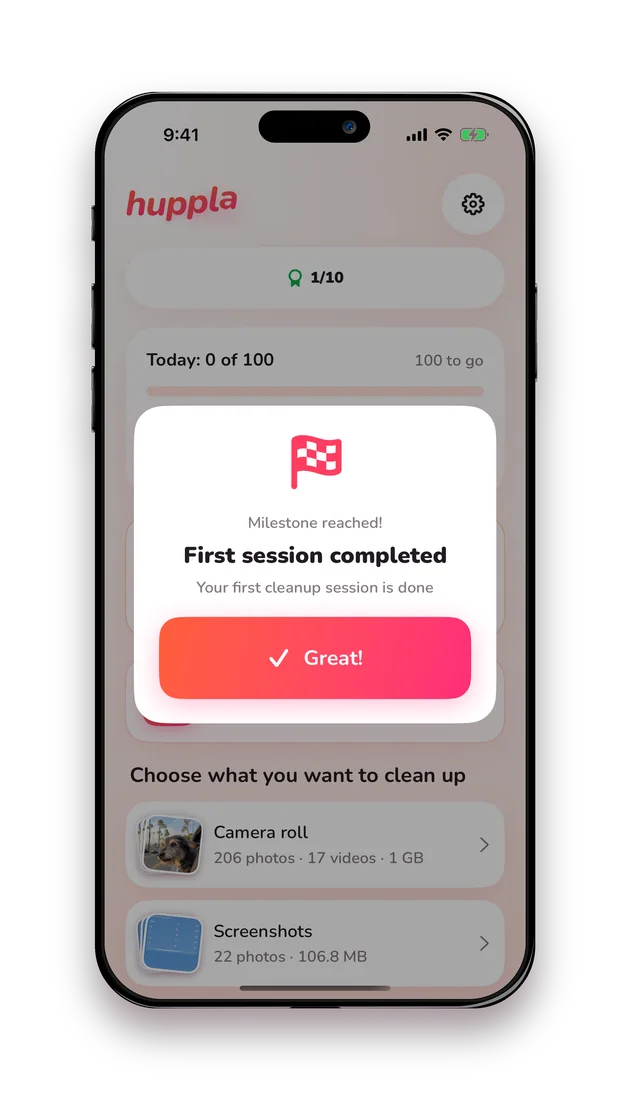
↓ Download all iPhone screens (ZIP · 64.3 MB) ↓ Without a frame, just the screen (ZIP · 31.6 MB)
Prefer your own device frame? The second download holds the same screens as untouched captures at 1206 × 2622, with no frame around them.
Checked on 6 September 2026
| Product | Huppla (App Store listing: "Huppla: photo cleaner") |
|---|---|
| Publisher | Marvel Momentum BV, Ghent, Belgium |
| Co-founders | Matthi and Myey |
| Platforms | iPhone and iPad |
| Requires | iOS or iPadOS 16 or later |
| Languages | Dutch, English |
| In the App Store since | 29 July 2026 |
| Current version | 1.0.7 (7 September 2026) |
| Price | Free to download. Free allowance: 500 swipes to start, then 50 swipes every day. Huppla Plus for unlimited cleaning and the smart cleanup features: yearly €39.99 with a 3-day free trial, weekly €5.99, or a one-time purchase shown in the app. Prices for Belgium and the Netherlands on 6 September 2026; other countries in the app. |
| Ads | None |
| Account | None needed |
| Ratings | Belgium 4.8 out of 5 (149), Netherlands 4.7 out of 5 (161). App Store, 6 September 2026; ratings are per country. |
| Downloads | Over 8,000 since 29 July 2026 (as of 7 September 2026). |
| Launch | Belgium and the Netherlands first. Several days at no. 2 in the free Photo & Video chart after launch, no. 1 in the iPad chart. |
The story behind Huppla
Huppla is made by two people: Matthi and Myey, who build the app from their home in Ghent, Belgium. The idea started with a task they kept postponing: photo libraries full of screenshots, blurry shots and duplicates, and no app that felt right. Most cleanup apps either decided for them what should go, or made the job more complicated than it needed to be. So they built the one they wished existed.
Before building, they asked the readers of DigitaalSlim, Matthias's Dutch-language learning platform for people over fifty, where they get stuck with their photos. In June 2026, 1,902 people answered. The most-named problem was not storage but overview: struggling to find a particular photo, and the fear of throwing away the wrong one. That shaped how Huppla works: one photo at a time, a review step before anything is deleted, and visible progress per month.
Huppla launched in the App Store on 29 July 2026 after a closed test period with DigitaalSlim members and friends. It is available for iPhone and iPad in Dutch and English, and is published by Marvel Momentum BV, the co-founders' Belgian company. Today the two still build it together, and most changes start with feedback from people who use the app.
Contact
For interviews, questions or creator collaborations, email matthias@huppla.app and Matthias answers personally.
Using the material
These files are provided for editorial use: articles, reviews, videos and posts about Huppla, in print and online. You may crop and frame the screenshots and place the wordmark on your own background. Please do not alter the interface, text or numbers inside a screenshot, redraw or retype the wordmark, or present demo images as real user results. Not for use in advertising for other products or in a way that implies endorsement. Screenshots show the demo library with generated sample images. Prices and version details are correct on 6 September 2026; check the App Store for current values. Version of this material: Huppla 1.0.6.