Your camera roll is a mess.
Swipe it clean.
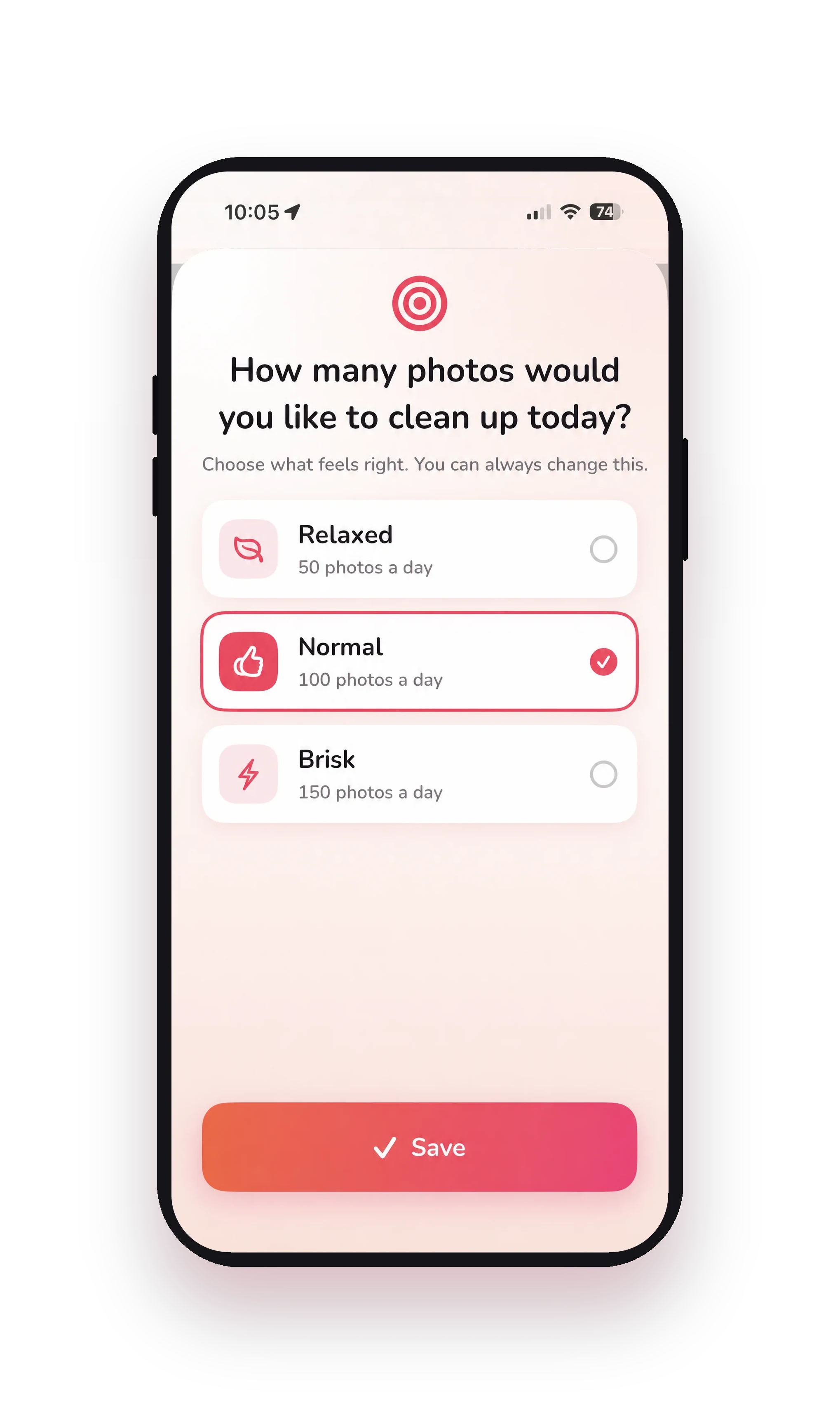
Screenshots, duplicates, blurry shots and fifteen photos of the same moment: sound familiar? Swipe left to delete, swipe right to keep. And along the way, you rediscover photos you forgot you even had.

 Scan with the camera
on your iPhone or iPad
Free to download for iPhone and iPad.
Built by a team that's spent 11 years helping people get the most out of their phones
Together we’ve swiped
673,280
times
And over 145,000 photos permanently cleaned up. Counted anonymously, your photos stay on your device.
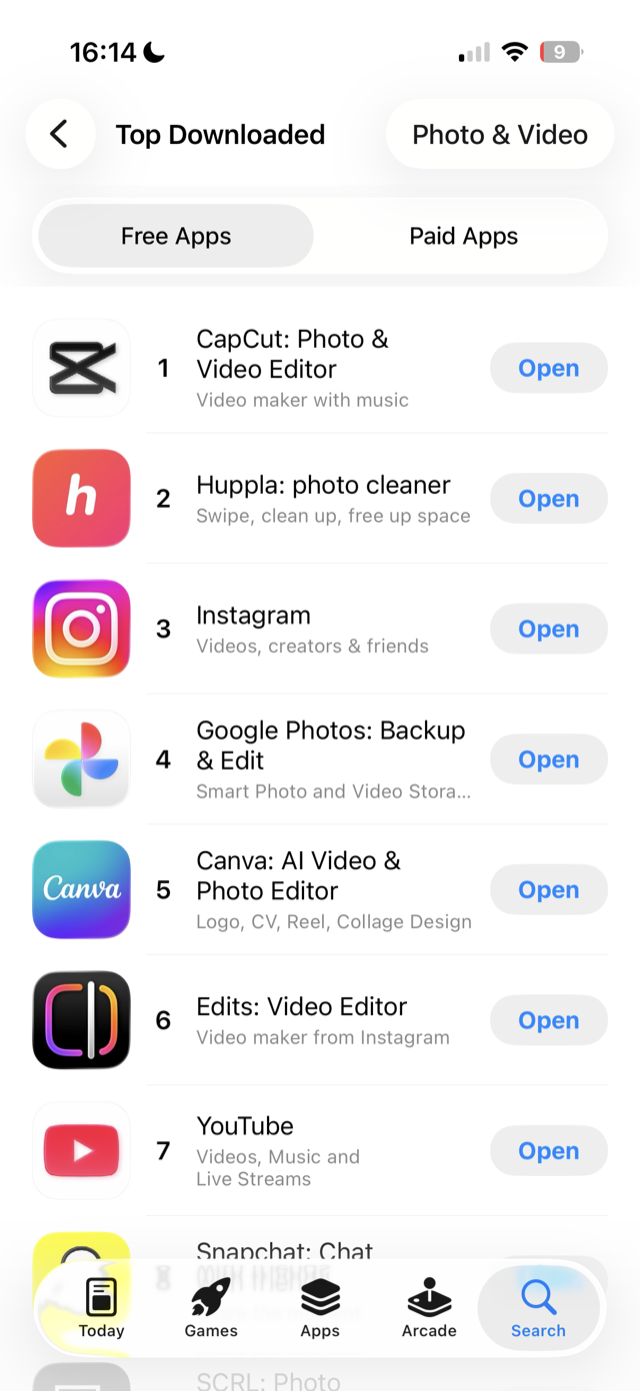
No. 2 in the App Store
Huppla sits second among the most downloaded free apps in Photo & Video, right behind CapCut and ahead of Instagram, Google Photos and Canva.
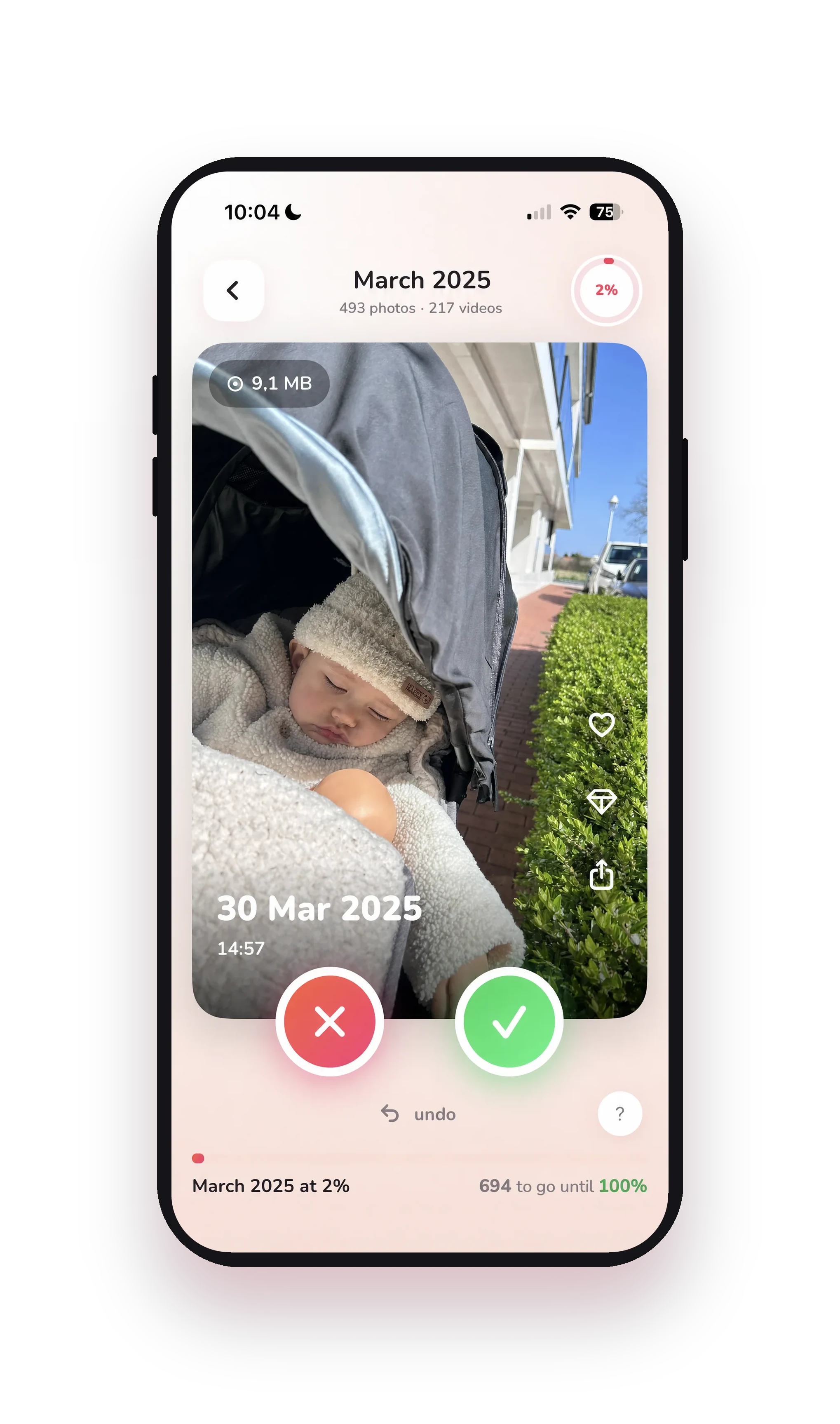
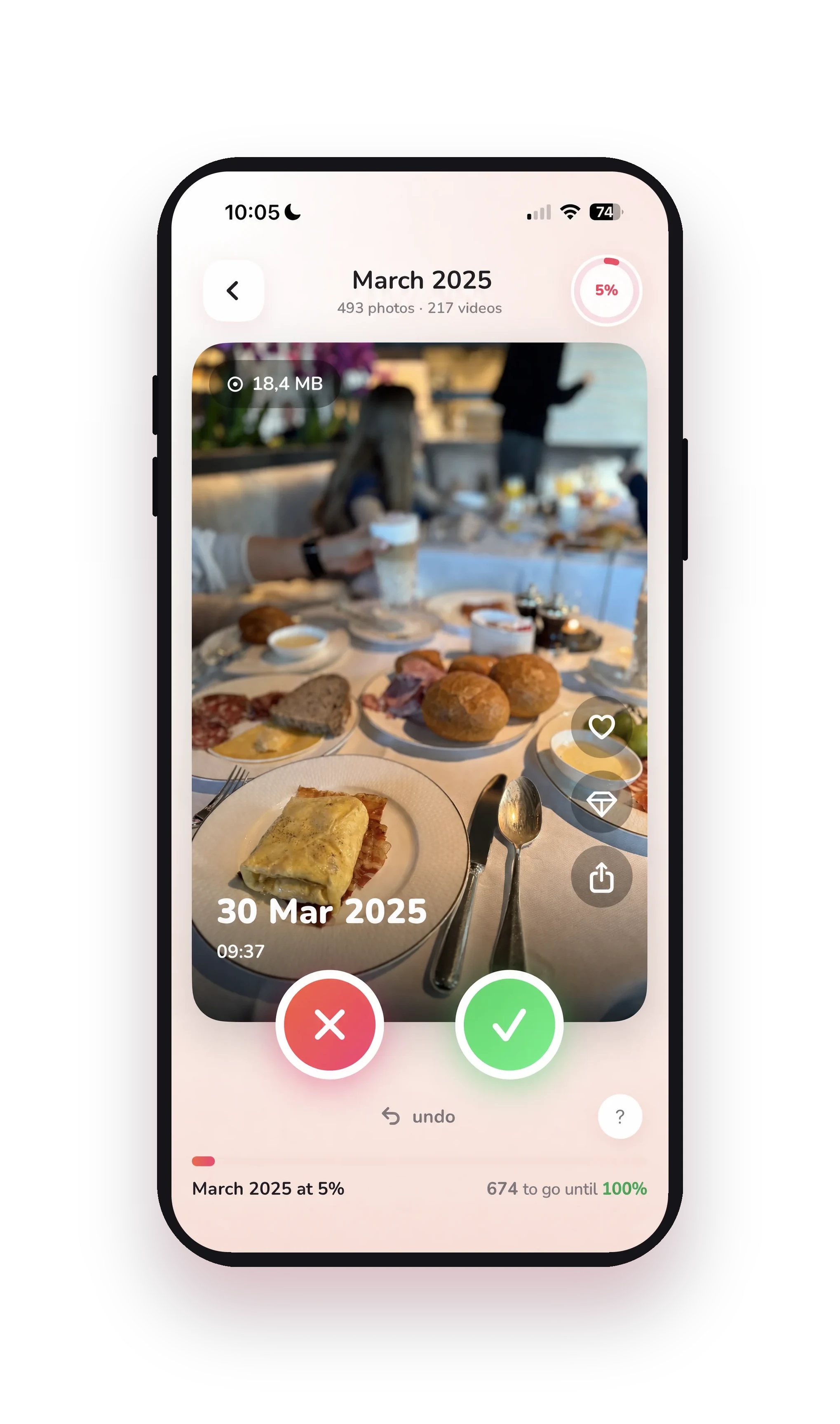
One photo at a time. Watch the clutter disappear.
Instead of dumping thousands of photos on you at once, Huppla shows you one at a time. Even a camera roll with thousands of photos suddenly feels easy.
- Swipe right: keepThe photo is good or it matters to you. It stays right where it is.
- Swipe left: clean upThe photo isn't deleted yet. It moves to a review pile, so you can take a second look before anything's gone for good.
Changed your mind? One tap on the back arrow undoes your last choice. You can't break anything.

The cleanup is the easy part. The memories are the reward.
You start for the overview, but you stay for the photos you keep running into. That trip from years ago. A video of your kid when they were tiny. A goofy photo that cracks you up all over again.
Photos you forgot you even had, and you are glad you found them again.
See exactly where you stand
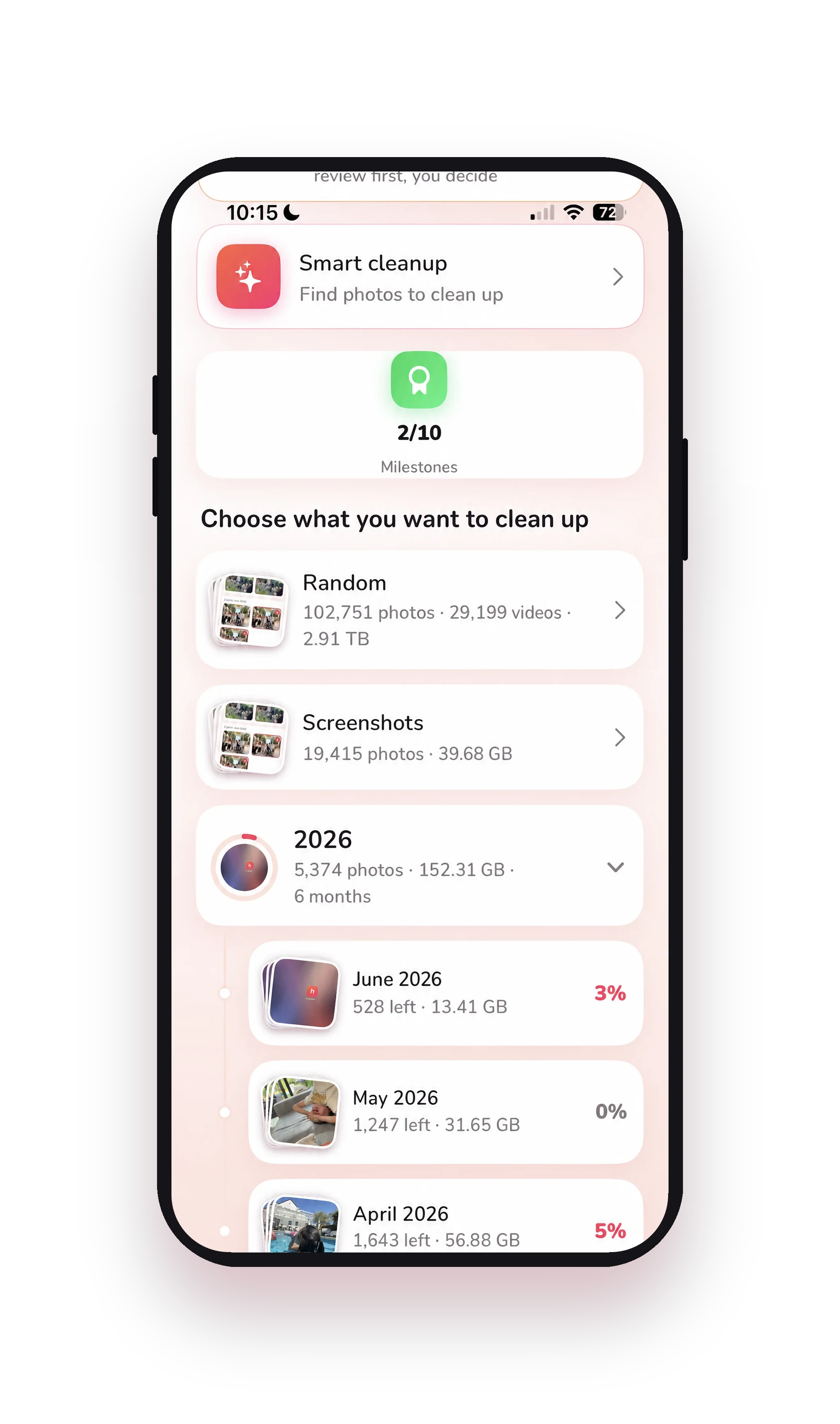
Huppla shows your whole library by month, with how much you have cleaned up and how much is left. Your camera roll gets clearer month by month: this month at 5%, January fully cleared, 124 to go. Watching that number climb is what keeps you coming back.
Even better on the big screen
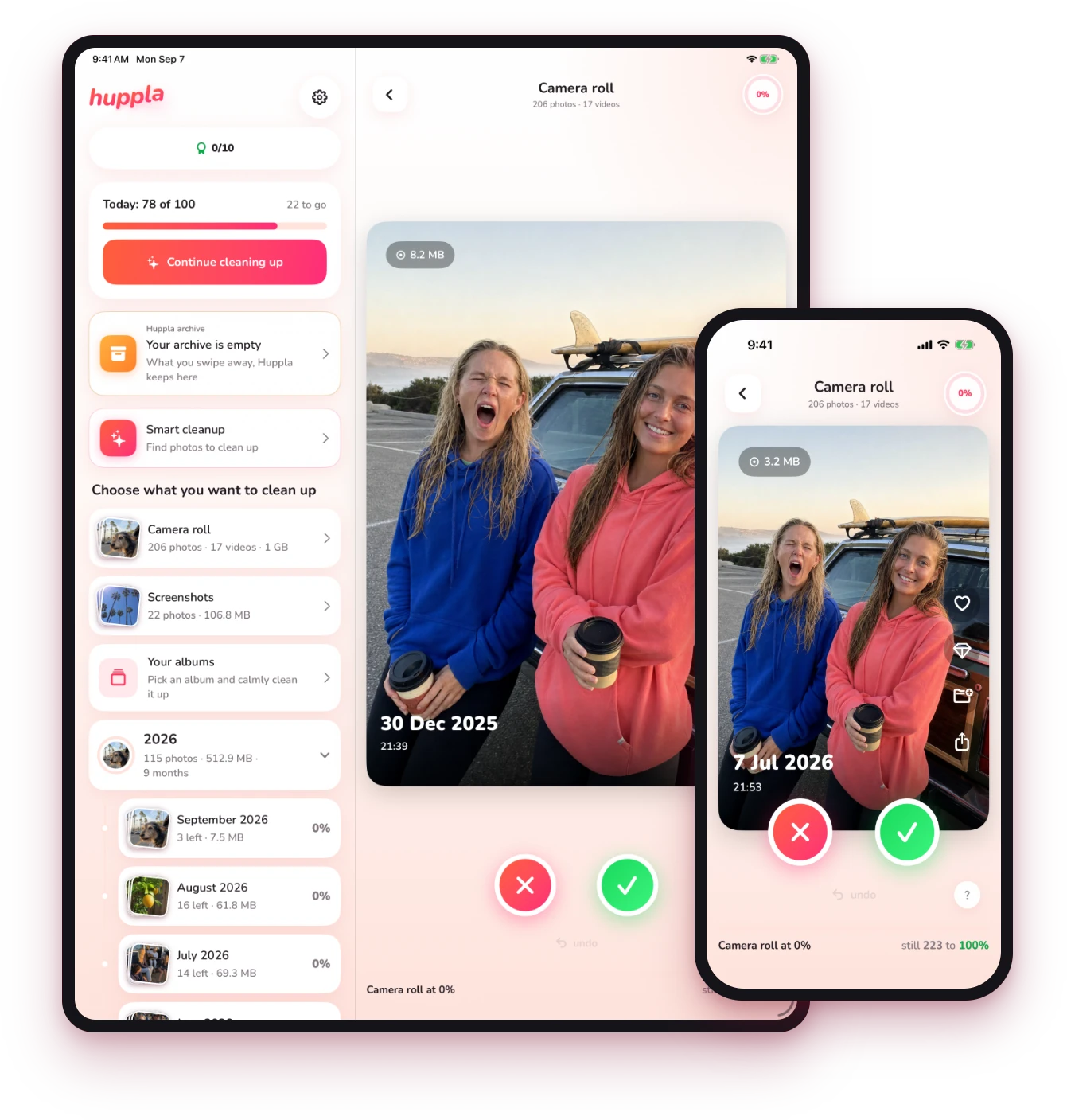
Huppla works on your iPhone and your iPad. On the iPad, the extra space puts your list and your photos side by side, for an even clearer view.
- Your photos stay on your own device.
- You decide what goes.
- After that, they sit in Recently Deleted for 30 days.
A few minutes a day, and it stays clean.
You don't need to set aside hours. You swipe a little here and there: with your morning coffee, on the couch at night, or while you wait in line. With daily goals, milestones and streaks, it turns into a habit. Not a giant cleanup, just something you actually keep doing.
Spots your near-duplicates
Five almost-identical shots of the same moment? Huppla groups them together so you keep the best one and clear the rest.
Screenshots, handled separately
Old receipts, memes, and random screenshots: clear the whole pile all at once.
Keep your favorites
Tap a heart on your best shots as you go, so they are easy to find again later.
A few quick answers
Is Huppla free?
Yep. Huppla is free to download. You don’t need an account or a credit card to get started.
Does it work on my device?
Huppla works on iPhone and iPad, and it’s in the App Store. Nothing complicated to install.
Could I delete a photo by accident?
No. You decide on every photo, you get an overview before anything is final, and whatever you clear sits in Apple’s Recently Deleted for another 30 days.
Do my photos stay private?
Yes. Your photos stay on your own device. Nothing goes to a server or the cloud.
Do I have to clean it all up at once?
Nope. A few minutes a day is plenty, and Huppla remembers exactly where you left off.
Picture it: your camera roll, finally sorted.
No more endless scrolling: you open your Photos app and find exactly what you're looking for. Huppla is free to download for iPhone and iPad, with no account and no credit card.
Reading this on a computer?Scan with your iPhone camera.